contains more items than can fit on your device.
Note: If you use iTunes Match or have iCloud Music Library turned on, you can manually
manage only video.
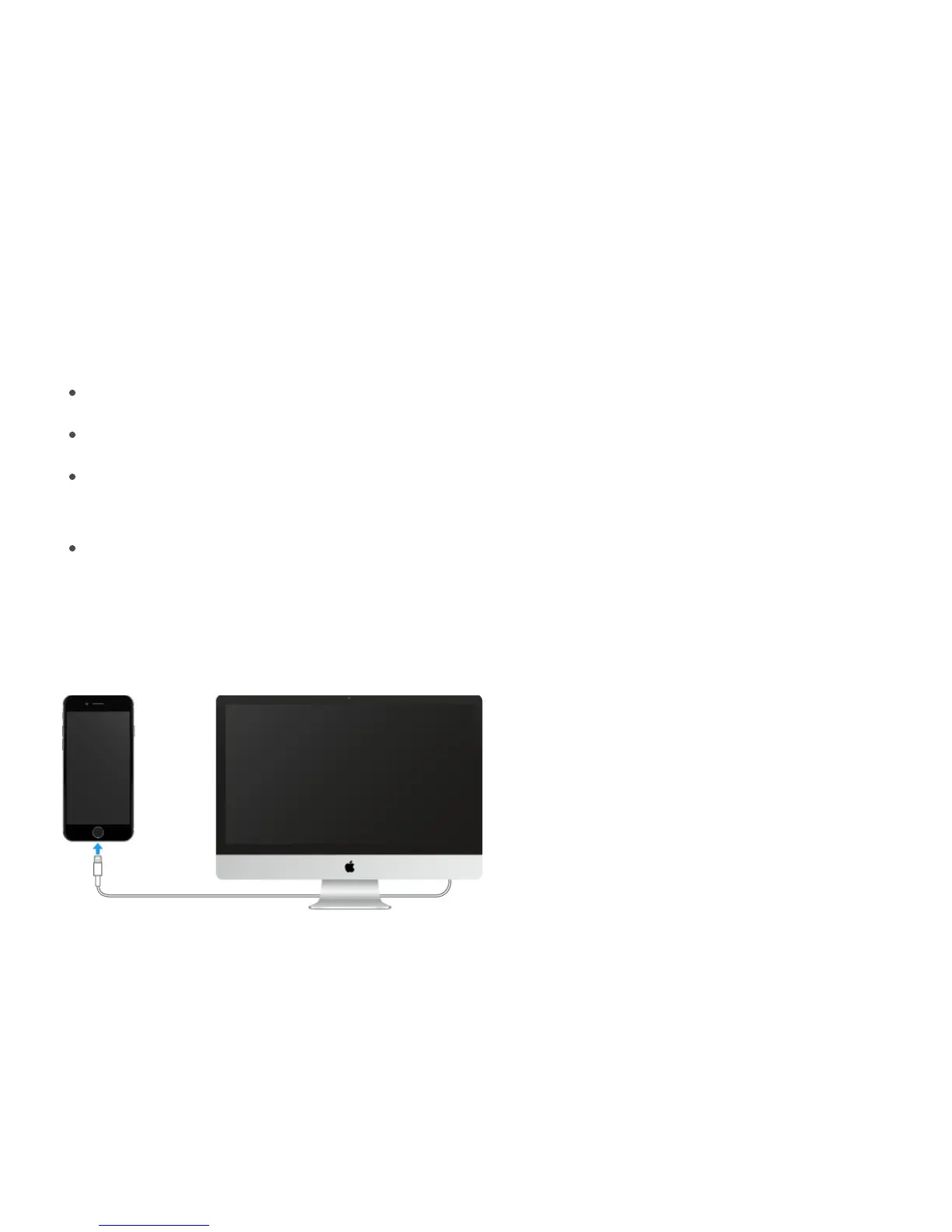
Connect iPhone to your computer
Connecting iPhone to your computer lets you sync content from your computer using
iTunes. See .
To use iPhone with your computer, you need:
An Internet connection for your computer (broadband is recommended)
A Mac or a PC with a USB 2.0 or 3.0 port, and one of the following operating systems:
OS X version 10.8 or later with iTunes 12.3 or later (iPhone SE requires iTunes 12.3.3 or
later)
Windows 10, Windows 8, or Windows 7 with iTunes 12.3 or later (iPhone SE requires
iTunes 12.3.3 or later)
Connect iPhone to your computer. Use the included Lightning to USB Cable or the 30-pin
to USB Cable.
Sync with iTunes
Syncing with iTunes copies information from your computer to iPhone, and vice versa. You
can sync by connecting iPhone to your computer, or you can set up iTunes to sync
wirelessly with Wi-Fi. You can set iTunes to sync music, videos, photos, and more. For help
syncing iPhone, open iTunes on your computer, choose Help > iTunes Help, then select
Add items to iPod, iPhone, or iPad. iTunes is available at .
www.itunes.com/download



 To Next Page