options, type another stroke, or scroll through the character list.
Tap the match key (匹配) to show only characters that match exactly what you typed.
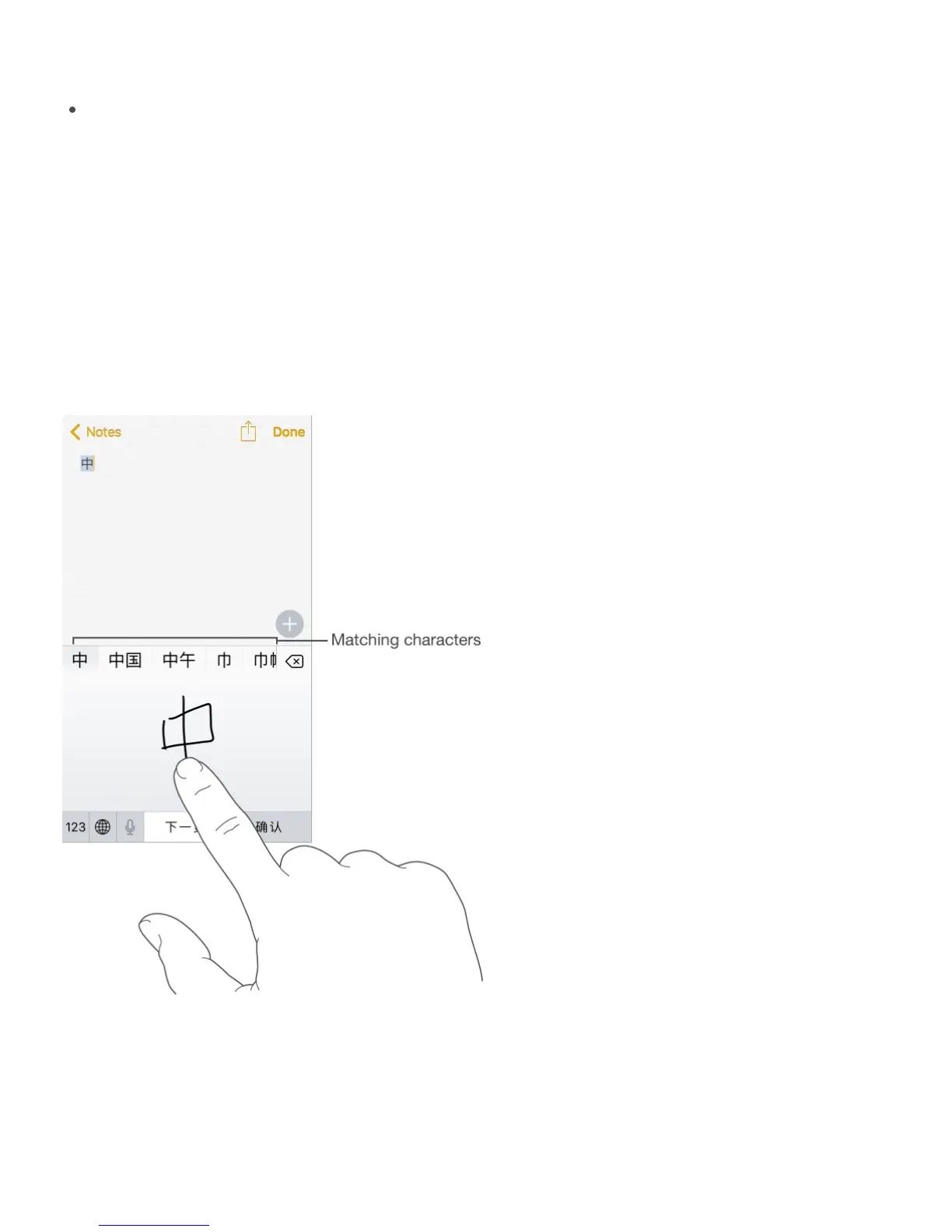
Write Chinese characters. Write Chinese characters directly on the screen with your finger
when Simplified or Traditional Chinese handwriting input is turned on.
On iPhone 6s and iPhone 6s Plus, press a little deeper as you write to increase the line
width of your character strokes.
As you write character strokes, iPhone recognizes them and shows matching characters in
a list, with the closest match at the top. When you choose a character, its likely follow-on
characters appear in the list as additional choices.
You can type some complex characters, such as 䩹 (part of the name for the Hong Kong
International Airport), by writing two or more component characters in sequence. Tap the
character to replace the characters you typed. Roman characters are also recognized.
Type Japanese kana. Use the Kana keypad to select syllables. For more syllable options,



 To Next Page