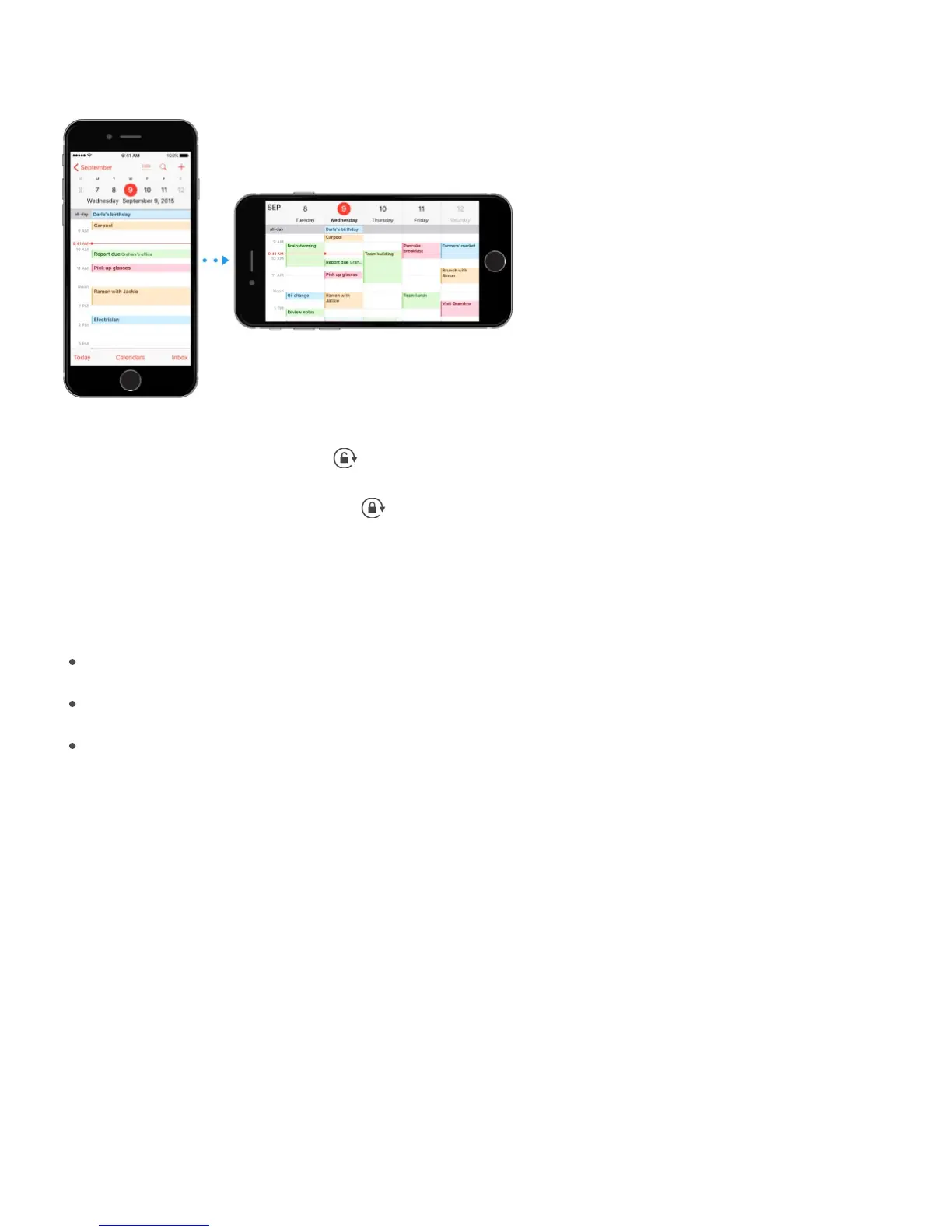
Many apps give you a different view when you rotate iPhone.
To lock the screen in portrait orientation, swipe up from the bottom edge of the screen to
open Control Center, then tap .
The Portrait orientation lock icon appears in the status bar when the screen orientation is
locked.
When you use iPhone 6 Plus or iPhone 6s Plus in landscape orientation, some apps have
special layouts. These apps include:
Mail
Calendar
Settings
Note: These special layouts are not available when Display Zoom is enabled.
Reachability
If you have iPhone 6, iPhone 6 Plus, iPhone 6s, or iPhone 6s Plus, and are using it in
portrait orientation, lightly tap the Home button twice to slide the screen down so that you
can reach everything with your thumb.



 To Next Page