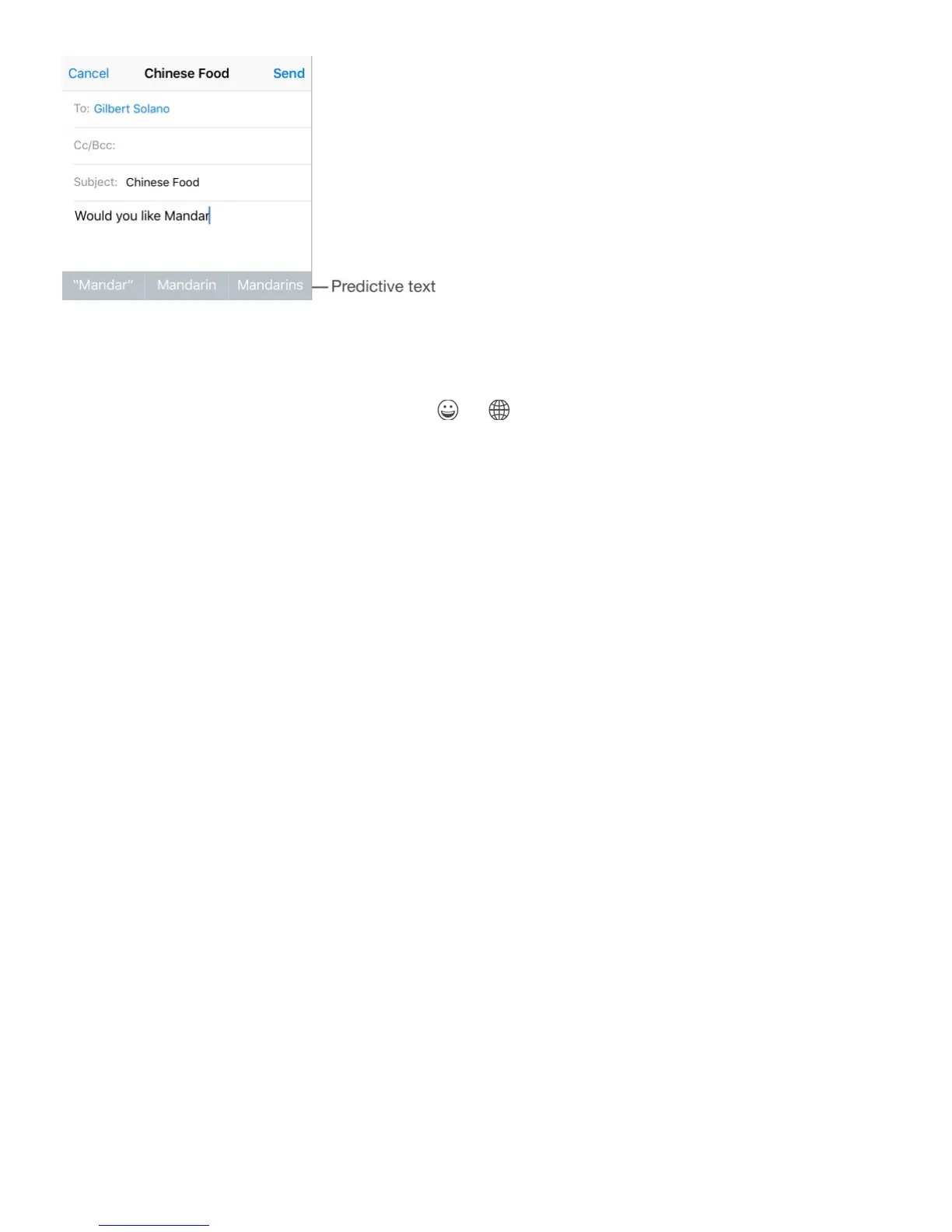
Hide predictive text. Pull down the suggested words. Drag the bar up when you want to see
the suggestions again.
Turn off predictive text. Touch and hold or , then slide to Predictive.
If you turn off predictive text, iPhone may still try to suggest corrections for misspelled
words. Accept a correction by entering a space or punctuation, or by tapping return. To
reject a correction, tap the “x.” If you reject the same suggestion a few times, iPhone stops
suggesting it.
Set options for typing or add keyboards. Go to Settings > General > Keyboard.
The onscreen keyboard for iPhone 6, iPhone 6 Plus, iPhone 6s, and iPhone 6s Plus
includes additional keys you may find useful. You can see these keys when you hold
iPhone in landscape orientation.
You can also use an Apple Wireless Keyboard to enter text. See
. To dictate instead of typing, see .
Edit text
Revise text. Touch and hold the text to show the magnifying glass, then drag to position the
insertion point.
Use an Apple Wireless
Keyboard



 To Next Page