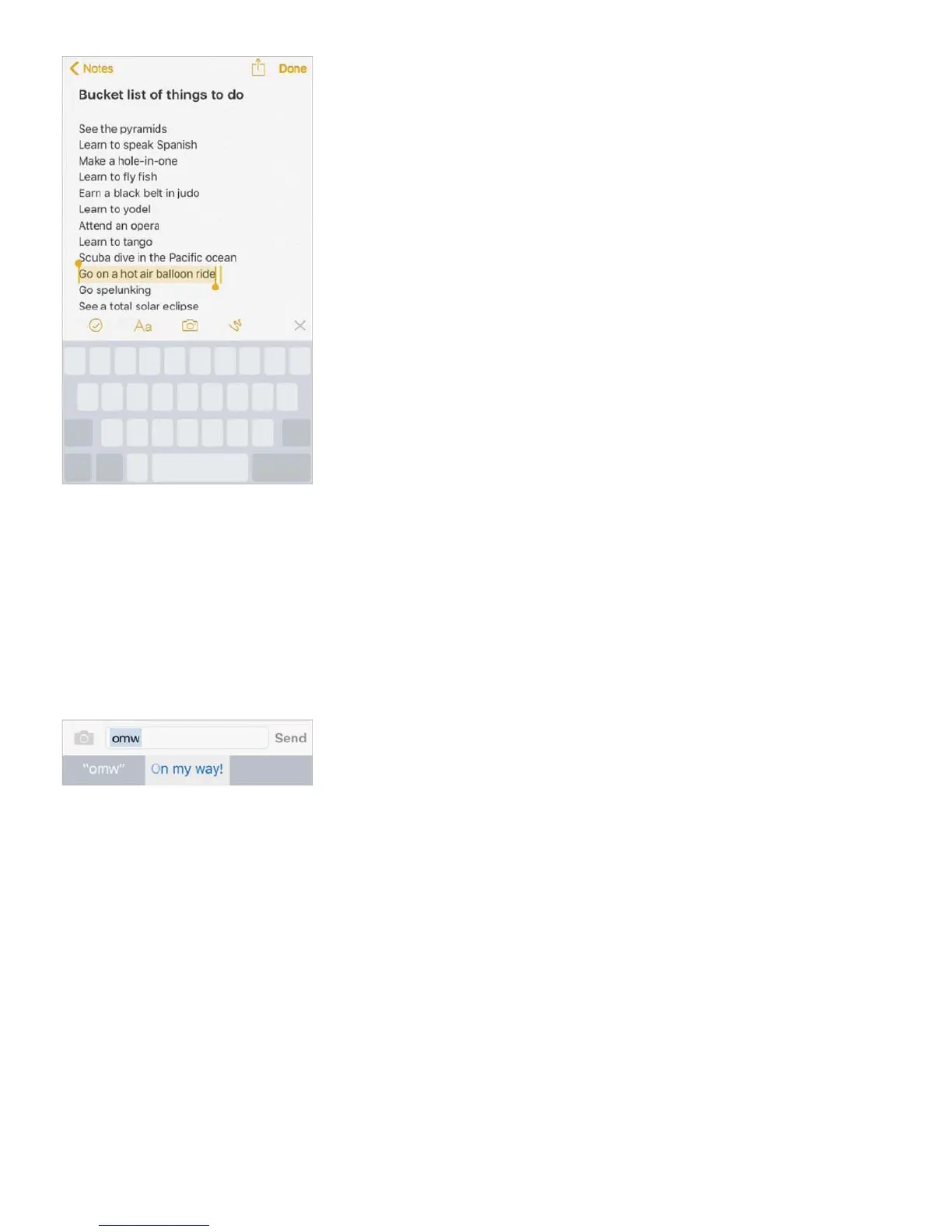
Undo the last edit. Shake iPhone, then tap Undo.
Save keystrokes
A shortcut lets you enter a word or phrase by typing just a few characters. For example,
type “omw” to enter “On my way!” That one’s already set up for you, but you can also add
your own.
Create a shortcut. Go to Settings > General > Keyboard, then tap Text Replacement.
Have a word or phrase you use and don’t want it corrected? Create a shortcut, but leave
the Shortcut field blank.
Use iCloud to keep your personal dictionary up to date on your other devices. Go to
Settings > iCloud, then turn on iCloud Drive.
Use an Apple Wireless Keyboard
You can use an Apple Wireless Keyboard (available separately) to enter text on iPhone. The
keyboard connects via Bluetooth, so you must first pair it with iPhone.
Note: The Apple Wireless Keyboard may not support keyboard features that are on your



 To Next Page