all caps on … all caps off—to make the enclosed words all uppercase
no caps on … no caps off—to make the enclosed words all lowercase
no space on … no space off—to run a series of words together
smiley—to insert :-)
frowny—to insert :-(
winky—to insert ;-)
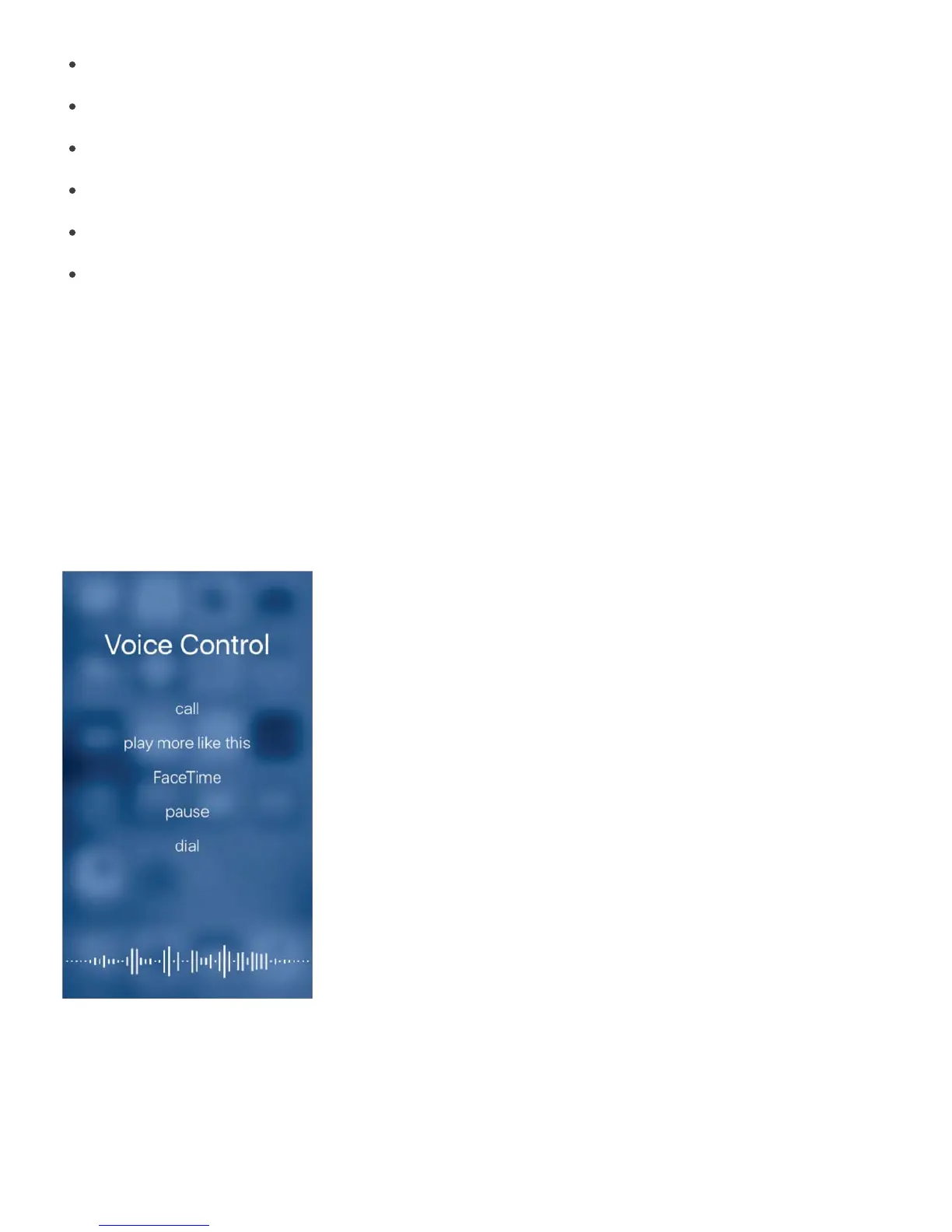
Voice Control
Voice Control lets you make phone calls and FaceTime calls, and control music playback, if
you have Siri turned off. You may want to use Voice Control if you can’t use Siri because
you’re not connected to the Internet. (For information about using Siri to control iPhone by
voice, see .)
Note: Voice Control and Voice Control settings aren’t available when Siri is turned on.
Use Voice Control. Turn Siri off in Settings > General > Siri, then press and hold the Home
button until the Voice Control screen appears and you hear a beep, or press and hold the
center button on your headset. See .
For best results:
Speak clearly and naturally



 To Next Page