on AirDrop. See .
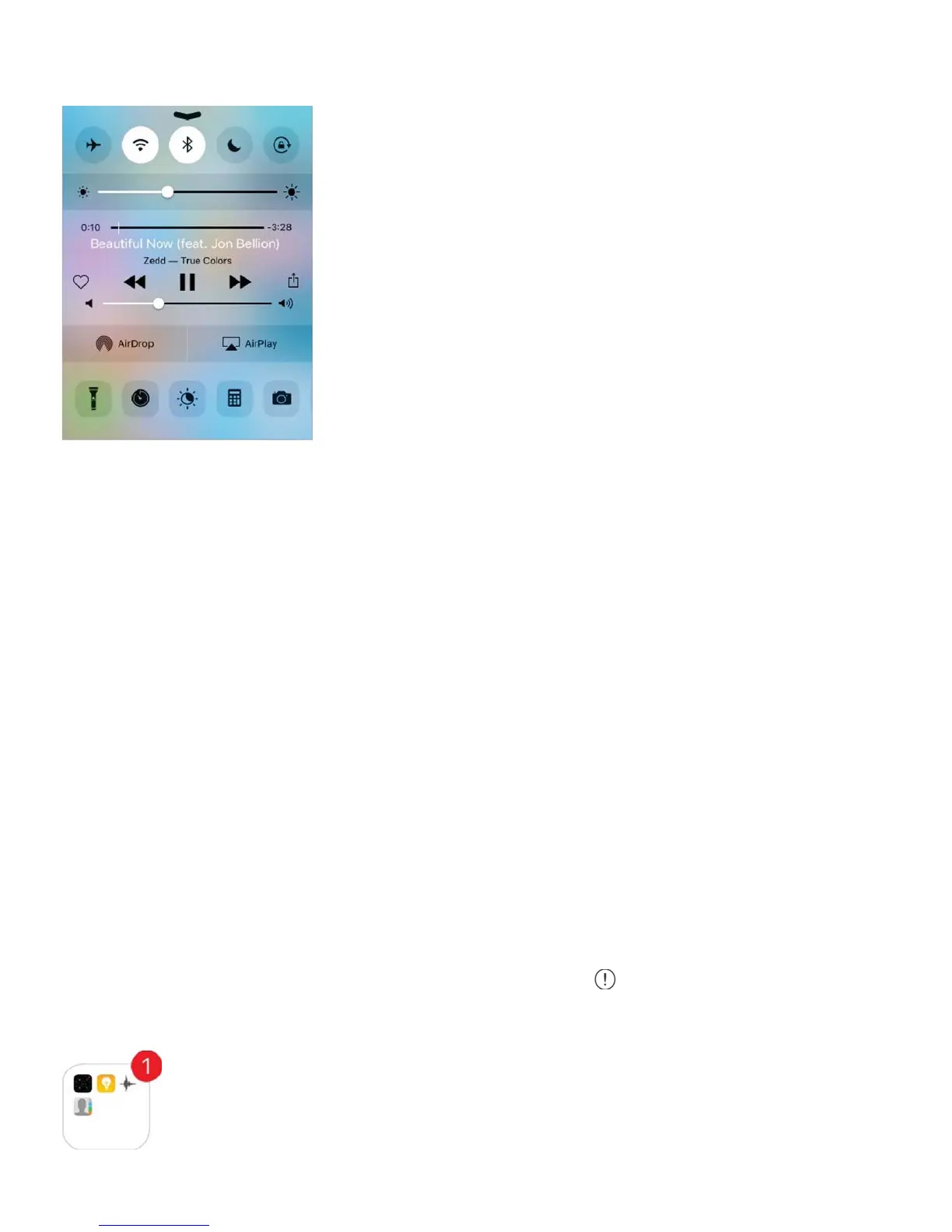
Open Control Center. Swipe up from the bottom edge of any screen (even the Lock
screen).
Open the currently playing audio app. Tap the song title.
Close Control Center. Swipe down, tap the top of the screen, or press the Home button.
Turn off access to Control Center in apps or on the Lock screen. Go to Settings >
Control Center.
Alerts and Notification Center
Alerts
Alerts let you know about important events. They can appear briefly at the top of the screen,
or remain in the center of the screen until you acknowledge them.
Some apps may include a badge on their Home screen icon, to let you know how many new
items await—for example, the number of new email messages. If there’s a problem—such
as a message that couldn’t be sent—an exclamation mark appears on the badge. On a
folder, a numbered badge indicates the total number of notifications for all the apps inside.
AirDrop



 To Next Page