iCloud, you can help them locate missing devices. Open Find iPhone on your device or at
iCloud.com. For more information, see .
Leave Family Sharing. Go to Settings > iCloud > Family, then tap Leave Family Sharing. If
you are the organizer, go to Settings > iCloud > Family, tap your name, then tap Stop
Family Sharing. For more information, see .
iCloud Drive
About iCloud Drive
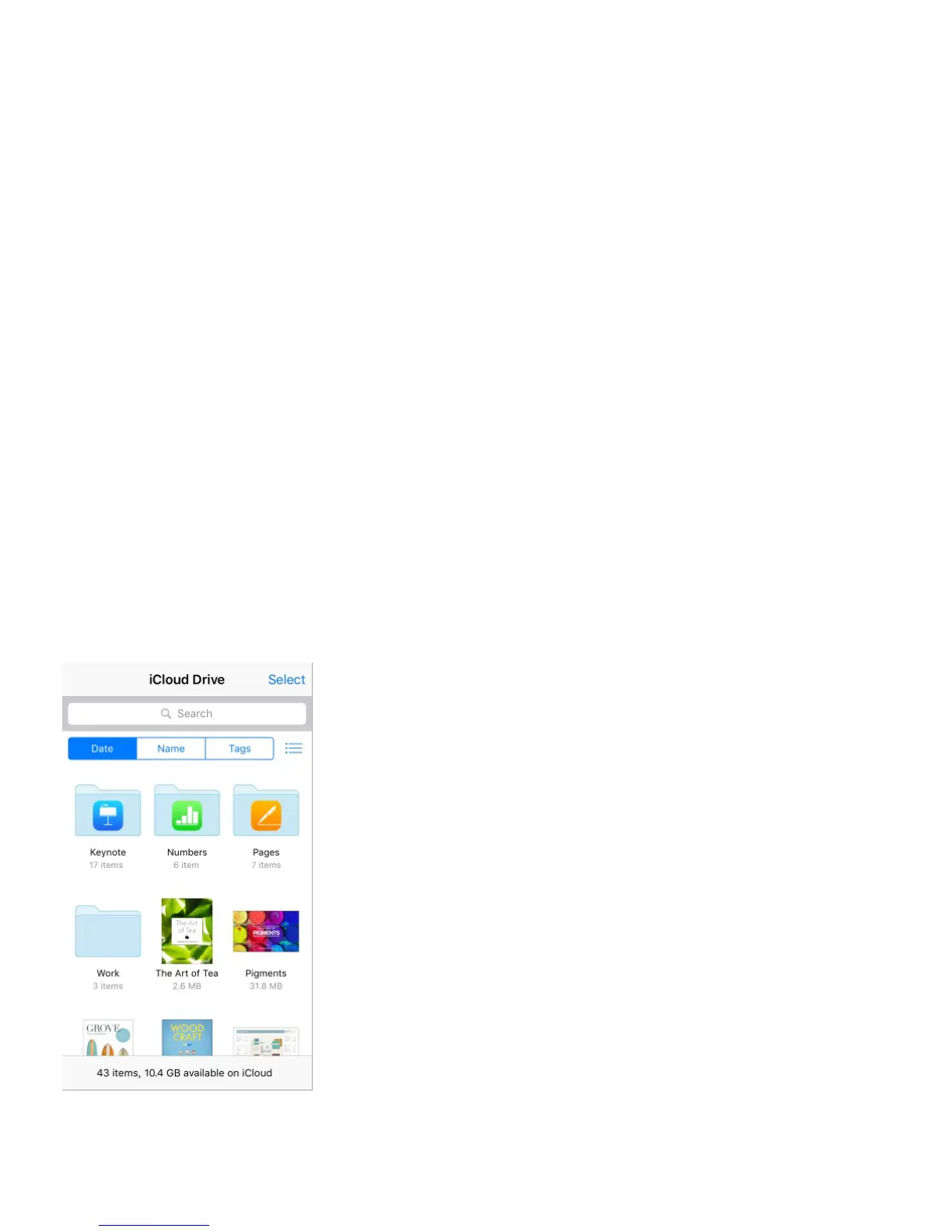
iCloud Drive stores your documents—including your presentations, spreadsheets, and
images—in iCloud, so you can access them from any of your devices set up with iCloud.
iCloud Drive allows your apps to share documents so you can work on the same file across
multiple apps.
You can use iCloud Drive on devices with iOS 8 or later, Mac computers with OS X
Yosemite or later, PCs with iCloud for Windows 5, or on . To access iCloud
Drive, you must be signed in to iCloud with your Apple ID. iCloud Drive works with Pages,
Numbers, Keynote, GarageBand, and some iCloud-enabled third-party apps. Storage limits
are subject to your iCloud storage plan.
Note: iCloud Drive is automatically turned on for new accounts and users (iOS 8 or later).



 To Next Page