notified when a friend leaves from or arrives at a location. Choose the friend’s current
location, or tap Other to create a new location for the notification.
Share a location from the Home screen. On iPhone 6s and iPhone 6s Plus, tap Extras,
press Find Friends, then choose the Share My Location quick action. See .
Charge and monitor the battery
iPhone has an internal, lithium-ion rechargeable battery. For more information about the
battery—including tips for maximizing battery life—see .
WARNING: For important safety information about the battery and charging iPhone, see
.
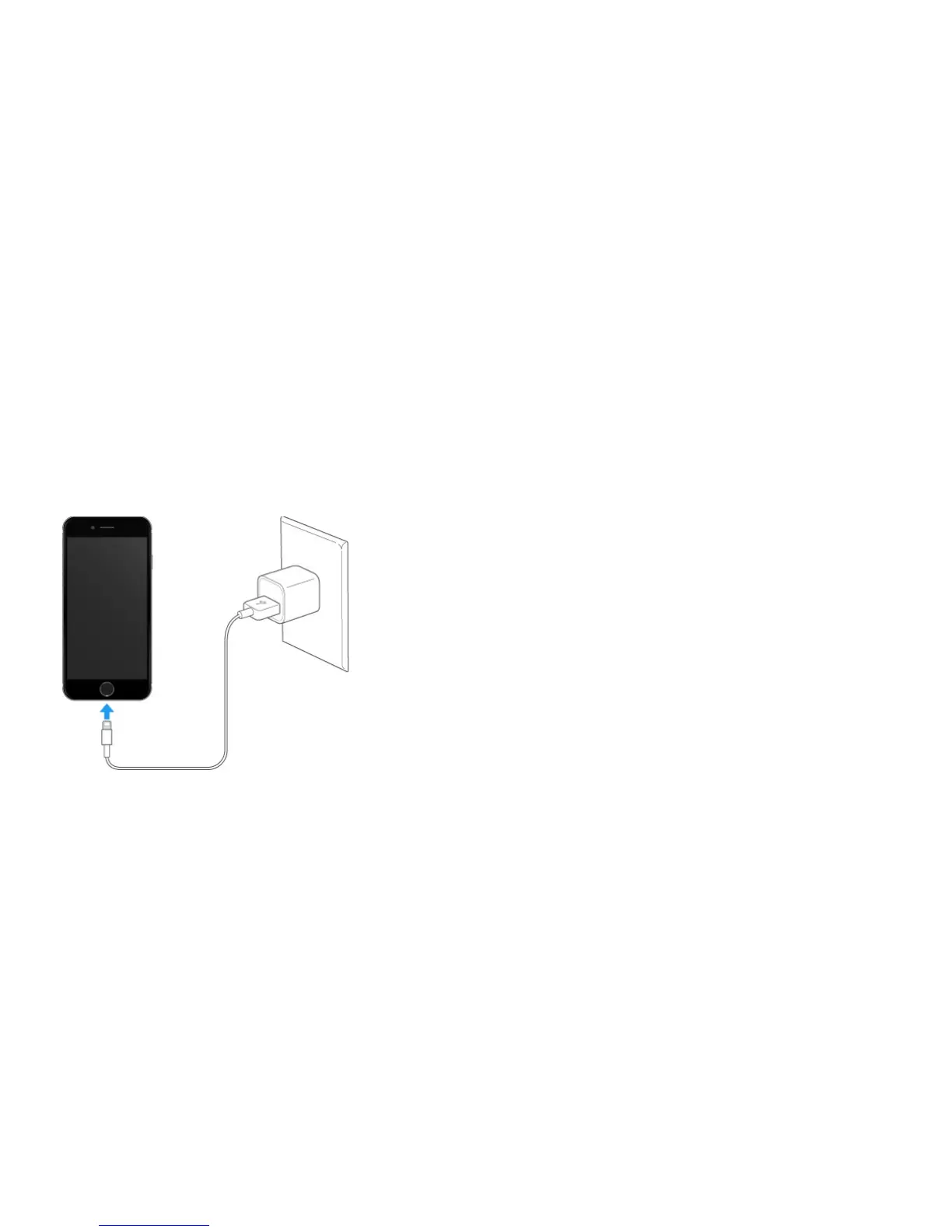
Charge the battery. Connect iPhone to a power outlet using the included cable and USB
power adapter.
Note: Connecting iPhone to a power outlet can start an iCloud backup or wireless iTunes
syncing. See and .
You can also charge the battery by connecting iPhone to your computer, which also allows
you to sync iPhone with iTunes. See . Unless your keyboard has a high-
power USB 2.0 or 3.0 port, you must connect iPhone to a USB 2.0 or 3.0 port on your
computer.
Important: The battery may drain instead of charge if iPhone is connected to a computer
that’s turned off or is in sleep or standby mode.
Show percentage of battery remaining in the status bar. Go to Settings > Battery >
Usage, then turn on Battery Percentage.
www.apple.com/batteries



 To Next Page