Preview items with a press. On iPhone 6s and iPhone 6s Plus, press a link to get a peek.
Press a little deeper to open it.
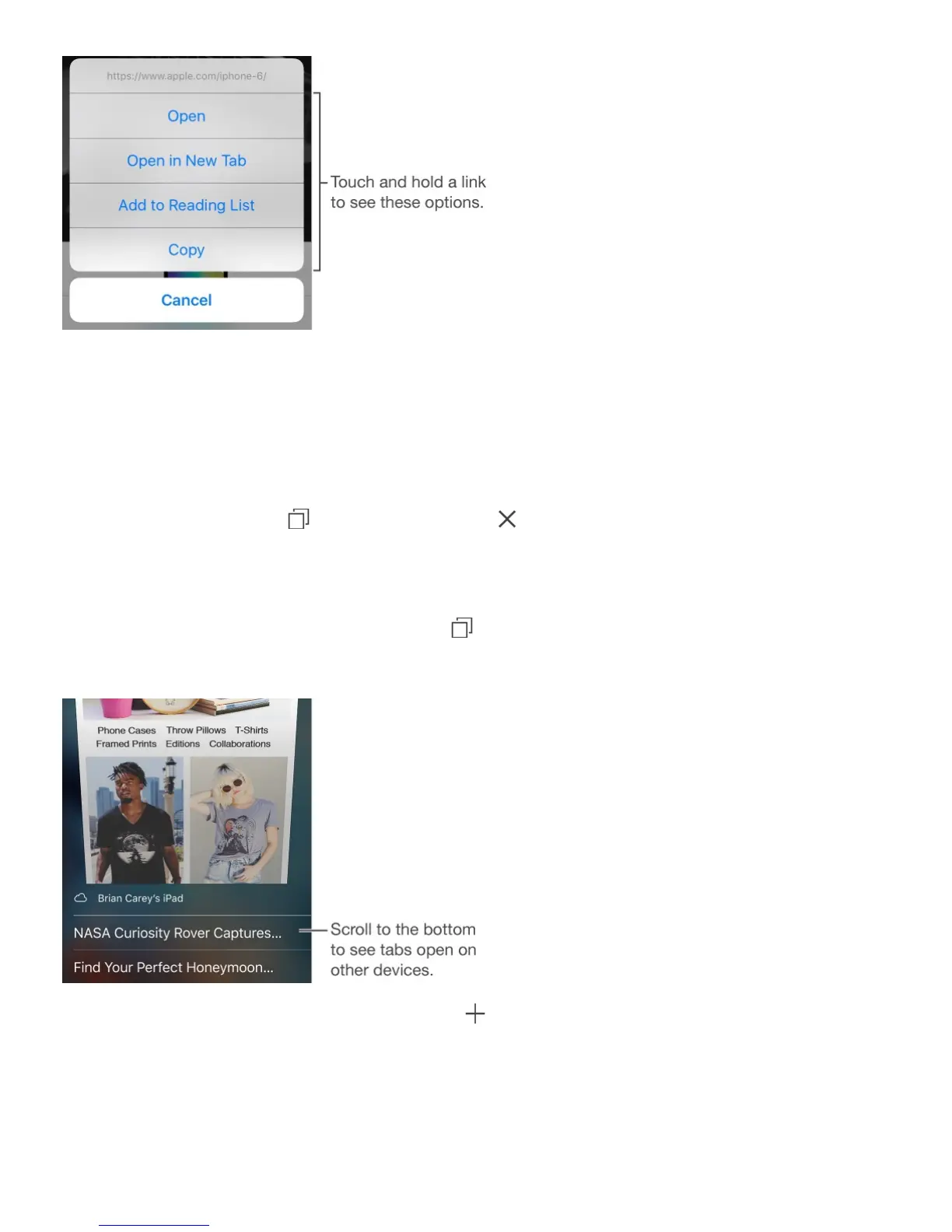
Open a link in a new tab. Touch and hold the link, then tap Open in New Tab. If you’d
rather open new pages in the background, go to Settings > Safari > Open Links.
Browse open tabs. Tap . To close a tab, tap in the upper-left corner, or swipe the tab
to the left.
View tabs open on your other devices. If you turn on Safari in Settings > iCloud, you can
view open tabs on your other devices. Tap , then scroll to the list at the bottom of the
page. To close the tab on another device, swipe left, then tap Delete.
View recently closed tabs. Touch and hold .
Get back to the top. Tap the top edge of the screen to quickly return to the top of a long
page.
See more. Turn iPhone to landscape orientation.



 To Next Page