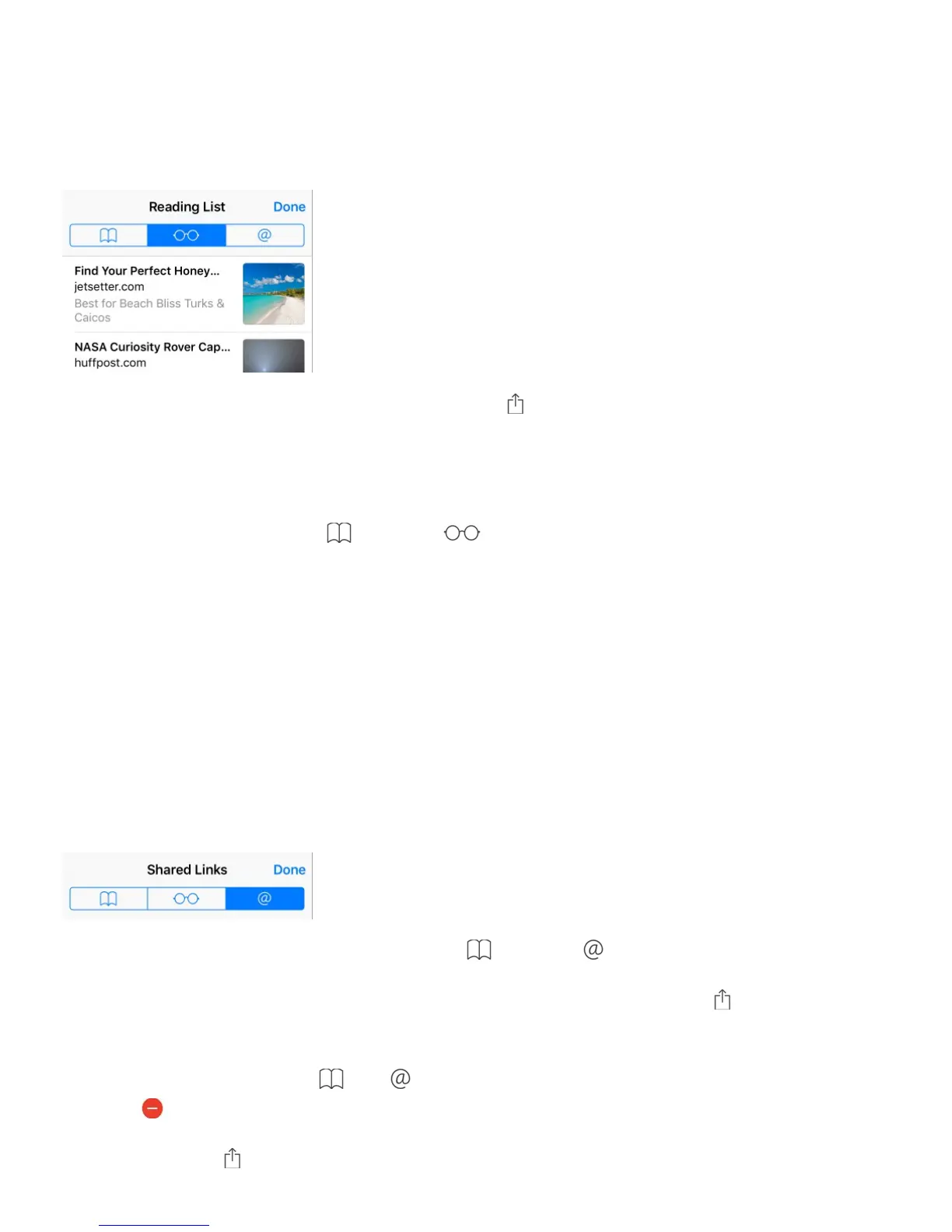
Save a reading list for later
Save interesting items in your reading list so you can revisit them later. You can read pages
in your reading list even when you’re not connected to the Internet.
Add the current page to your reading list. Tap , then tap Add to Reading List.
Add a linked page without opening it. Touch and hold the link, then tap Add to Reading
List.
View your reading list. Tap , then tap .
Delete something from your reading list. In your reading list, swipe the item to the left.
Don’t want to use cellular data to download reading list items? Go to Settings > Safari,
then turn off Use Cellular Data.
Shared links and subscriptions
You can view links shared from social media, such as Twitter, or feeds from your
subscriptions.
View shared links and subscriptions. Tap , then tap .
Subscribe to a feed. Go to a site that provides a subscription feed, tap , tap Add to
Shared Links, then confirm by tapping Add to Shared Links.
Delete a subscription. Tap , tap , tap Subscriptions below the list of your shared links,
then tap next to the subscription you want to delete.
Share links. Tap .



 To Next Page