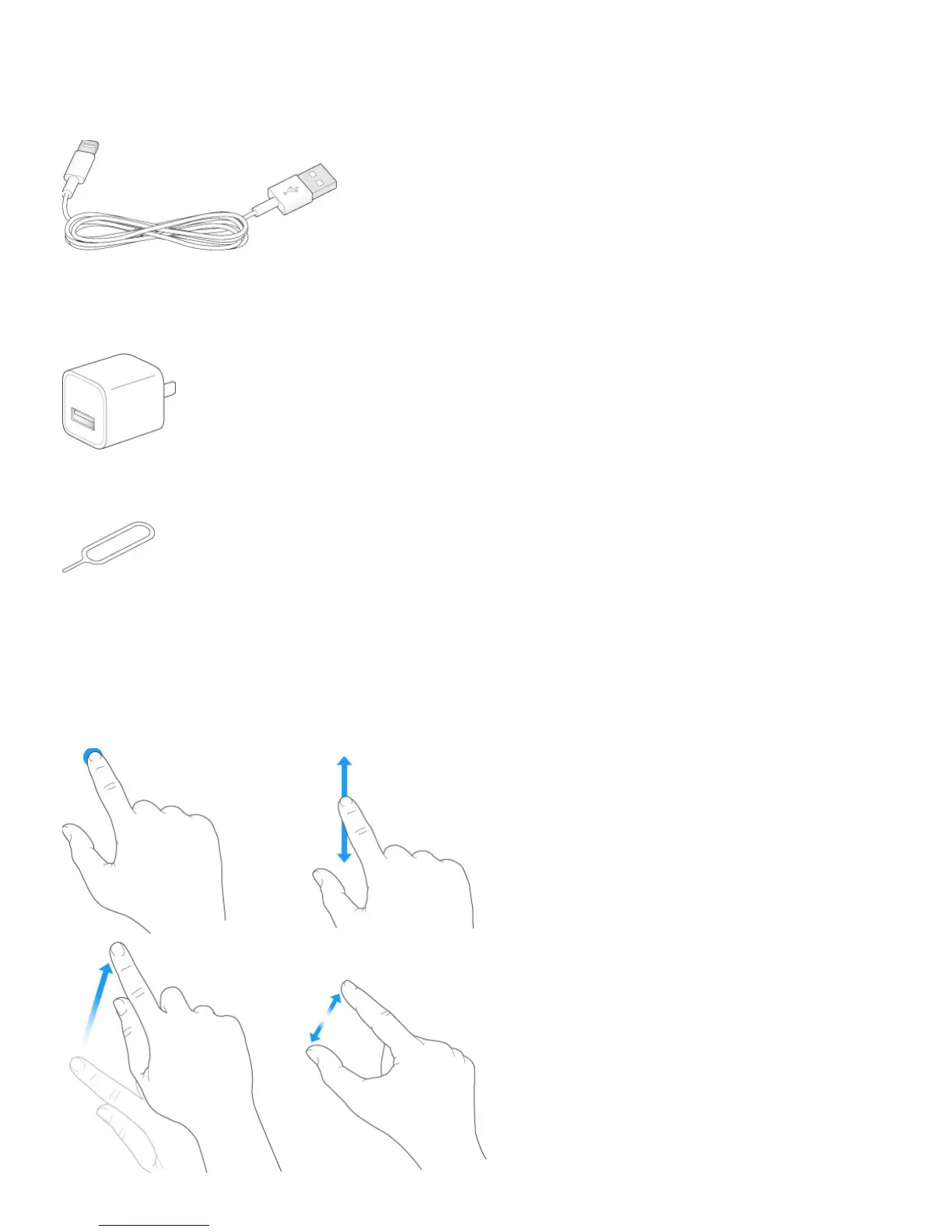
Connecting cable. Use the Lightning to USB Cable (iPhone 5 and later) or the 30-pin to
USB Cable (iPhone 4s) to connect iPhone to your computer to sync and charge.
Apple USB power adapter. Use with the Lightning to USB Cable or the 30-pin to USB
Cable to charge the iPhone battery.
SIM eject tool. Use to eject the SIM card tray. (Not included in all areas.)
Multi-Touch screen
A few simple gestures—tap, drag, swipe, and pinch—are all you need to use iPhone and its
apps.



 To Next Page