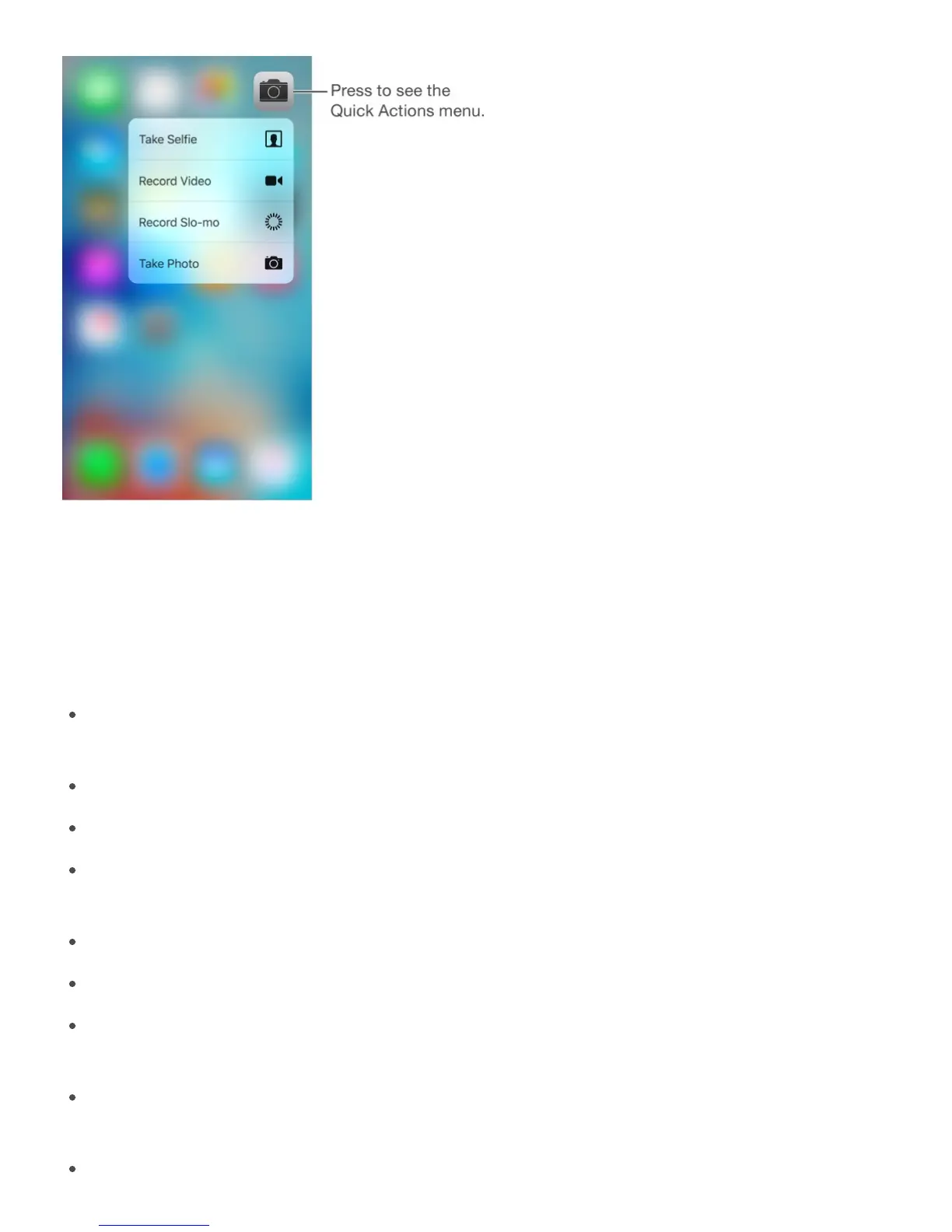
3D Touch lets you vary the pressure when you draw to change the quality of your lines (in
some apps). For example, press as you draw in Notes to make a line darker. See
. You can also use 3D Touch to turn your keyboard into a trackpad and select text
when typing. See .
Among other things, you can use 3D Touch to:
View or get information about a location by pressing a pin or an address in Maps. See
.
View the contents of a playlist in Music by pressing the playlist. See .
Preview a webpage by pressing a link.
Preview a specific note’s content within a list by pressing the note in Notes. See
.
Preview a video by pressing a thumbnail in Photos. See .
Make a Live Photo come to life by pressing it in Photos. See .
Access your default card, relevant pass, or last transaction by pressing Wallet on the
Home screen. See .
Get more information about movies, TV shows, and music videos in the Videos app by
pressing a thumbnail.
Learn how far you’ve read in a book in iBooks by pressing its cover. See
Create a
sketch



 To Next Page