12 Chapter 2
Setting Up Your iPod Hi-Fi
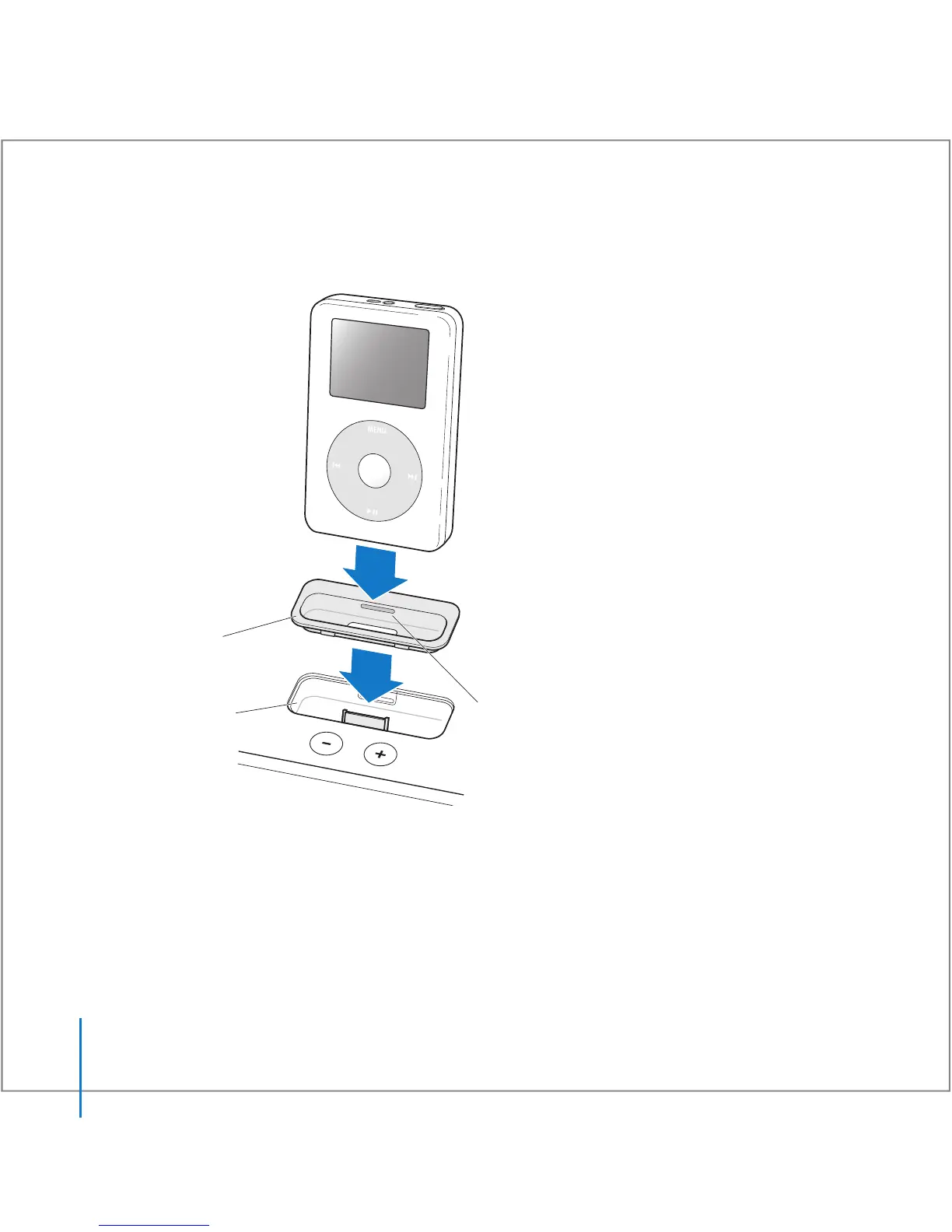
Insert the dock adapter into your iPod Hi-Fi and connect your iPod. The iPod Hi-Fi
status light blinks green.
Step 3:
Play Music
Browse for a song on iPod, then press Play (
’
) and enjoy! Use the buttons on your
iPod Hi-Fi or on the included Apple Remote to increase or decrease the volume.
You can remove the dock adapter
with your fingernail by using this slot.
Connector well
Dock adapter



 To Next Page