Chapter 1 iPod Basics 11
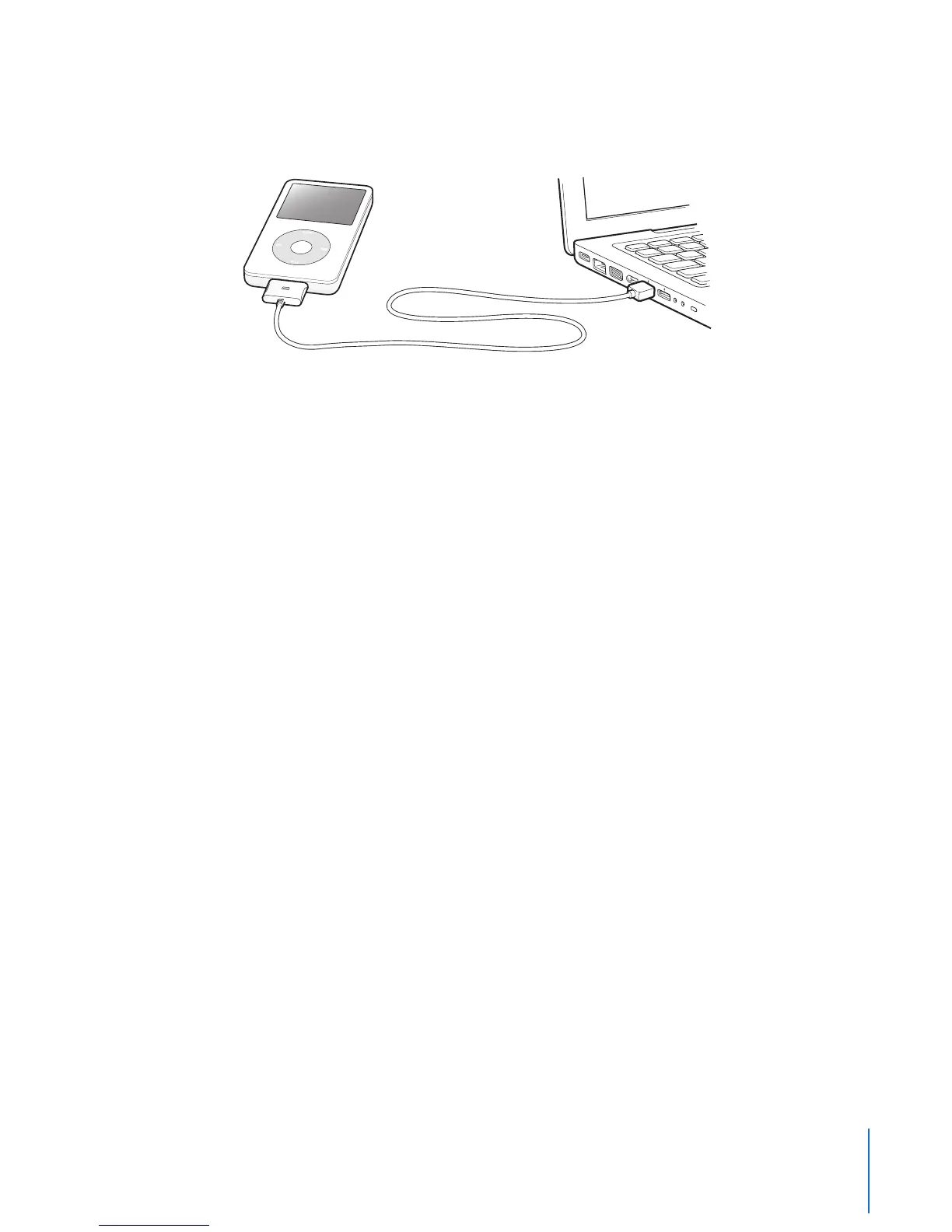
Note: The USB port on your keyboard doesn’t provide enough power. You must
connect iPod to a USB port on your computer.
By default, iTunes syncs songs on iPod automatically when you connect it to your
computer. When iTunes is finished, you can disconnect iPod.
If you connect iPod to a different computer and it is set to sync music automatically,
iTunes prompts you before loading any music. If you click Yes, the songs and other
audio files already on iPod will be erased and replaced with the songs and other audio
files on the computer iPod is connected to. For more information about loading music
to iPod and using iPod with more than one computer, see Chapter 2, “Music Features,”
on page 16.
Note: You can load songs while your battery is charging.



 To Next Page