4
38
4 Photo Features
You can import digital photos to your computer and load
them onto iPod. You can view your photos on iPod or as a
slideshow on your TV. Read this section to learn about
importing and viewing photos.
Importing Photos
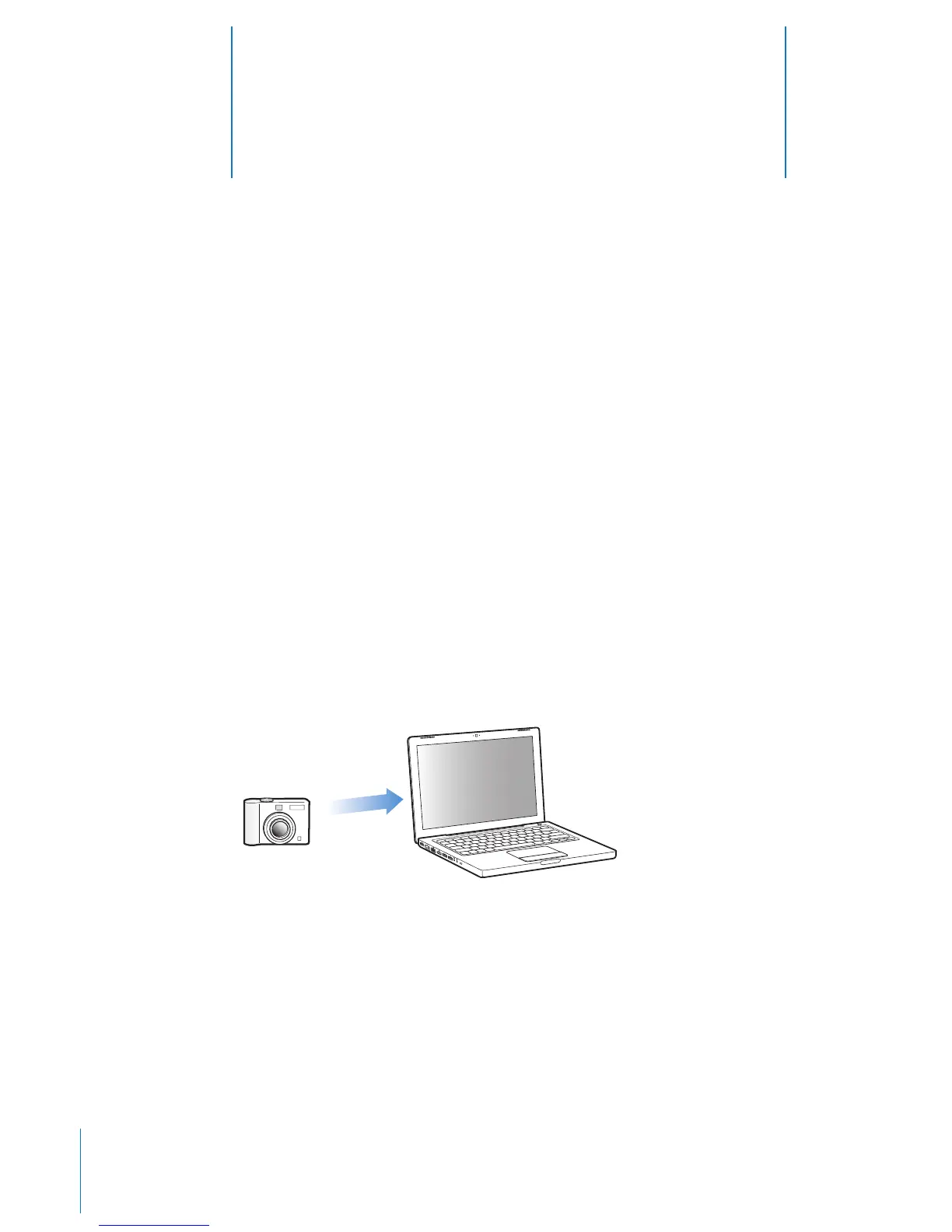
You can import digital photos from a digital camera to your computer, and then load
them onto iPod for viewing. You can connect iPod to a TV and view photos as a
slideshow with music.
Note: If you have the optional iPod Camera Connector, you can import photos directly
from most USB digital cameras or USB photo card readers to iPod (see page 41).
Importing Photos from a Camera to Your Computer
You can import photos from a digital camera or a photo card reader.
To import photos to a Mac using iPhoto:
1 Connect the camera or photo card reader to your computer. Open iPhoto (located in
the Applications folder) if it doesn’t open automatically.
2 Click Import.
Images from the camera are imported into iPhoto.



 To Next Page