34 Using iPod mini
To prevent iTunes from opening automatically when you connect iPod mini
to your computer:
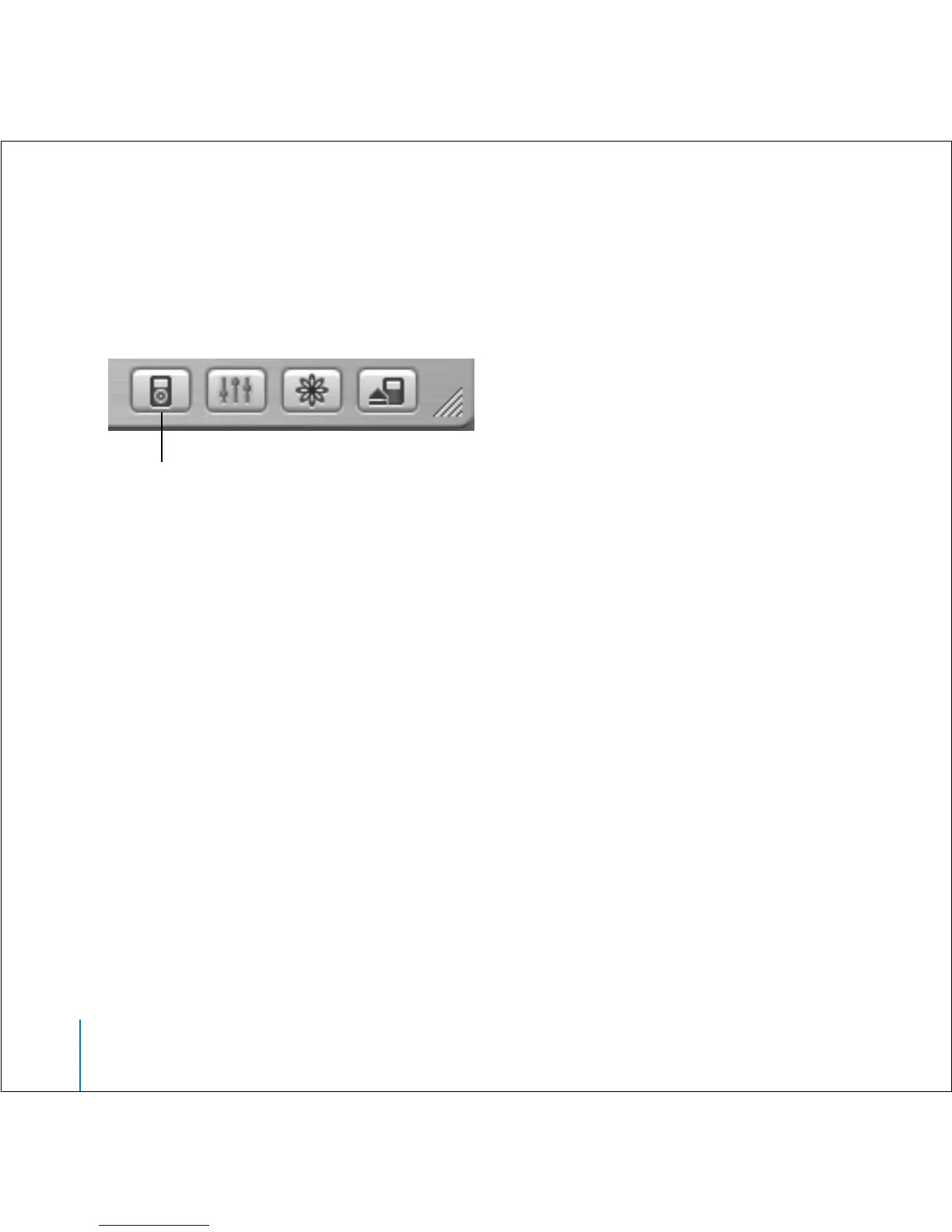
1 In iTunes, select iPod mini in the Source list.
2 Click the Options button and deselect “Open iTunes when attached.”
Setting the Sleep Timer
You can set iPod mini to turn off automatically after a specific period of time.
n
Select Extras > Clock > Sleep Timer and select the time you want.
When you set the sleep timer, a clock icon and the number of minutes left until
iPod mini turns off appear in the Now Playing screen on iPod mini.
Setting the Alarm
You can use iPod mini as an alarm clock.
To set an alarm:
1 Select Extras > Clock > Alarm Clock.
2 Set Alarm to On.
3 Select a sound.
If you select Beep, the alarm will be audible through the internal speaker. If you
select a playlist, you’ll need to connect iPod mini to speakers or headphones to
hear the alarm.
Options button



 To Next Page