Using iPod mini 41
iPod Remote (Available Separately)
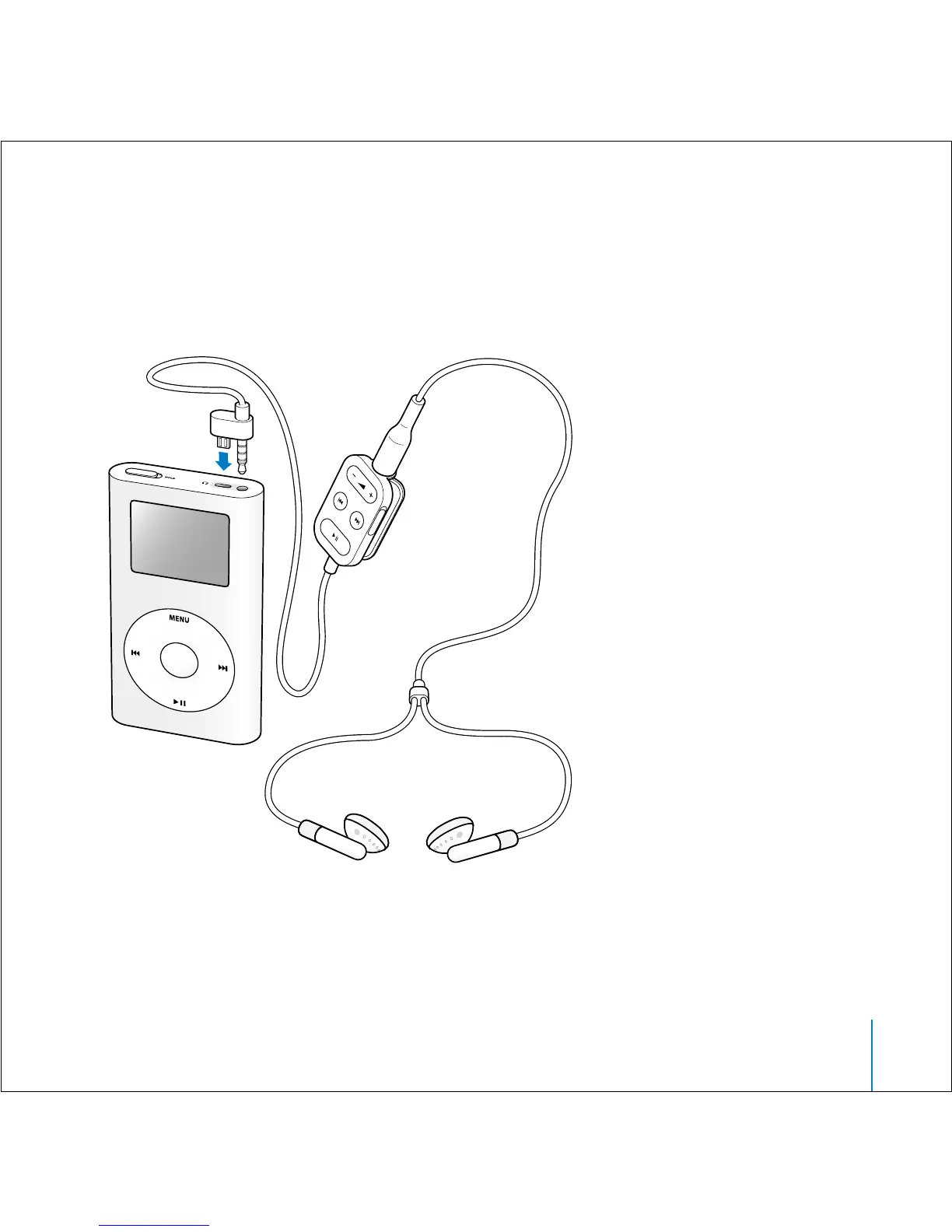
To use the iPod Remote, connect it to the iPod Remote port, then connect the Apple
Earphones (or another set of headphones) to the remote. Use the buttons on the
remote just as you would use the iPod mini buttons.
Use the remote’s Hold switch to disable the remote’s buttons. If you see an orange bar,
the remote is set to Hold. The iPod mini Hold switch and the iPod Remote Hold switch
do not affect one another.



 To Next Page