4 -
Testing Procedures
iPod mini
Initial Inspection
Inspect the shipping box for damage that may have damaged the iPod. Apple will repair
damage caused by shipping.
Under warranty
Damage NOT covered under warranty (unless caused by shipping):
• visually broken
• cracked
• deformed
• liquid seeped inside
• iPod shows signs of being opened
• customer acknowledged causing damage
Out of warranty
Apple will repair, for a fee, iPods that are out of warranty, unless they have “excessive”
damage that requires too many internal parts to be replaced.
Damage NOT repairable (unless caused by shipping):
• severely damaged, crushed
• iPod arrives in pieces
Important Notes
• Note the position of the Hold switch as it was received. Make sure the Hold switch is
off (no orange showing) during operation.
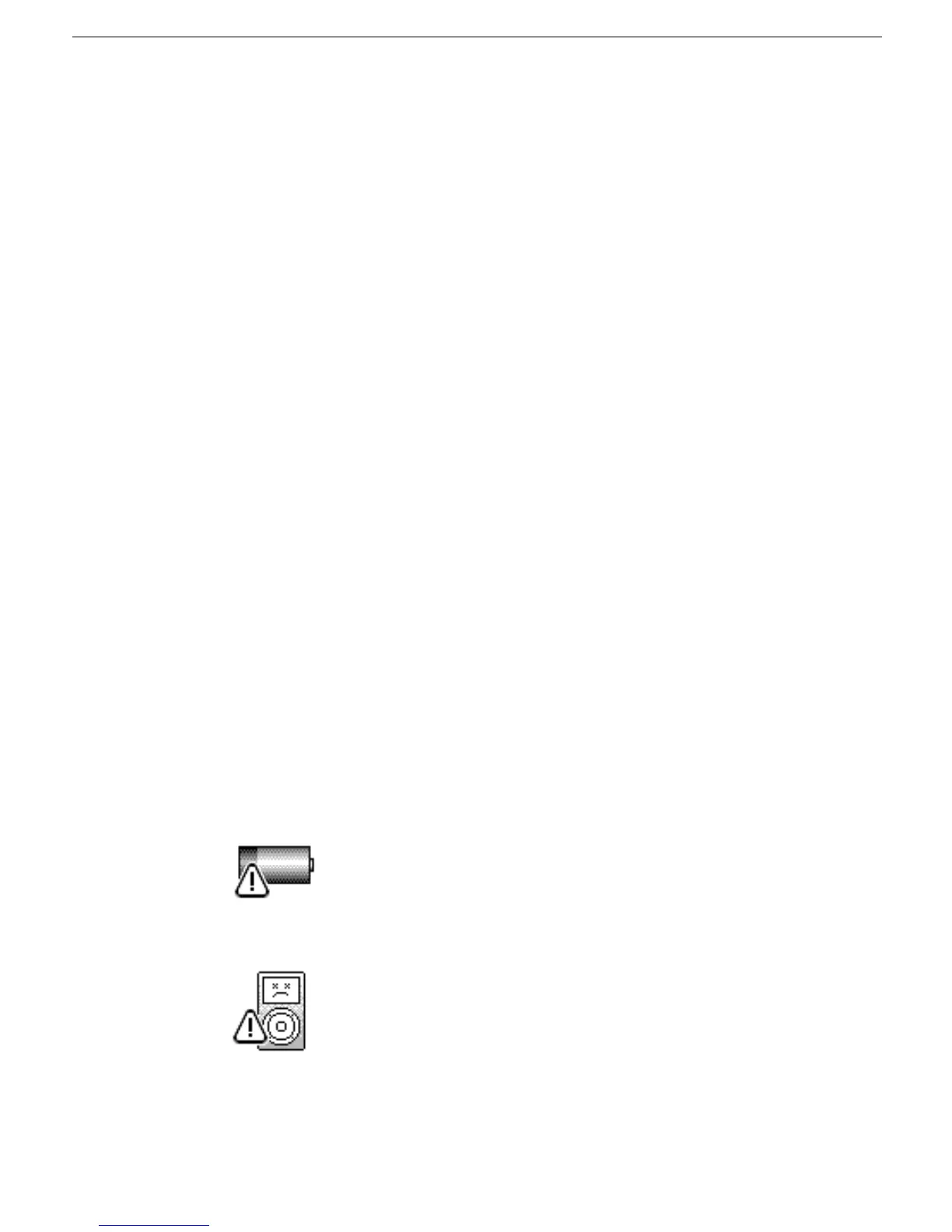
• Watch the iPod screen when turning it on, for a low-battery icon (shown below) that
may display for approximately three seconds.
If this happens connect the iPod to the power adapter for at least 5-15 minutes before
operating it from the battery.
• If a hardware failure is detected, the following icon will be shown. Fail the iPod.



 To Next Page