28 Chapter 5 Lesson 5: Managing Music on iPod mini
Updating iPod mini Automatically
By default, iPod mini is set to update automatically with all songs and playlists. This is
how you transferred music to iPod mini in Lesson 2. If you set iTunes to transfer music
manually, you can reset it later to update iPod mini automatically.
To set iTunes to update iPod mini automatically with all songs and playlists:
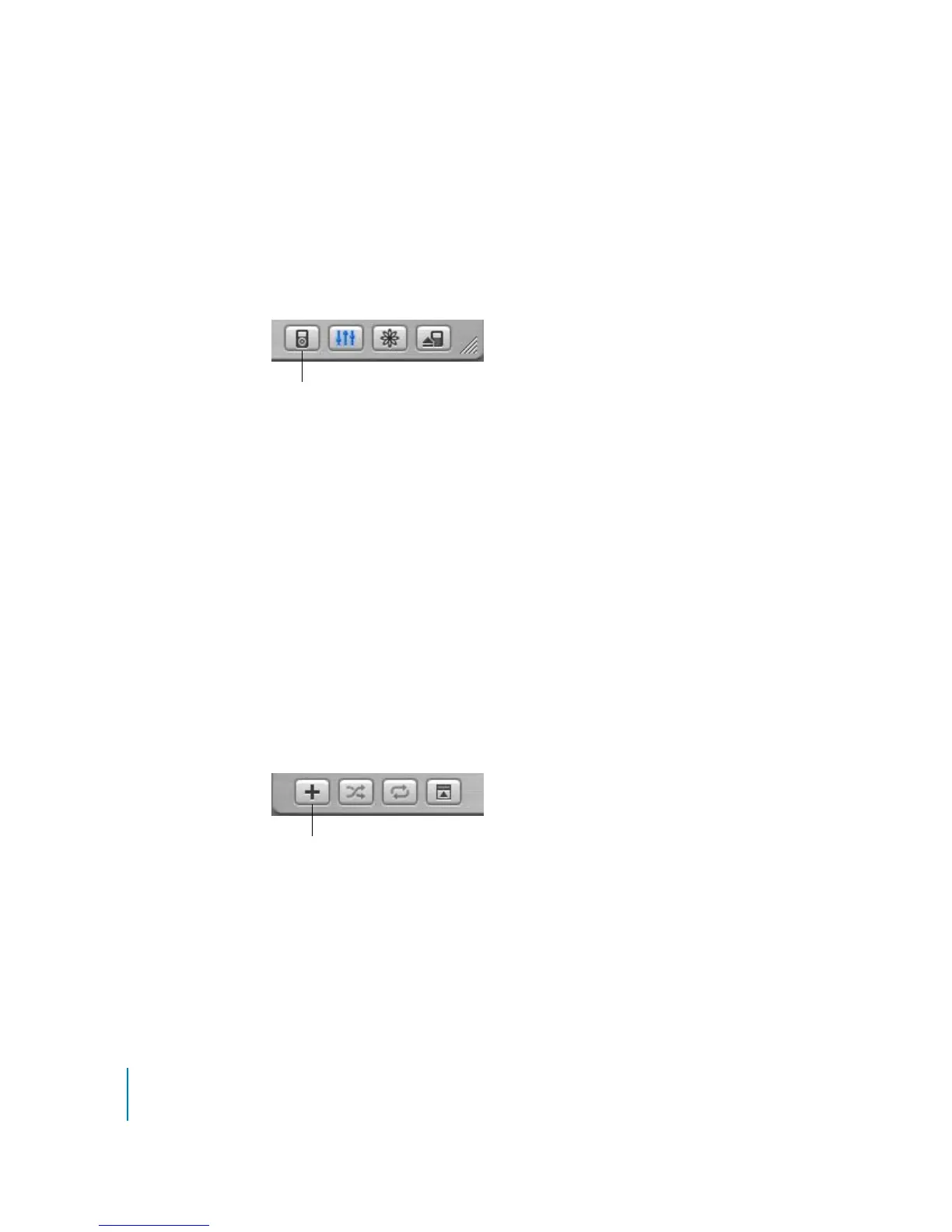
1 Open iTunes and select iPod mini in the Source list. Then click the Options button.
2 Select “Automatically update all songs and playlists.”
The transfer begins automatically.
If there is more music in your iTunes library than will fit on your iPod mini, a dialog
appears asking if you want iTunes to choose which songs to transfer. You can also
update iPod with only selected playlists, or transfer individual songs and playlists
manually (see below).
Updating iPod mini Automatically With Selected Playlists
A playlist is a list of songs you organize in any order you want. You can create playlists
with songs to suit specific moods, songs with a certain theme, or your favorite songs.
Setting iTunes to update iPod mini with selected playlists is especially useful if you have
more music on your computer than will fit on your iPod mini. You create playlists in
iTunes, then set iPod mini to update with only the songs in the playlists you select.
To create a playlist in iTunes:
1 Click the Add button.
2 Type a name for the playlist in the Source list.
3 Click Library, then drag a song (or other audio file) to the playlist in the Source list.
To select multiple songs, hold the Command (x) key or Shift key and click.
For more information on working with playlists and using iTunes, open iTunes and
choose Help > iTunes and Music Store Help.
Options button
Add button



 To Next Page