14 Using iPod mini
1 Using iPod mini
Read this section to learn about using iPod mini
controls, transferring music, charging the battery,
and using the extra features of your iPod mini.
Using iPod mini Controls
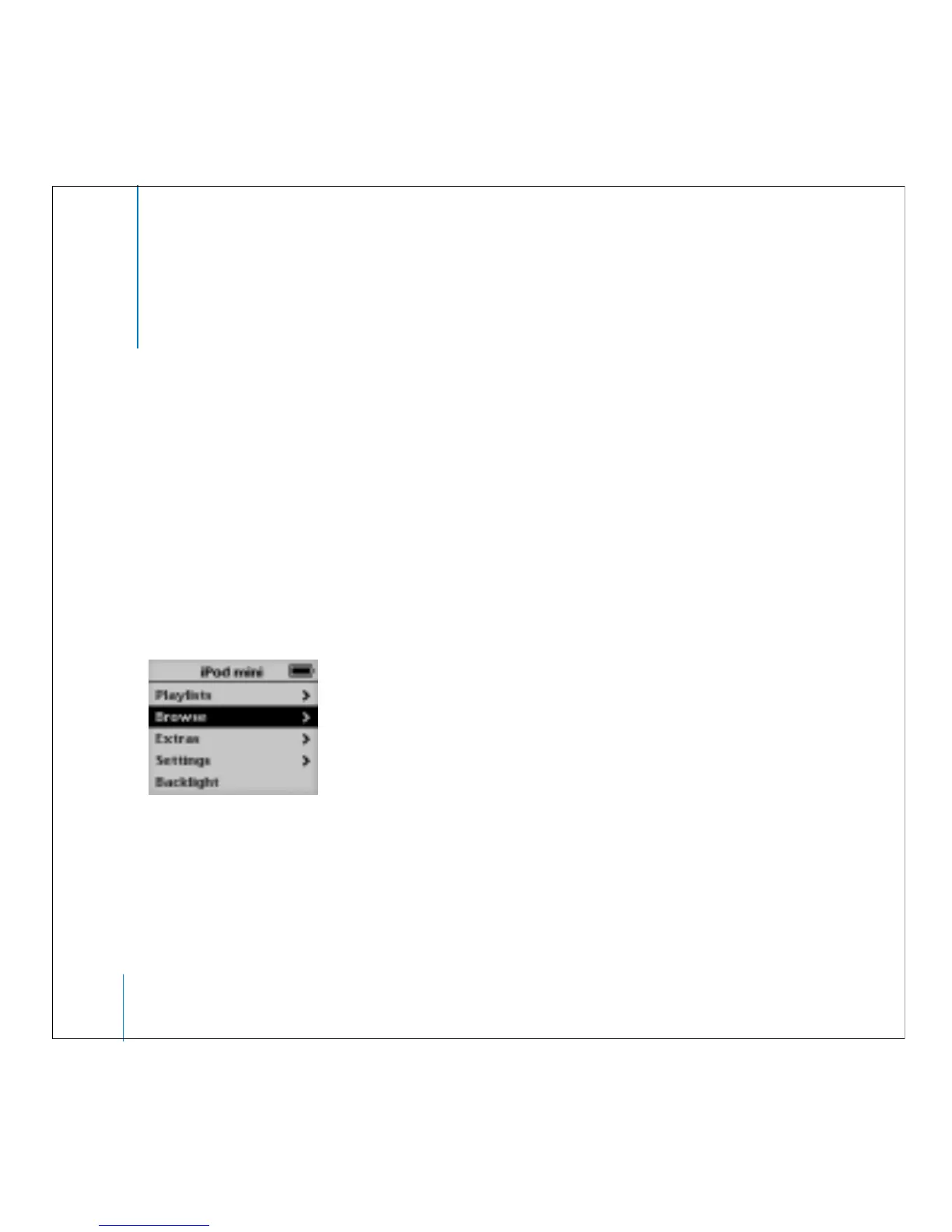
Press the Select button (in the center of iPod mini) to turn on iPod mini. The main
menu appears.
Use the Click Wheel and Select button to navigate through onscreen menus, play
songs, change settings, and view information. Move your thumb lightly around the
Click Wheel to scroll to a menu item. Press the Select button to select the item. Press
Menu on the Click Wheel to go back to the previous menu.



 To Next Page