Using iPod mini 21
Disconnecting iPod mini
If you set iPod mini to transfer songs manually (see page 26) or enable iPod mini for
use as a hard disk (see page 32), you must eject iPod mini before disconnecting it.
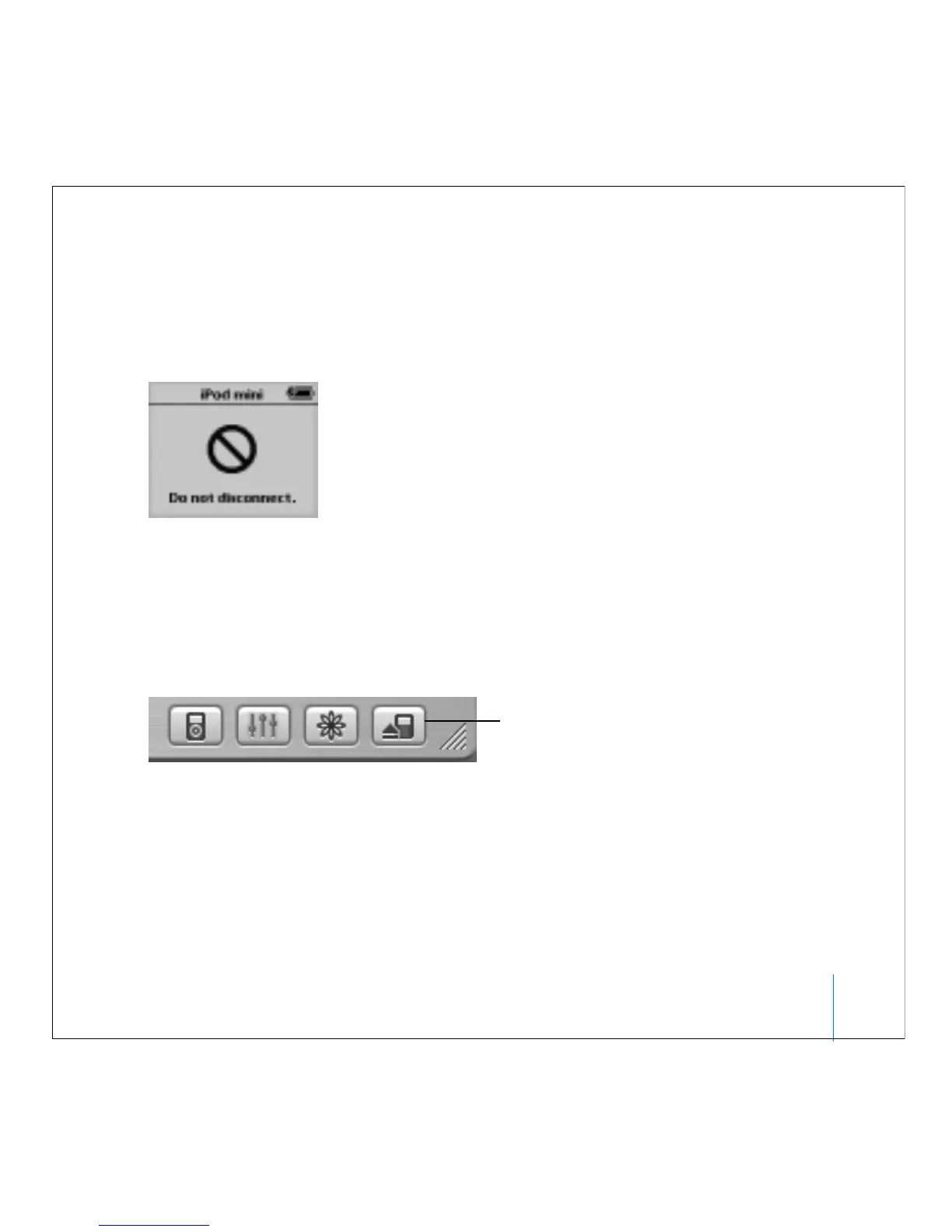
If it is not OK to disconnect iPod mini, this screen appears:
Important: Don’t disconnect iPod mini if you see the “Do not disconnect” message. You
could damage files on iPod mini. If you see this message, you must eject iPod mini
before disconnecting it.
To eject iPod mini:
n
Select iPod mini in the iTunes Source list and click the Eject button.
If you’re using a Mac, you can also eject iPod mini by dragging the iPod mini icon on the
desktop to the Trash.
If you’re using a Windows PC, you can eject iPod mini by clicking the Safely Remove
Hardware icon in the Windows system tray and selecting your iPod mini.
Eject button



 To Next Page