32 Using iPod mini
3 Select the last menu item (Reset All Settings).
4 Select the second menu item (Reset) and select a language.
Other iPod mini settings, such as song repeat, are also reset.
Note: If you have added or removed items from your main menu (see page 31), the
Settings menu may be in a different place.
Using the Extra Features of Your iPod mini
Using iPod mini as an External Hard Disk
You can use iPod mini as a hard disk, to store and transfer data files.
To enable iPod mini as a hard disk:
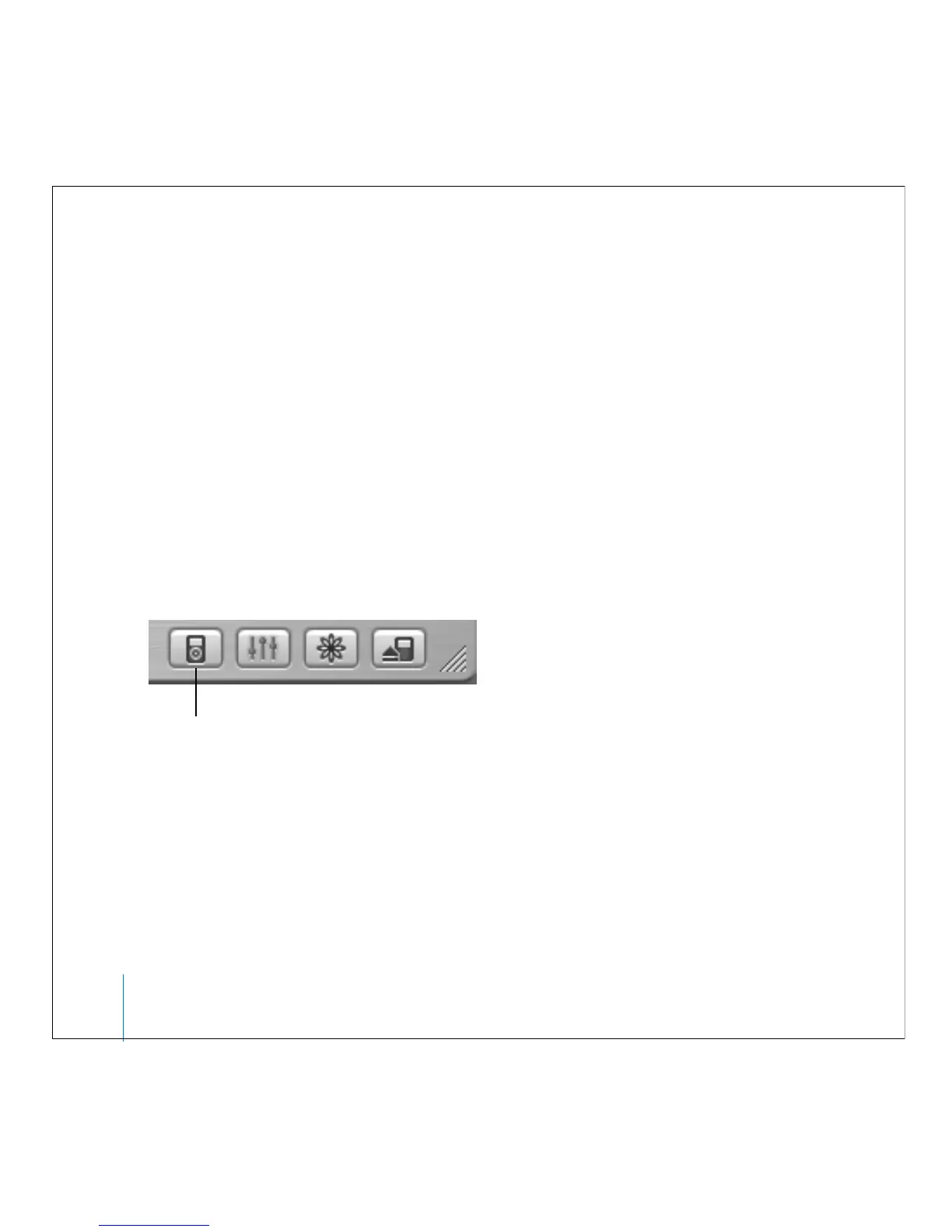
1 In iTunes, select iPod mini in the Source list and click the Options button.
2 Select “Enable disk use.”
When you use iPod mini as a hard disk, the iPod mini disk icon appears on the desktop
on the Mac, or as the next available drive letter in Windows Explorer on a Windows PC.
Note: Selecting “Manually manage songs and playlists” in the Options window also
enables iPod mini to be used as a hard disk.
Options button



 To Next Page