Using iPod mini 43
You can charge the iPod mini battery in two ways:
• If you have a Mac, you can charge iPod mini by connecting it to your computer. If you
have a Windows PC with a 6-pin FireWire port or a high-power USB 2.0 port, in most
cases you can charge iPod mini by connecting it to your computer.
• You can also charge iPod mini by connecting it to the power adapter and a working
electrical outlet.
To charge the iPod mini battery using your computer:
n
Connect iPod mini to your computer using the included FireWire cable or USB 2.0
cable. The computer must be turned on and not in sleep mode (some models of
Macintosh can charge iPod mini while in sleep mode).
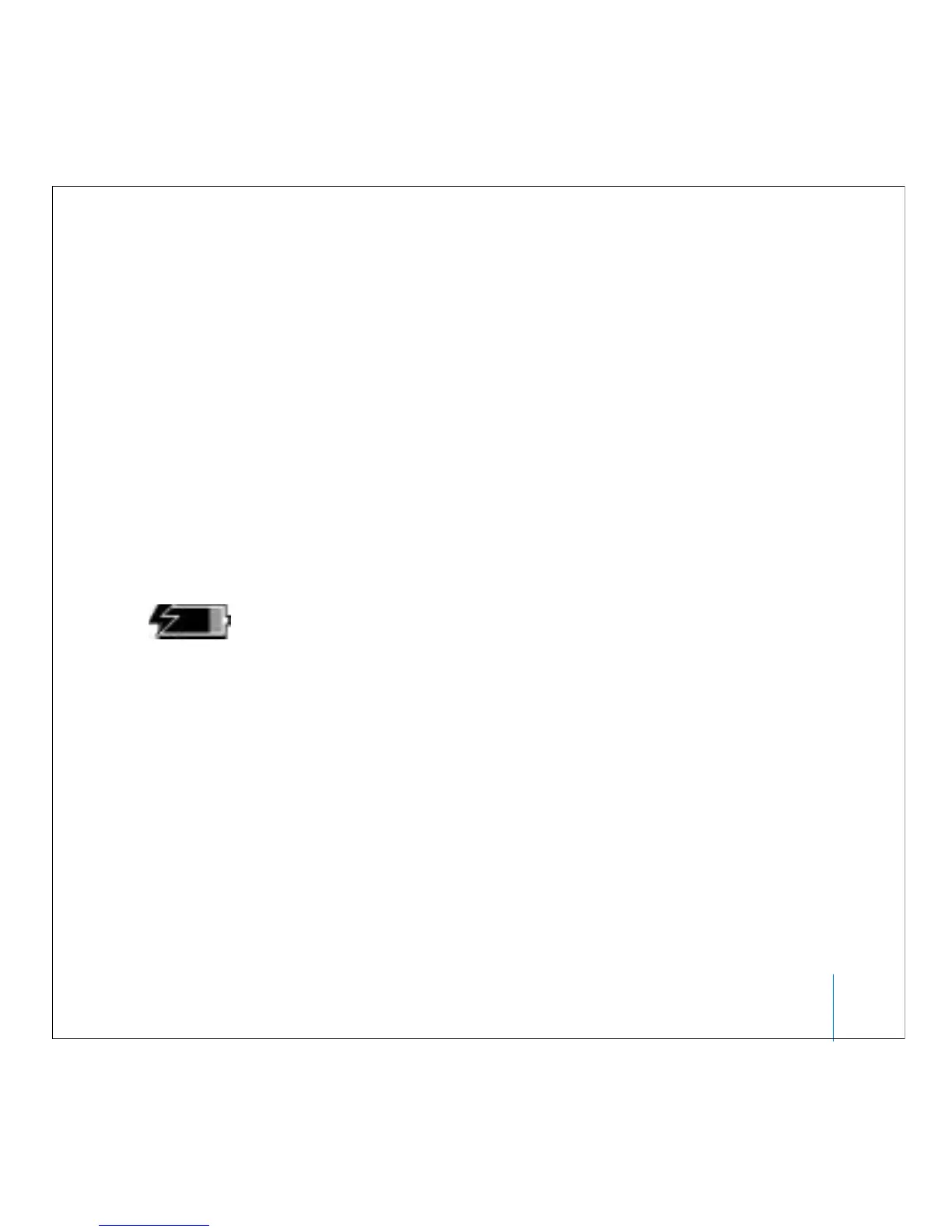
If the battery icon in the top-right corner of the screen shows a lightning bolt, the
battery is charging.
If you don’t see the lightning bolt, you must charge the battery using the iPod Power
Adapter (see below).



 To Next Page