Using iPod mini 45
Battery States
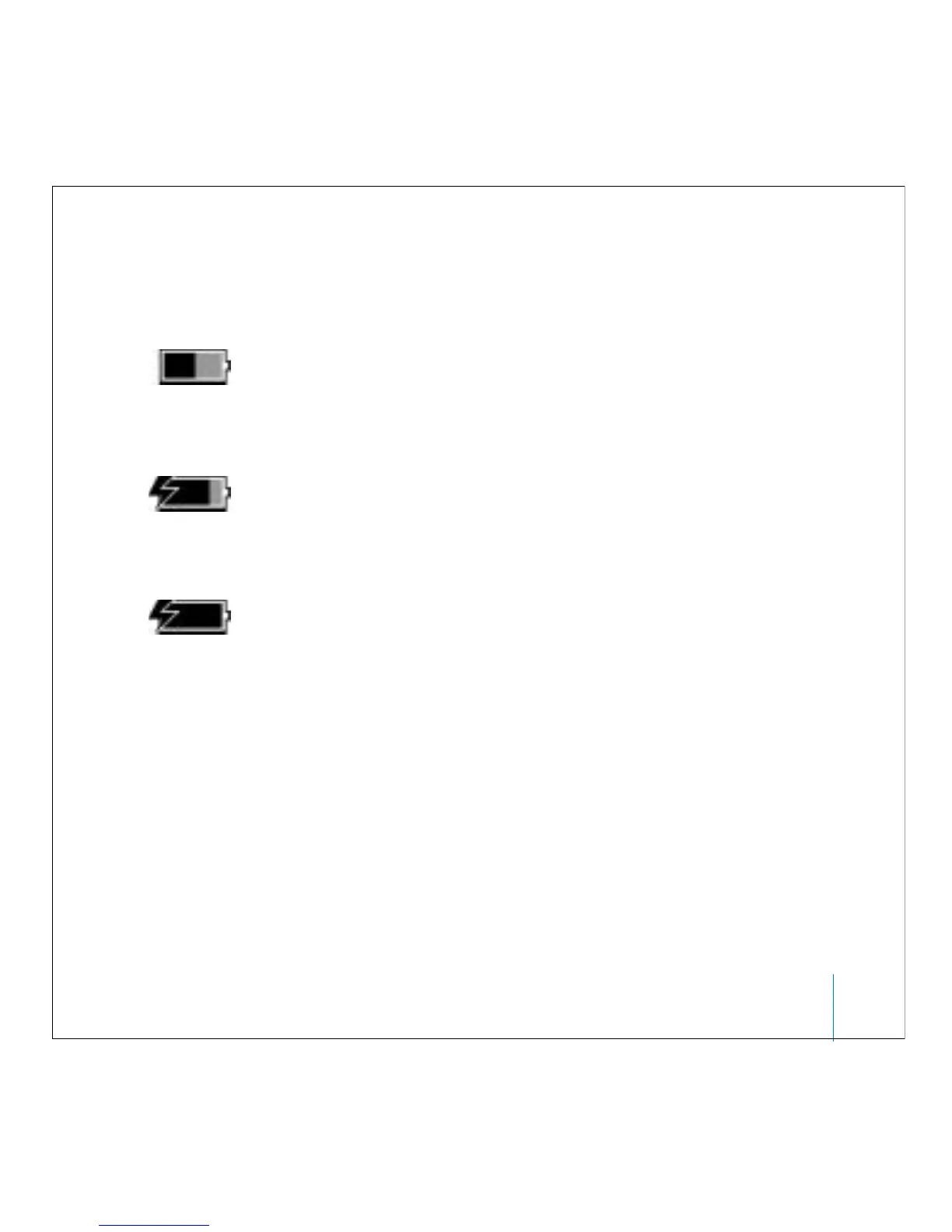
When iPod mini is not connected to a power source, a battery icon in the top-right
corner of the screen shows about how much charge is left.
If iPod mini is connected to a power source, the battery icon animates to show that the
battery is charging.
If you connect iPod mini to a power source and the battery icon does not animate, the
battery is fully charged.
You can disconnect and use iPod mini before it is fully charged.
Battery about
halfway charged
Battery charging
Battery fully charged
(if not animated)



 To Next Page