28
2
E-BOOK MODE
While under the main menu section use the arrow keys and scroll to your desired
mode, then click the MENU button once to enter into chosen Mode. To return to the
MAIN MENU, press and hold the MENU key down for a few seconds.
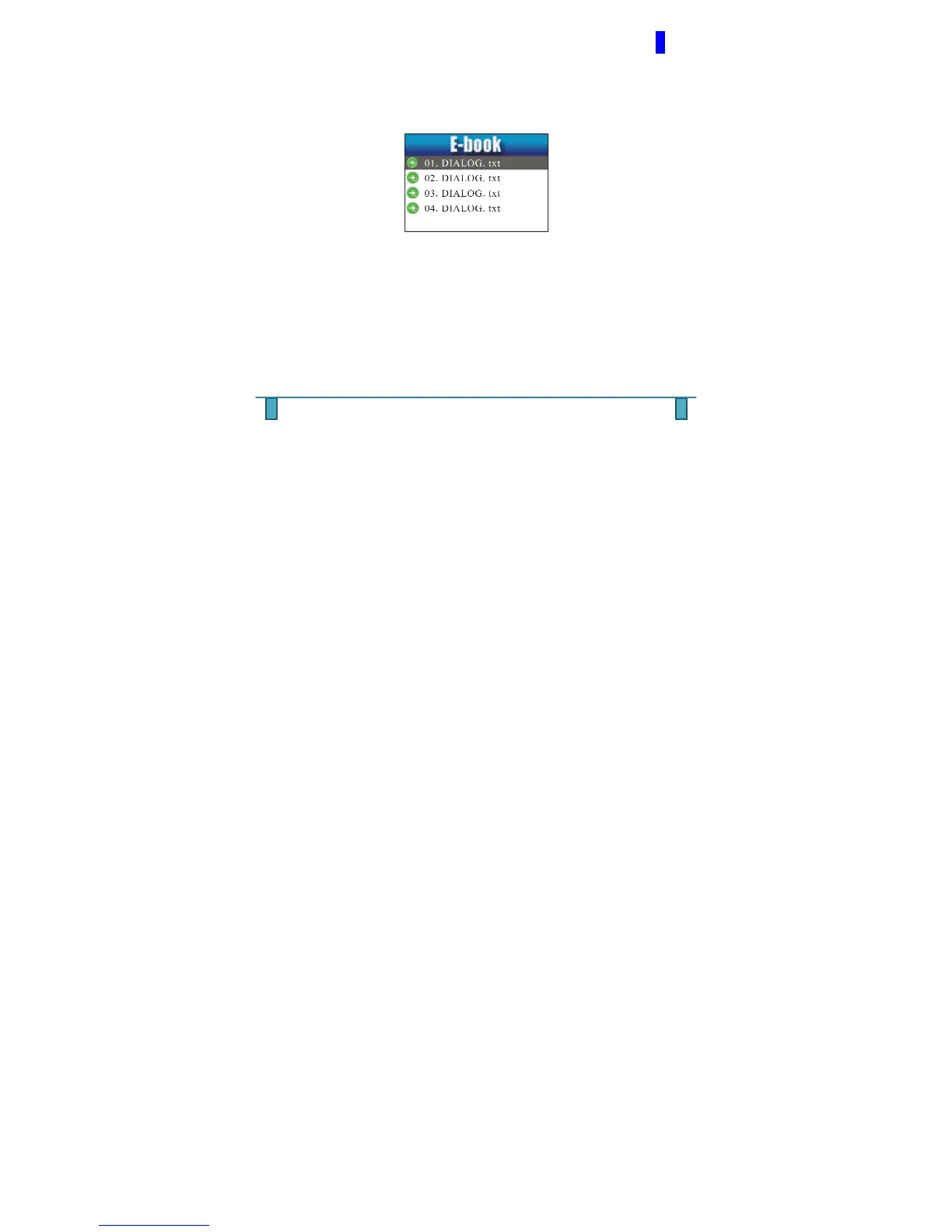
In this section you can view the .txt files in the MP4 player.
NOTE: This MP4 player does not read PDF Files.
Upon entering the E-BOOK MODE, you will see a list of photos available to view.
Clicking the MENU button again will take you a submenu containing the following
options. To choose any of the options below, press the MENU button again.



 To Next Page