38
3
After the 'space allocation' value is set, as shown below: Click ‘OK’ to restart.
After you have restarted, you will find two disk drives (but only one disk will be seen
on Windows 2000 SP4 or prior). Click the encrypted disk (the second one), you will
find three files, two are hidden, one is executable.
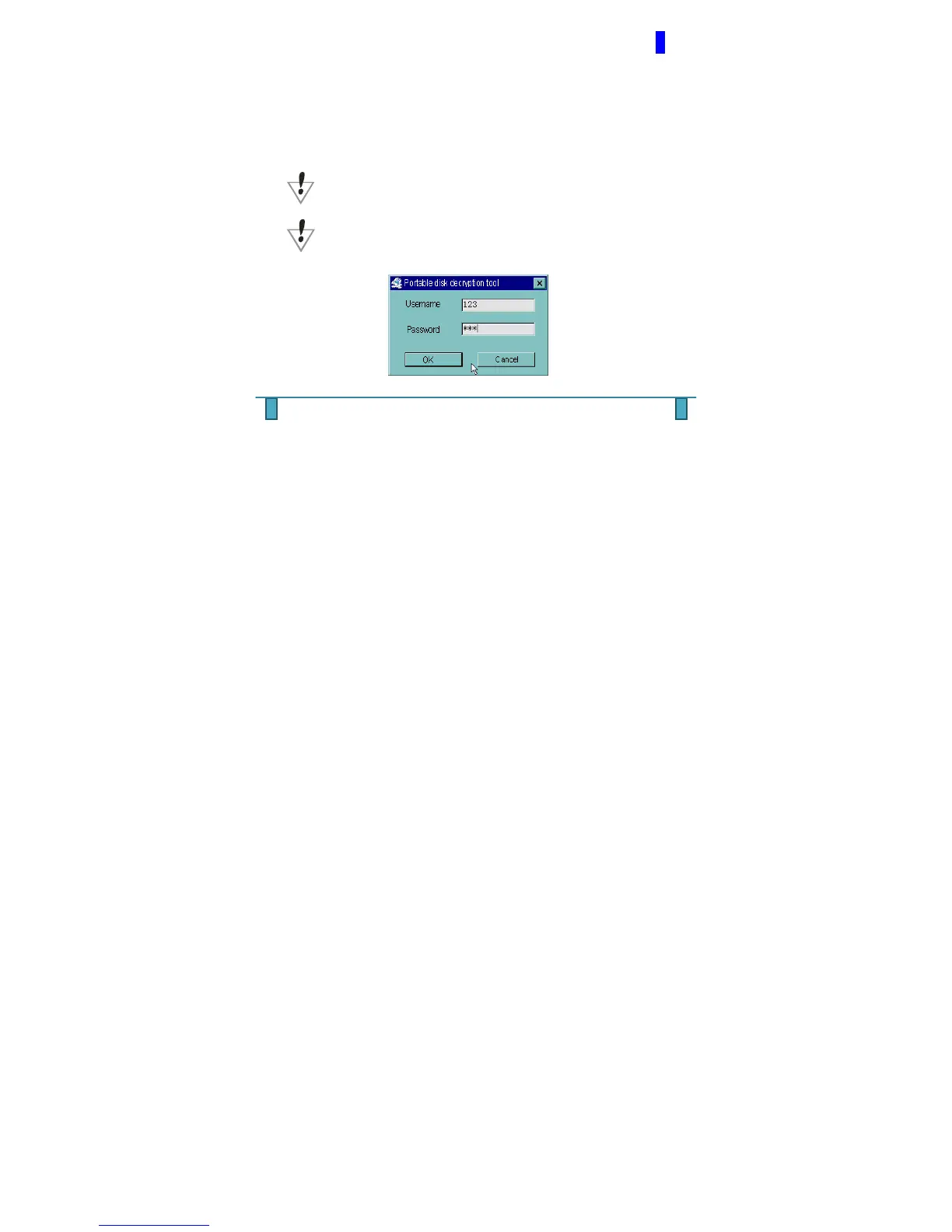
Run the executable file ‘RdiskDecrypt.exe’ and input your username and password. If
all are correct, the disk will be opened and files can be copied into it. You must enter
the username and password each time you wish to access the encrypted disk.
WARNING: Dividing (i.e. formatting) one disk into parts will remove
all data, and the same applies during the combining process.
WARNING: Please remember your username and password. If you forget it,
you can only make use of the combine process which will lose (i.e. format) all
encrypted data.



 To Next Page