3
9
Basics
You control iPod nano with quick gestures on the Multi-Touch screen, with buttons on the
top and side of iPod nano, and with controls on compatible accessories. You can customize
iPod nano with preference settings, and sync with your computer using iTunes. Learn how
to properly connect and disconnect iPod nano, and how to charge the battery and conserve
battery power.
Using Multi-Touch
The Multi-Touch screen and simple nger gestures make it easy to use iPod nano.
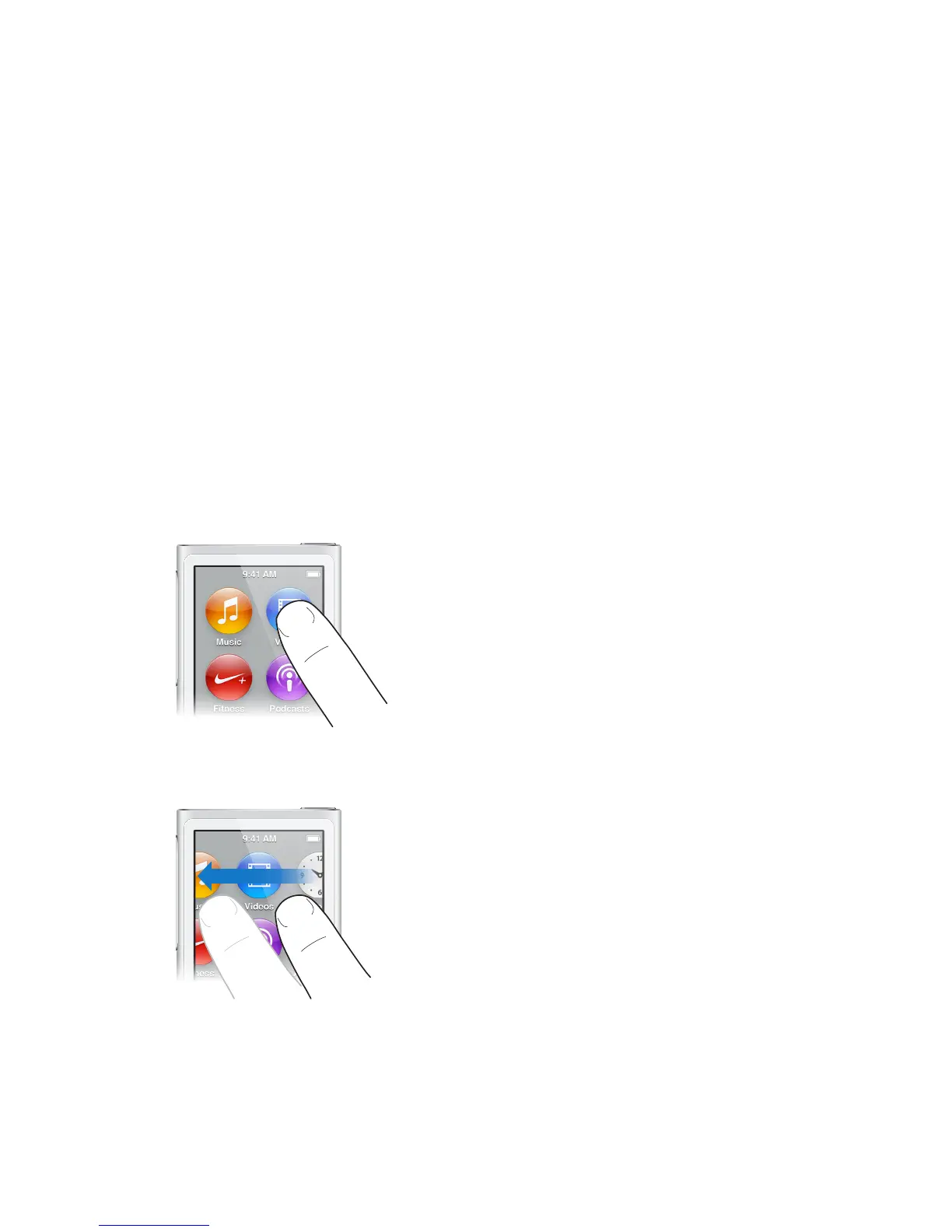
Tap and double-tap
Tap an icon to open it, or to select an item in a menu or list. You can tap a photo twice quickly
to zoom in, then double-tap again to quickly zoom out. When watching a video, double-tap to
change how the video ts the screen.
Swipe
Swipe sideways to move to the next or previous screen.



 To Next Page