Charging the Battery
You can charge the iPod nano battery in two ways:
Connect iPod nano to your computer.
•
Use the Apple USB Power Adapter, available separately.
•
To charge the battery using your computer:
Connect iPod nano to a USB 2.0 port on your computer. The computer must be turned B
on and not in sleep.
Important: If a “Charging, Please Wait” or “Connect to Power” message appears on the
iPod nano screen, the battery needs to be charged before iPod nano can communicate
with your computer. See “If iPod nano displays a “Connect to Power” message” on
page 66.
If you want to charge iPod nano when you’re away from your computer, you can
purchase the Apple USB Power Adapter.
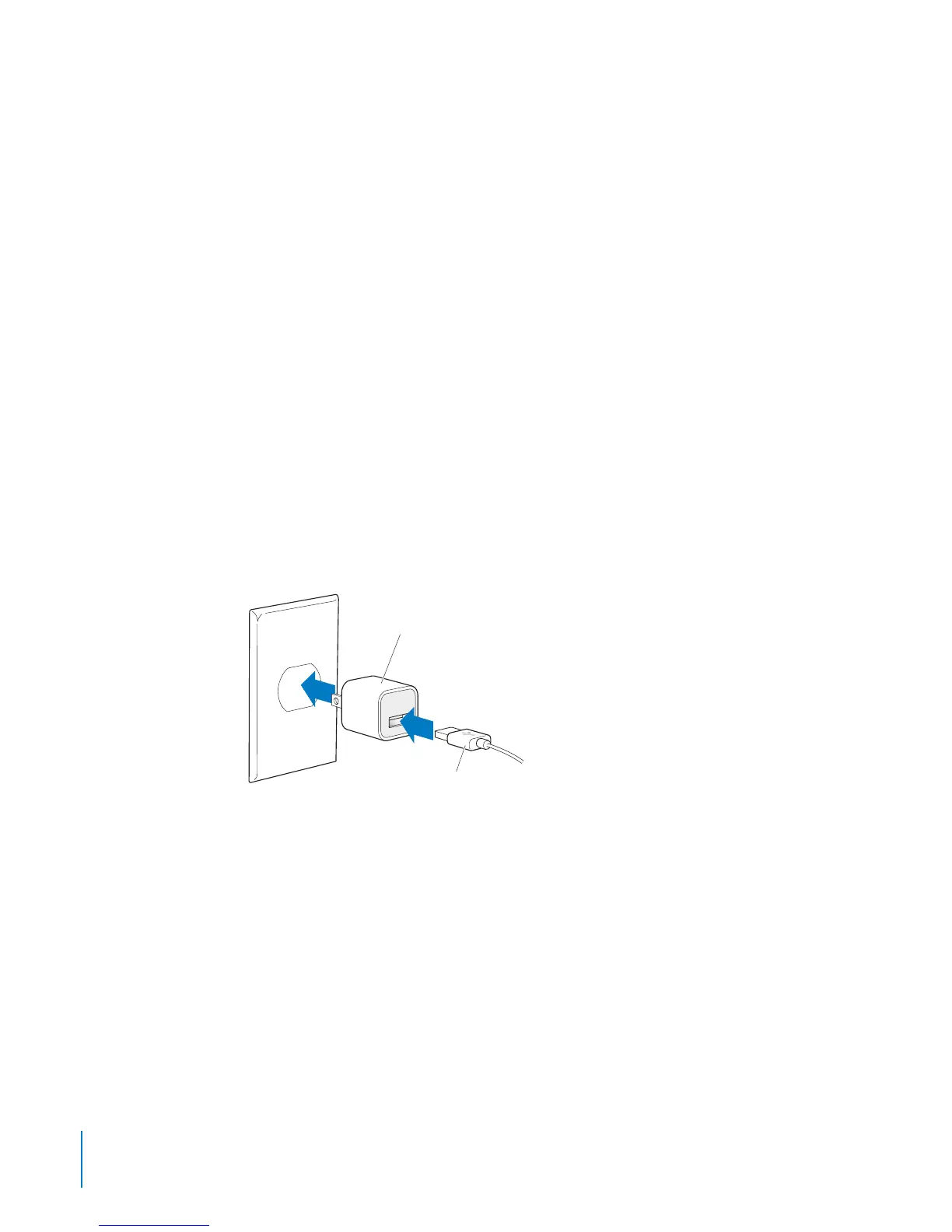
To charge the battery using the Apple USB Power Adapter:
1 Connect the Dock Connector to USB Cable to the Apple USB Power Adapter.
2 Connect the other end of the Dock Connector to USB Cable to iPod nano.
3 Plug the Apple USB Power Adapter into a working electrical outlet.
Apple USB Power Adapter
(your adapter may look different)
Dock Connector to USB Cable
16
Chapter 3 Basics



 To Next Page