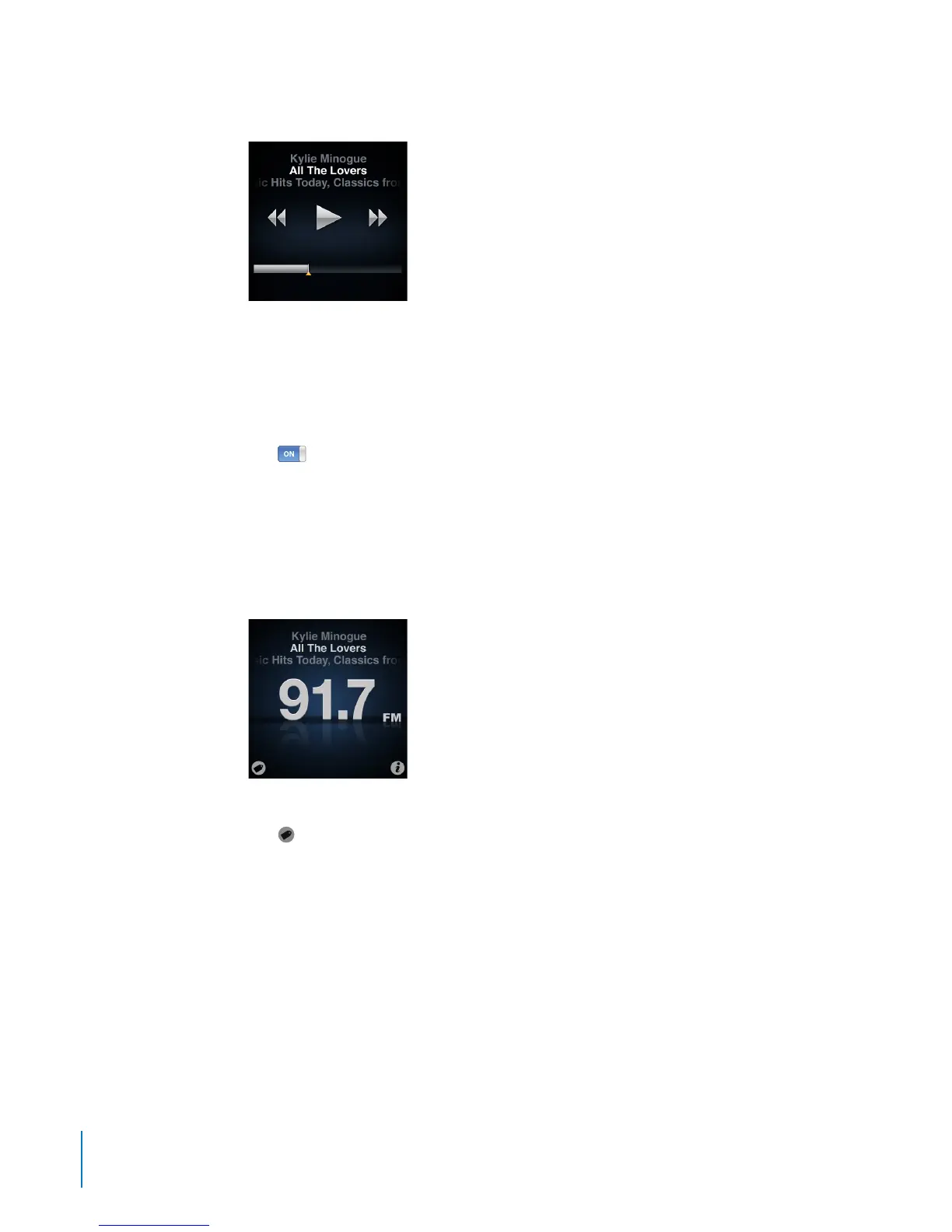
You can navigate paused radio only when the progress bar appears, not the radio tuner.
Live Pause uses some battery power. You can turn o Live Pause to conserve the battery.
To turn o Live Pause:
1 On the Home screen, tap Settings.
2 Tap General.
3 Tap
next to Live Pause, to turn it O.
Tagging Songs to Sync to iTunes
If a radio station supports iTunes Tagging, you can tag a song you hear, so you can
preview and purchase it later on the iTunes Store. Songs that can be tagged are
marked with a tag icon on the Now Playing screen.
To tag a song:
Tap B
in the lower-left corner of the Now Playing screen.
Your tagged songs appear in the Radio menu under Tagged Songs. The next time you
sync iPod nano to iTunes, your tagged songs are synced and removed from iPod nano.
They appear in iTunes, where you can preview and purchase them on the iTunes Store.
Note: This feature may not be available with all radio stations.
To preview and purchase tagged songs in iTunes:
1 Sync iPod nano with your computer.
2 On your computer, click Tagged below Store, on the left side of the iTunes window.
3 Click the View button for the song you want.
42
Chapter 6 FM Radio



 To Next Page