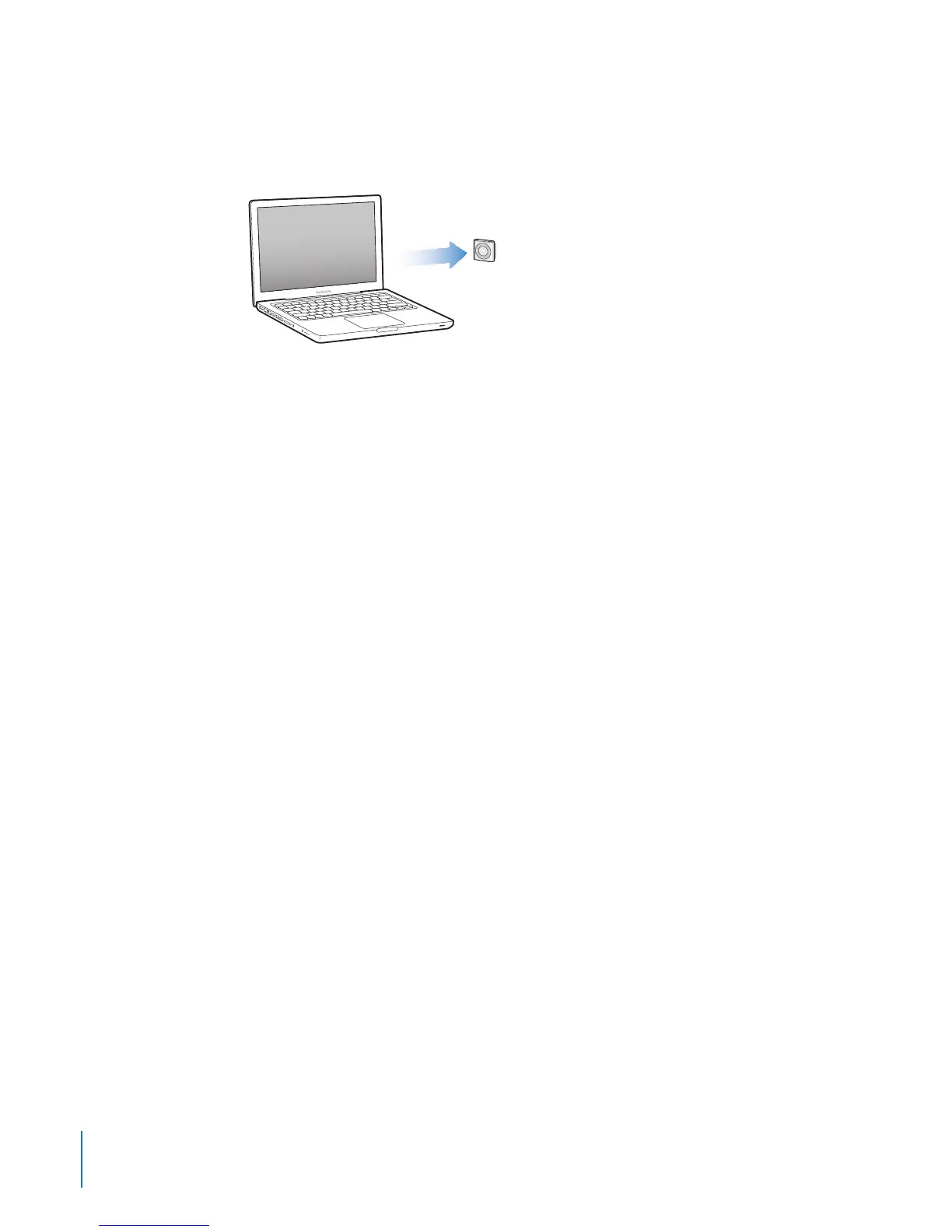
Adding Music to iPod shue
After your music is imported and organized in iTunes, you can easily add it to
iPod shue.
To manage how songs and other audio content are added to iPod shue from your
computer, you connect iPod shue to your computer, and then use iTunes preferences
to choose iPod shue settings.
Adding Content Automatically or Manually
You can set iTunes to add music to iPod shue in two ways:
Automatically syncing: When you connect iPod shue to your computer, iPod shue
is automatically updated to match the songs and other items in your iTunes library.
If Genius is turned on the rst time you sync iPod shue, iTunes uses up to four
Genius Mixes created from your iTunes library to ll iPod shue. If any free space
remains, iTunes syncs additional songs from your iTunes library. If Genius isn’t turned
on, iTunes syncs songs and playlists from your iTunes library to ll iPod shue.
Later, you can modify automatic syncing options to include selected playlists, artists,
albums, and genres. You can also automatically sync other audio, including podcasts,
audiobooks, and iTunes U collections. See the following sections for more information.
Manually managing music: When you connect iPod shue, you can drag individual
songs and playlists to iPod shue, and delete individual songs and playlists from
iPod shue. Using this option, you can add songs from more than one computer
without erasing songs from iPod shue. When you manage music manually,
you must always eject iPod shue from iTunes before you can disconnect it. See
“Managing iPod shue Manually” on page 20.
Syncing Music Automatically
By default, iPod shue is set to sync all songs and playlists when you connect it to
your computer. This is the simplest way to add audio content to iPod shue—you just
connect iPod shue to your computer, let it add songs, audiobooks, audio podcasts,
and iTunes U collections automatically, and then disconnect it and go. If you added
any songs to iTunes since the last time you connected iPod shue, they’re synced with
iPod shue as space allows. If you deleted songs from iTunes, they’re removed from
iPod shue.
16
Chapter 3 Setting Up iPod shue



 To Next Page