Basics
3
Using apps
The high-resolution Multi-Touch screen and simple nger gestures make it easy to use
iPod touch apps.
Opening and switching apps
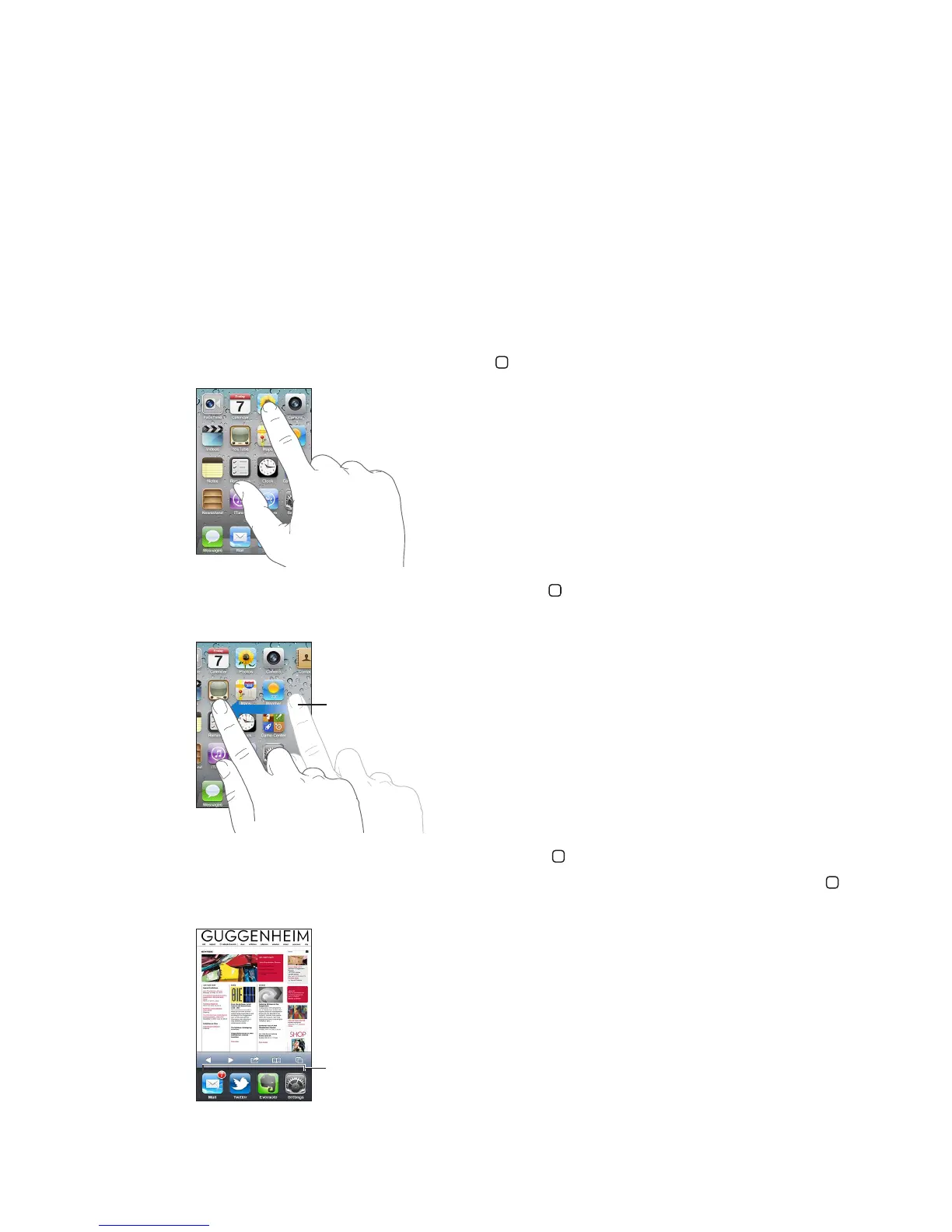
Open an app: Tap it. Press the Home button to see apps on the Home screen.
Return to the Home screen: Press the Home button .
See another Home screen: Flick left or right, or tap to the left or right of the row of dots.
Go to the rst Home screen: Press the Home button again.
View recently used apps (iPod touch 3rd generation or later): Double-click the Home button
to see the multitasking bar. Flick the bar left or right to see more apps.



 To Next Page