Notications
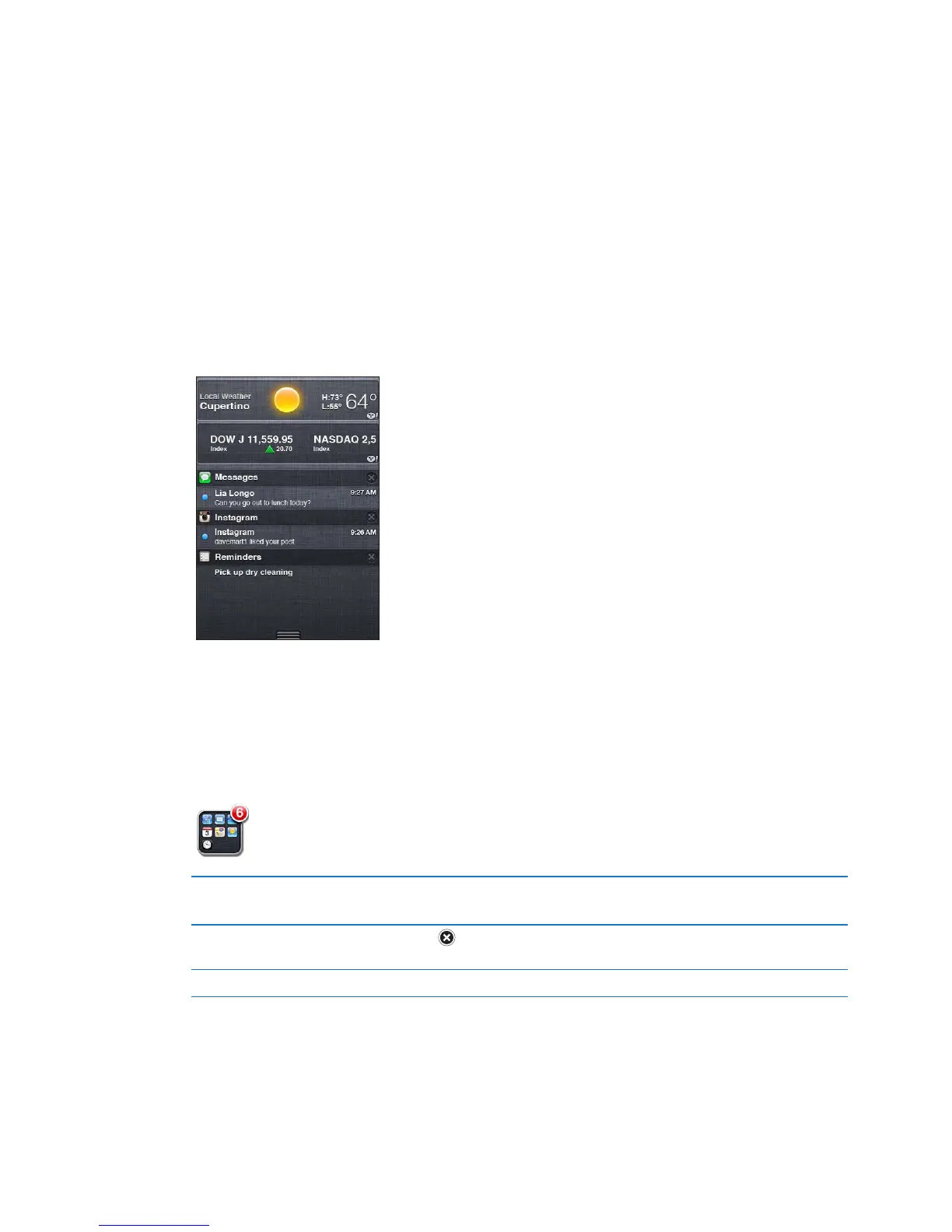
Notication Center displays all your alerts in one place, including alerts about:
New email Â
New text messages Â
Reminders Â
Calendar events Â
Friend requests (Game Center) Â
Weather Â
Stocks Â
Alerts appear on the lock screen, or briey at the top of the screen when you’re using iPod touch.
You can see all current alerts by revealing Notication Center.
Reveal Notication Center: Swipe down from the top of the screen.
Many apps, such as Messages, Mail, and the App Store, can display an alert badge on their Home
screen icon with a number (to indicate incoming items) or an exclamation mark (to indicate a
problem). If these apps are in a folder, the badge appears on the folder. A badge with a number
shows the total number of items you haven’t attended to, such as email messages, text
messages, and updated apps to download. A badge with an exclamation mark indicates a
problem with an app.
Respond to an alert Lock screen: Swipe the alert from left to right.
Notications Center: Tap the alert.
Remove an alert from
Notication Center
Tap
, then tap Clear.
Set options for notications Go to Settings > Notications.
29
Chapter 3 Basics



 To Next Page