Videos
5
About Videos
With iPod touch, you can view movies, music videos, and video podcasts from iTunes, and, if
they’re available in your area, TV shows.
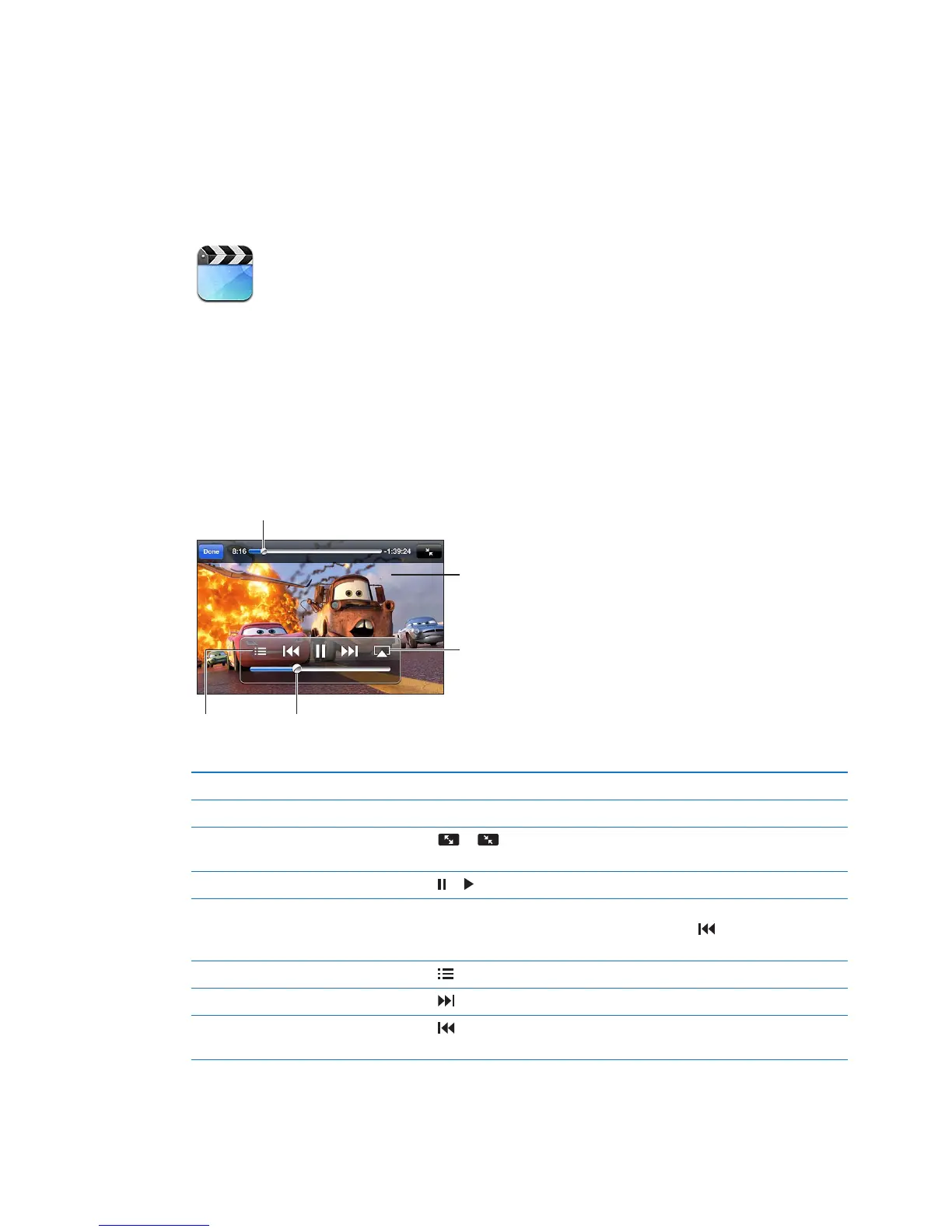
Playing videos
Play a video: Tap the video.
Show or hide the playback controls While a video is playing, tap the screen.
Adjust the volume
Drag the volume slider, or use the iPod touch volume buttons.
Scale a video to ll the screen or
t to the screen
Tap or . Or, double-tap the video.
Pause or resume playback Tap or .
Start over from the beginning If the video contains chapters, drag the playhead along the scrubber bar
all the way to the left. If there are no chapters, tap
. If you’re less than
5 seconds into the video, the previous video in your library opens.
Skip to a specic chapter Tap
, then choose a chapter. (Not always available.)
Skip to the next chapter Tap . (Not always available.)
Skip to the previous chapter Tap . If you’re less than 5 seconds into the video, the previous video in
your library opens. (Not always available.)
42



 To Next Page