Newsstand
14
About Newsstand
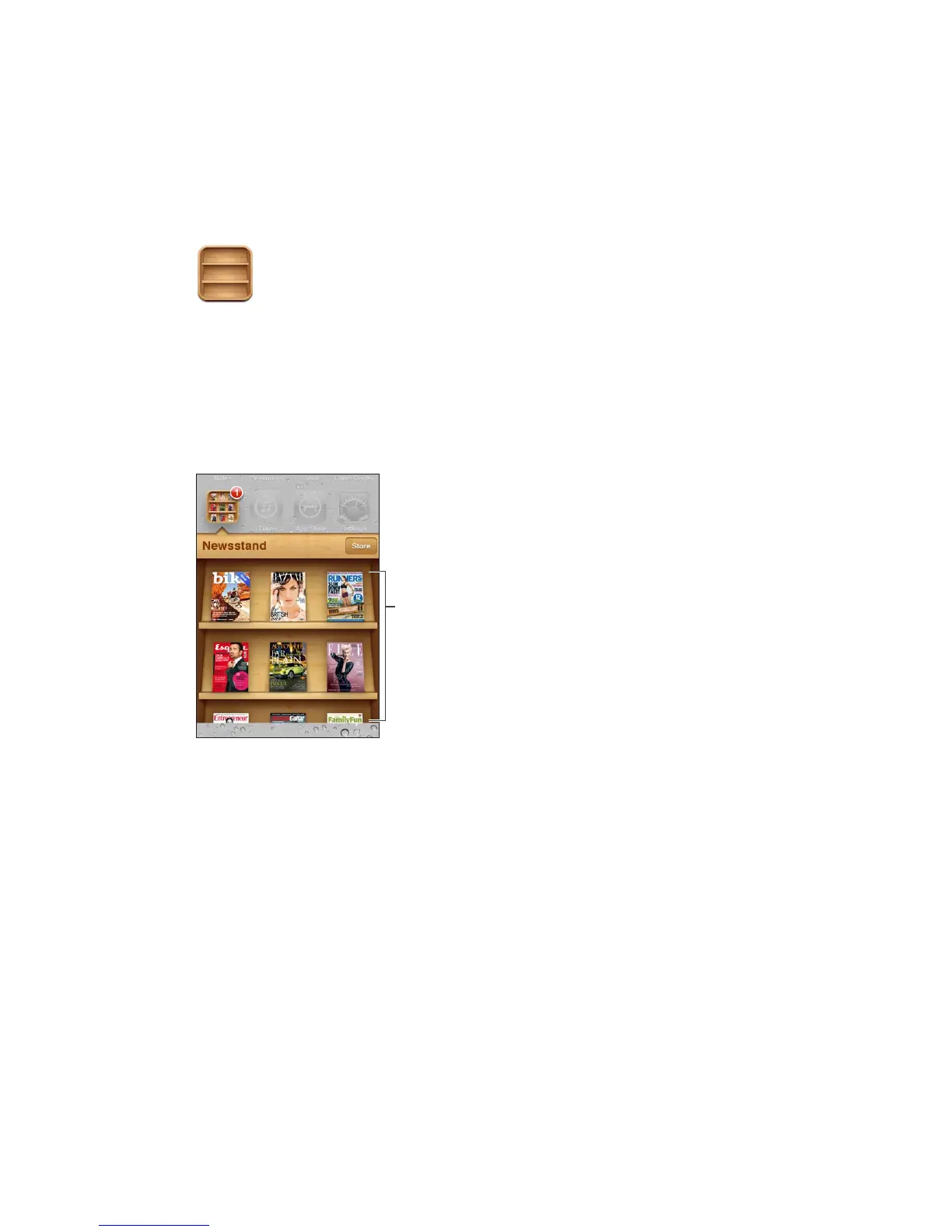
Newsstand organizes your magazine and newspaper app subscriptions with a shelf that lets you
access your publications quickly and easily. Newsstand apps appear on the shelf, and as new
issues become available, a badge lets you know they’re ready for reading. They’re delivered to
iPod touch automatically.
Find Newsstand apps: Tap Newsstand to reveal the shelf, then tap Store.
When you purchase a newsstand app, it’s added to your shelf for easy access. After the app is
downloaded, open it to view its issues and subscription options.
Subscriptions are In-App purchases, billed to your store account. See “Store settings” on page 99.
Pricing varies, and Newsstand apps may not be available in all areas.
Reading the latest issues
When a newspaper or magazine has a new issue, Newsstand downloads it when connected to
Wi-Fi and noties you by displaying a badge on the app icon. To start reading, open Newsstand,
and look for apps with a “New” banner.
Each app has its own method of managing issues. For information about how to delete, nd, or
work with individual issues, see the app’s help information or App Store listing. You can’t remove
a Newsstand app from the shelf, or put other types of apps on the shelf.
Turn o automatic downloads: Go to Settings > Store and turn automatic downloads o for
the publication.
72



 To Next Page