Weather
19
Getting weather information
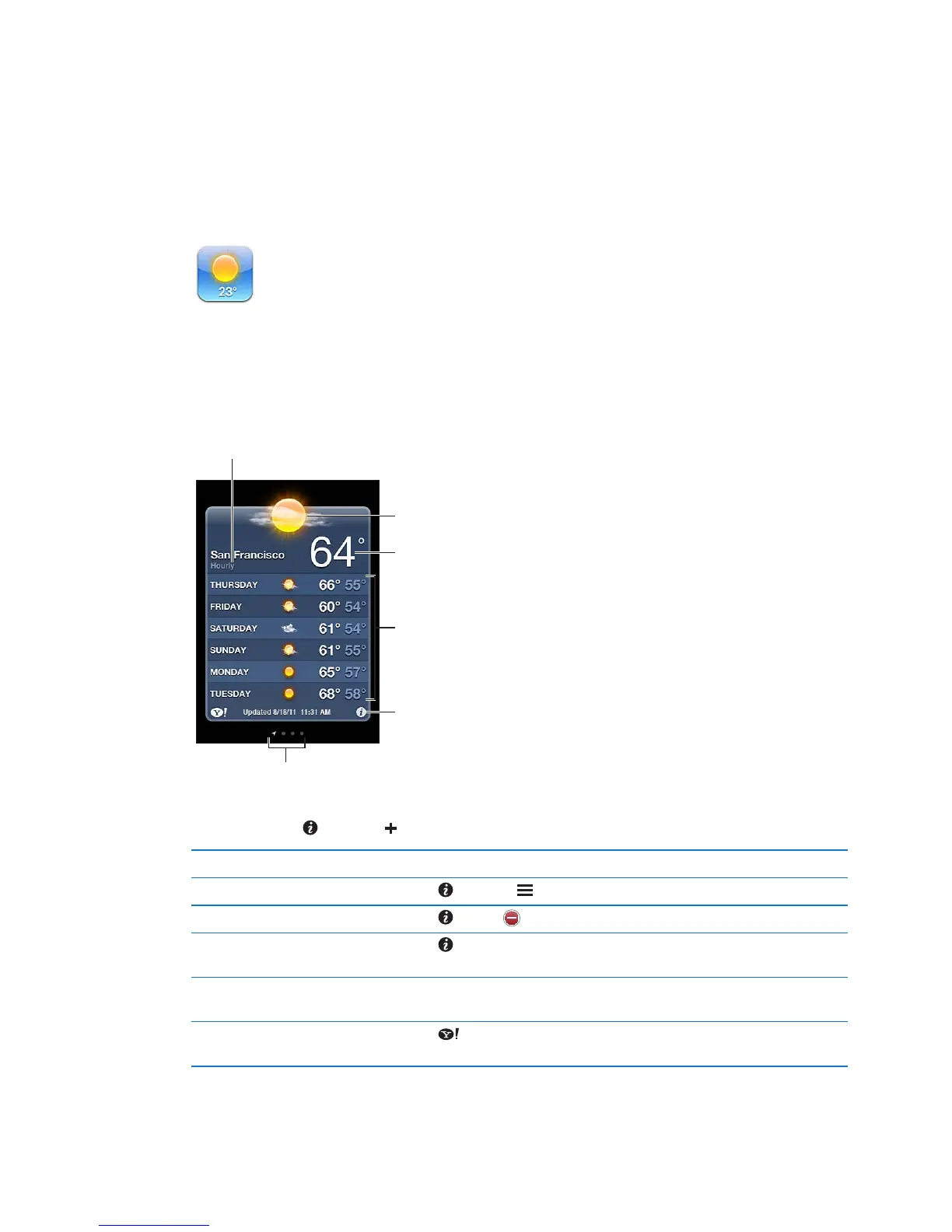
Tap Weather on the Home screen to get the current temperature and six-day forecast for one
or more cities around the world. To use Weather, iPod touch must join a Wi-Fi network that’s
connected to the Internet. See “Connecting to the Internet” on page 14.
If the weather board is light blue, it’s daytime in that city. If the board is dark purple, it’s nighttime.
Add a city: Tap , then tap . Enter a city or zip code, then tap Search.
Switch to another city Flick left or right.
Reorder cities Tap
, then drag up or down.
Delete a city Tap and tap , then tap Delete.
Display the temperature in
Fahrenheit or Celsius
Tap , then tap °F or °C.
Use iCloud to push your list of
cities to your other iOS devices
Go to Setting > iCloud > Document & Data, then turn on Documents & Data
(it’s on by default). See “iCloud
” on page 16.
See information about a city
at Yahoo.com
Tap
.
85



 To Next Page