Clock
21
About Clock
You can use Clock to check the time anywhere in the world, set an alarm, time an event, or set
a timer.
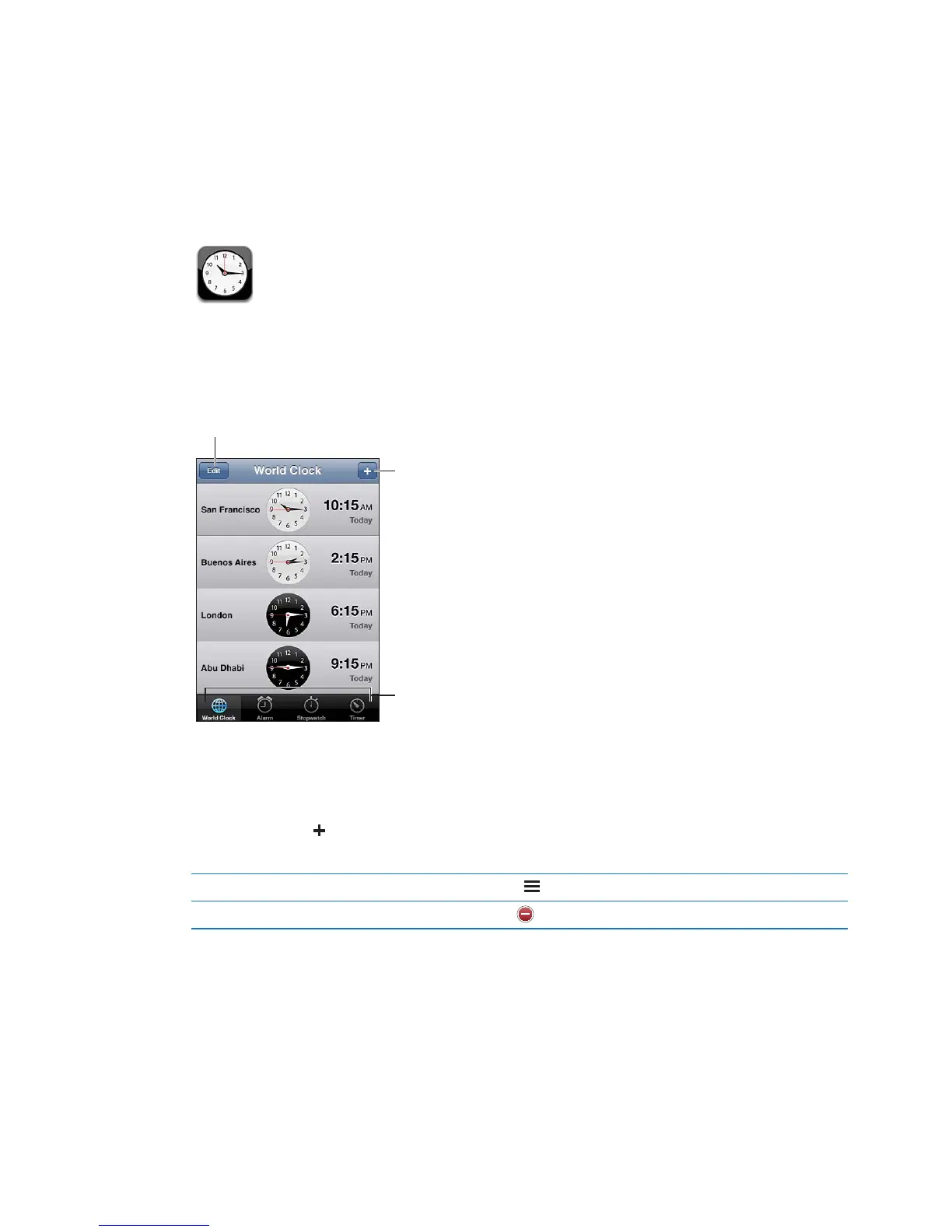
Setting world clocks
You can add clocks to show the time in other major cities and time zones around the world.
Add a clock: Tap , then type the name of a city. If you don’t see the city you’re looking for, try a
major city in the same time zone.
Rearrange clocks Tap Edit, then drag .
Delete a clock Tap Edit, then tap .
88



 To Next Page