14
Getting Started with iPod touch:
A guide for using iPod touch and iTunes for teaching and learning
Producing Podcasts with GarageBand
Creating a podcast with GarageBand is an excellent and easy way for you to create
content for students to use on iPod touch as well as for students to share what they’ve
learned with a real audience.
For example, you could create podcasts with test review information, science lab
instructions, or language exercises. Students could create a weekly podcast recap
of what they’ve studied for the week. This could be distributed to parents and the
general public as a way to showcase the quality work occurring in your classroom or
school. Students could create a podcast of poetry readings or book reports, providing
motivation for writing in the classroom. They could also publish summaries of science
projects or reports of school sporting events.
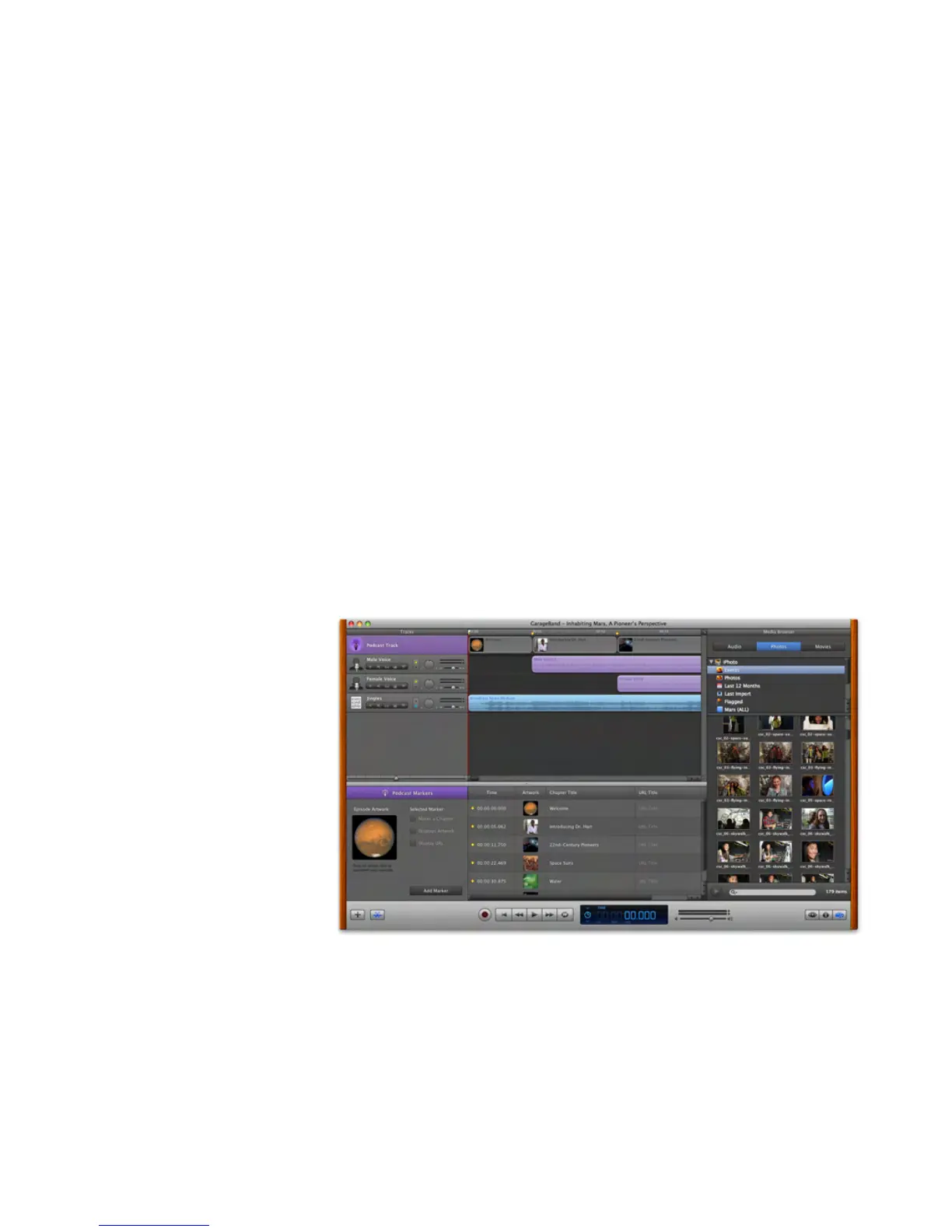
All it takes to create a podcast is GarageBand (included with iLife), a computer with
a built-in microphone, and your students’ creativity. To get started, students open a
newpodcastleinGarageBand.Theyclicksimplecontrolstostart,stop,andplayback
recording,thenaddsoundeects,jingles(shortmusicsnippetsdesignedforpodcast
use), and other music. GarageBand will automatically adjust the sound quality and
volume levels. Students can also create podcast artwork by adding photos or other
images from an iPhoto library. This can enhance the podcast and help to tell the story.
Students could even add hypertext links that send listeners to relevant websites.
Students can then publish the podcast to the iTunes Store, send their podcast episode
to iWeb and publish it on the Internet with a MobileMe account, or add it to a school
website.



 To Next Page