19
Getting Started with iPod touch:
A guide for using iPod touch and iTunes for teaching and learning
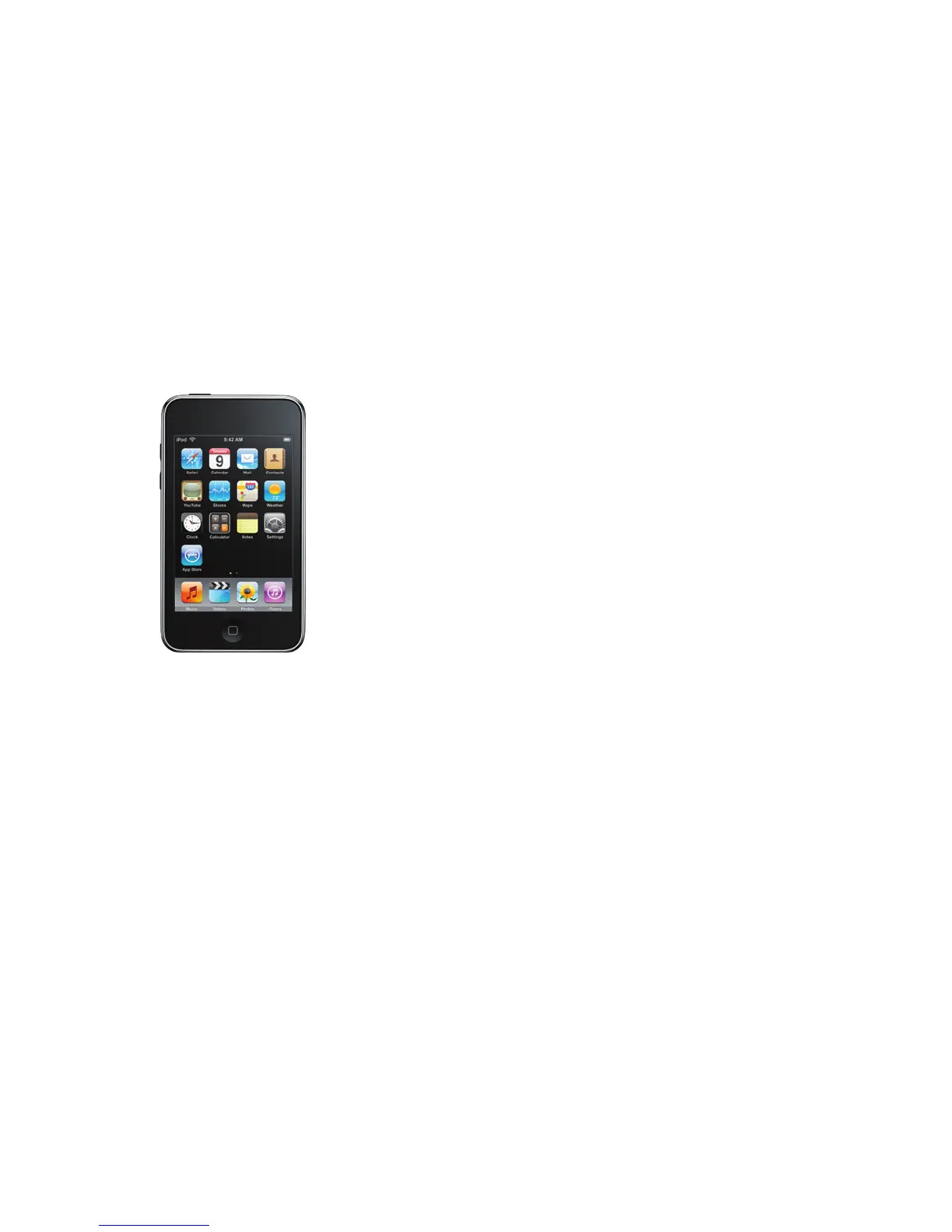
Using the Applications Included
with iPod touch
TheapplicationsthatcomewithiPodtouchoerasetofvaluableresourcesthat
support teaching and learning in the classroom. In addition to browsing the Internet
with Safari (as discussed in the previous chapter), students can listen to downloaded
audio and view video content, take notes, use a calculator, check email, create and sync
calendars, and more. This chapter provides an overview of many of these applications.
Music
By tapping Music on your iPod touch, you can access content that has been
downloaded from iTunes and iTunes U, including enhanced podcasts, audiobooks,
student voice recordings, famous speeches, songs, and more.
To browse your audio collection, tap Music, then tap Playlists, Artists, or Songs. Tap
More to browse Albums, Audiobooks, Compilations, Composers, Genres, or Podcasts.
Tap a title to play it.
Video
iPod touch allows you to view full motion video downloaded from iTunes, including
freeeducationmoviesiniTunesU,featurelms,TVshows,videopodcasts,and
instructional media. Also, iPod touch integrates seamlessly with iMovie, so student
productions can be viewed on the go.
To play a movie, tap Video, then tap the video you want to view. Videos play in
widescreen to take advantage of the full iPod touch display. To display the video
controls,tapthescreenonce;tapitagaintohidethecontrols.
Photos
With Photos on iPod touch, you can view photos and images transferred from your
computer or saved on iPod touch. They can be viewed in portrait or landscape mode
and as a slideshow. Photos can also be used for wallpaper on iPod touch.
Tap Photos to see the images available on iPod touch. Tap to display photo controls.
Double-tap an image to zoom in.



 To Next Page