25
Getting Started with iPod touch:
A guide for using iPod touch and iTunes for teaching and learning
Each iPod touch Is Synced with the Same Content
Another way to manage iPod touch devices in the classroom is to have them all synced
with the same content and applications from an iTunes Library. Syncing to multiple
devices can be done easily via the Apple iPod Learning Lab (sold separately). This
mobile lab makes it easy to manage iPod devices in the classroom and to share them
among multiple classrooms. The lab allows you to safely store and charge up to 40 iPod
devices and sync 20 at a time to one computer. With this scenario, students may check
outaniPodtouchforaspeciedamountoftime,suchasaclassperiod,ormayhave
an individual iPod touch assigned to them. (For more information, see “Mobile Learning
with the Apple iPod Learning Lab” later in this guide.)
Setting Up Student Groups and Accounts
Mac OS X is the current version of the Apple operating system. Mac OS X is a multiuser
system designed to create distinct spaces for each user’s work. With Mac OS X, each
computer has at least one “administrator” account used for installing software, changing
settings, and setting up additional user accounts. Each user account has its own iTunes
library,aswellasaDocumentsfolderandotherfolderssetuptostoredierenttypesof
les.
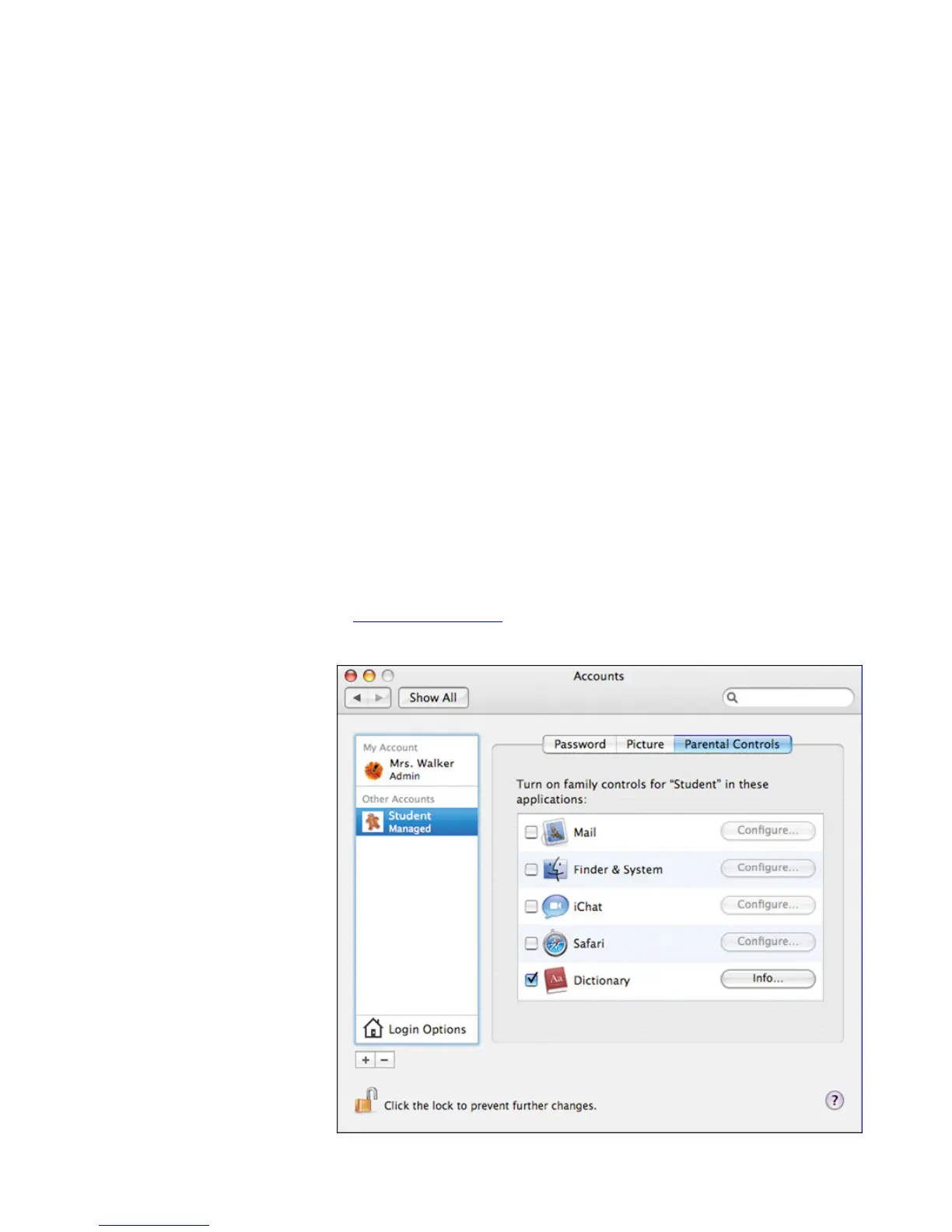
Once a user account is set up on a computer, the person using that account logs in as
thatuserandcanonlyseethatuser’sles.AccountsaresetupfromtheAccountspane
of System Preferences. (Open System Preferences, then click Accounts. An administrator
clicks the plus sign to add a new user account.) To learn more, choose Help > System
Preferences Help when System Preferences is open or go to the Mac OS X Support site
at www.apple.com/support.Thefollowingsectionsdescribedierentwaysyoumight
want to set up the student user accounts on a Mac for use with iPod touch devices.



 To Next Page