27
Getting Started with iPod touch:
A guide for using iPod touch and iTunes for teaching and learning
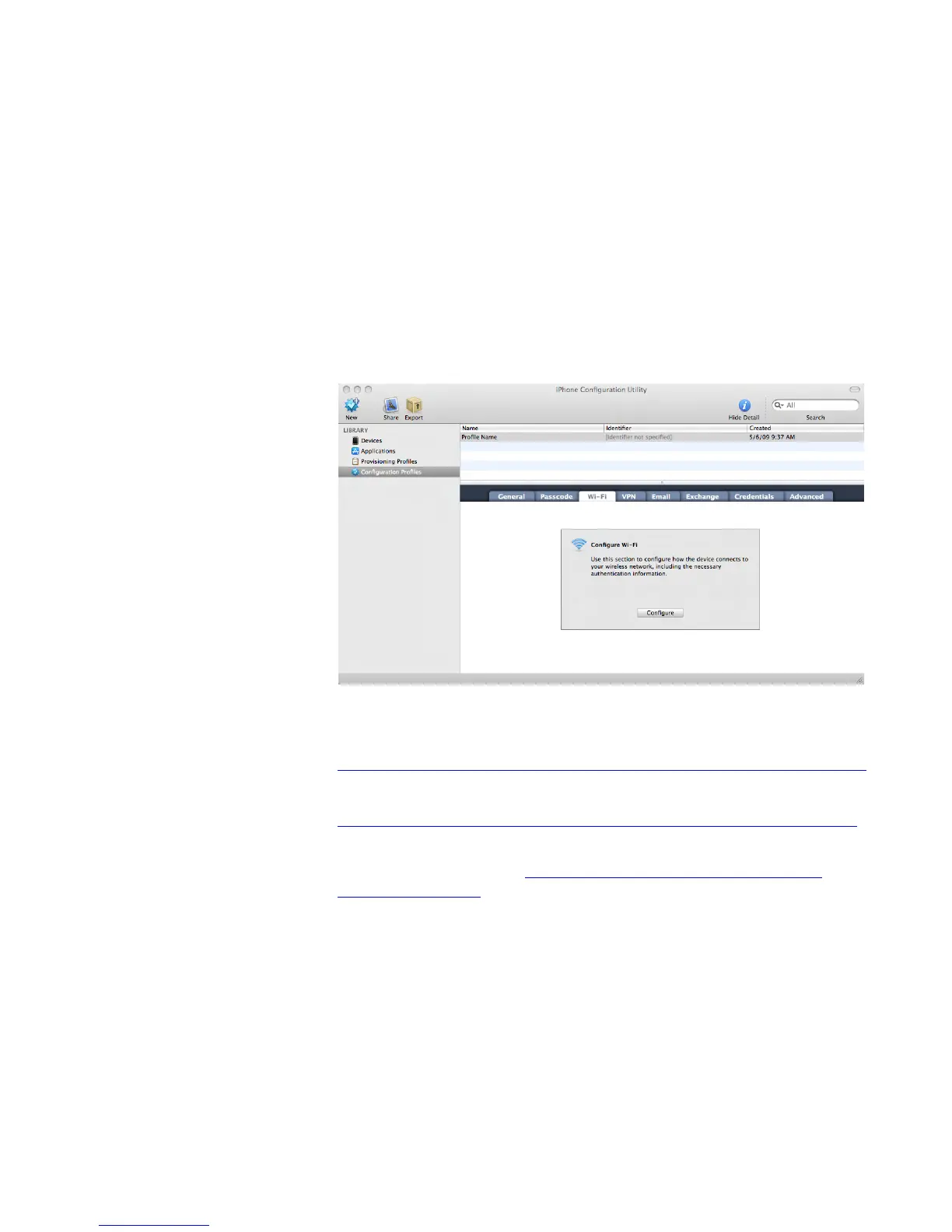
UsingiPhoneCongurationUtilitytoSetUpiPodtouch
EnteringsettingsonmultipleiPodtouchdevicescanbesimpliedwiththeuseof
iPhoneCongurationUtility,anapplicationavailableforfreedownloadfromApple
for both Mac OS X and Windows platforms. This application can be used to create
congurationprolesforiPodtouchspecictoyourschoolenvironment.Conguration
prolesareXMLlesthat,wheninstalled,provideinformationthatiPodtouchcanuse
toconnecttoandcommunicatewithyourschoolsystems.Theprolescaninclude
Internet wireless settings, email settings, restrictions to control the installation of
third-party applications and explicit content on iTunes Wi-Fi Music Store, and more.
Instead of entering settings on each iPod touch device, those settings are installed by
connecting to a webpage or by opening an email on the iPod touch.
TodownloadiPhoneCongurationUtility,goto:
• iPhoneCongurationUtilityforMacOSX
http://support.apple.com/downloads/iPhone_Conguration_Utility_1_1_for_Mac_OS_X
• iPhoneCongurationUtilityforWindows
http://support.apple.com/downloads/iPhone_Conguration_Utility_1_1_for_Windows
FormoreinformationaboutusingiPhoneCongurationUtility,seetheEnterprise
Deployment Guide, available at: http://manuals.info.apple.com/en_US/Enterprise_
Deployment_Guide.pdf.
Keeping Track of Student iPod touch Devices
One of the powerful aspects of iPod touch is that it is a mobile learning tool. Like
textbooks, notebook computers, and other learning tools that may go to and from
school with students, you probably will want to asset tag the iPod touch devices using
the same type of asset tags or barcodes you do for other items. If the library manages
them, you can use the same checkout system used for library materials.



 To Next Page