38
Getting Started with iPod touch:
A guide for using iPod touch and iTunes for teaching and learning
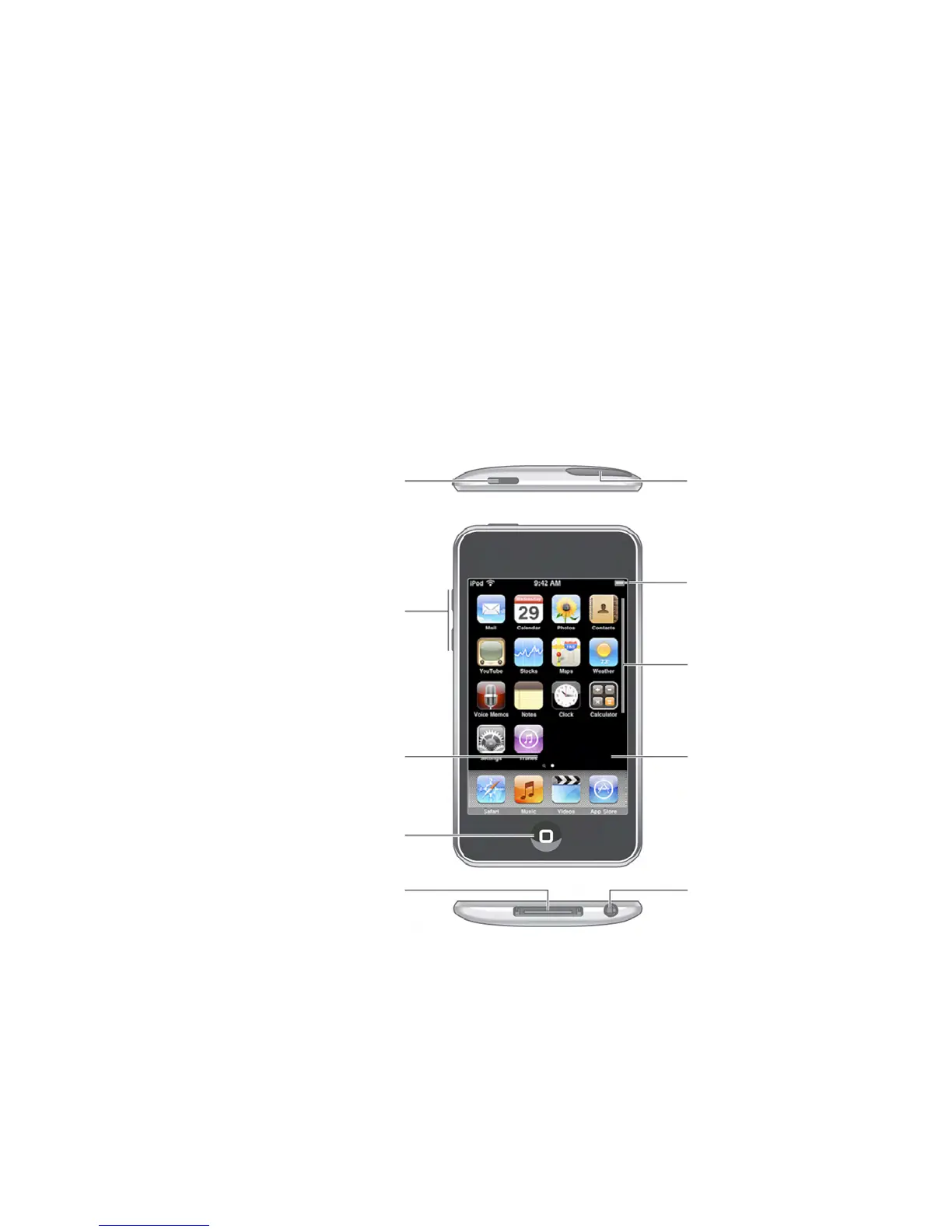
Wi-Fi antenna
Status bar
Application
icons
Touchscreen
Headphones
port
Appendix: iPod touch 101
This appendix provides some of the basics for how to use iPod touch. You can refer to
this information when you demonstrate iPod touch to your class.
iPod touch at a Glance
Wi-Fi antenna
iPod touch connects to the Internet via Wi-Fi networks if a network is available and
Wi-Fi is turned on in iPod touch Settings for Wi-Fi.
Sleep/Wake
button
Volume
buttons
Internal
speaker
Home
button
Dock
connector



 To Next Page