Managing Videos
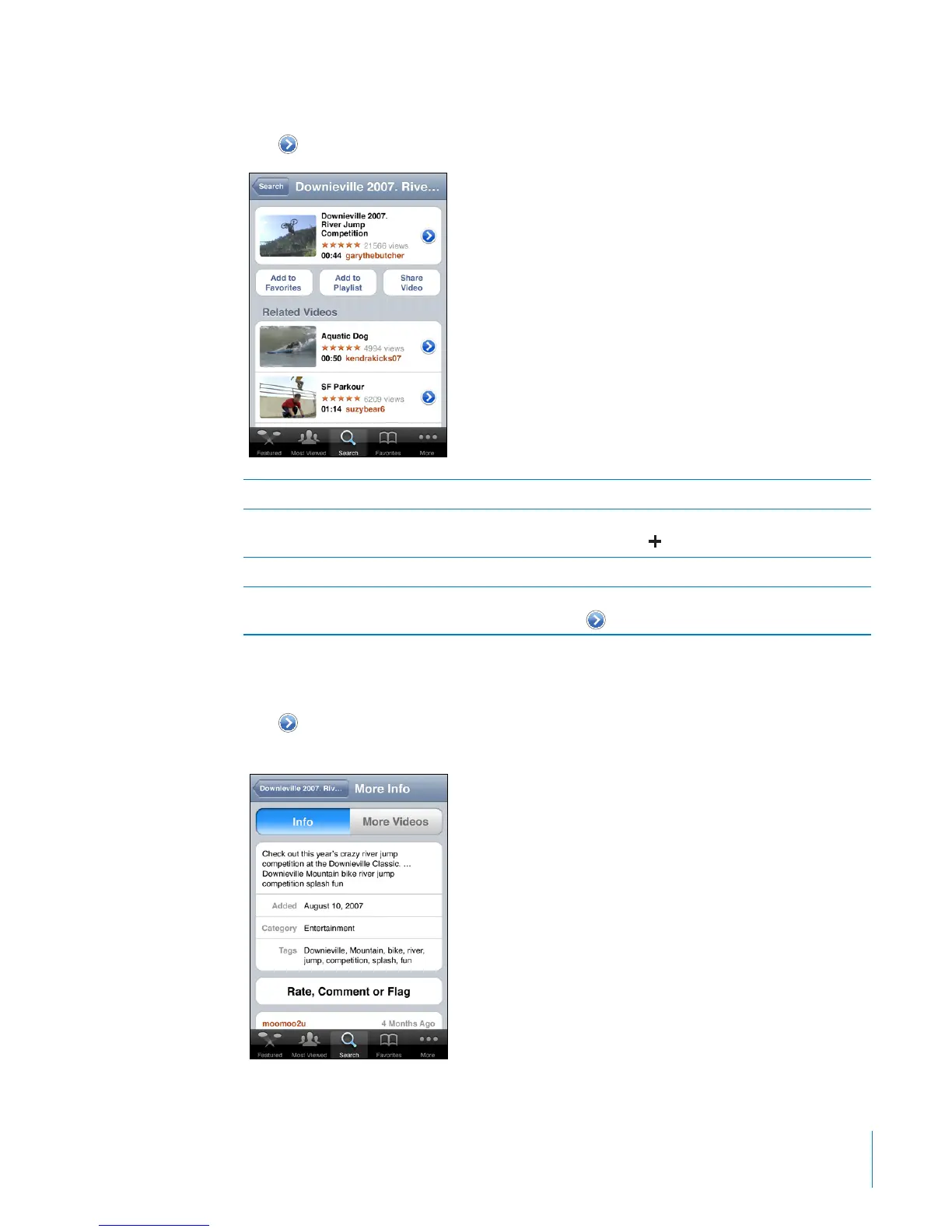
Tap next to a video to see related videos and more controls for managing videos.
Add the video to Favorites Tap “Add to Favorites.”
Add the video to a playlist Tap “Add to Playlist,” then select an existing
playlist or tap
to create a new playlist.
Email a link to the video Tap Share Video.
Browse and view related videos Tap a video in the list of related videos to view, or
tap
next to a video for more information.
Getting More Information
Tap next to the video to show the video’s comments, description, date added, and
other information.
11 3
Chapter 13 YouTube



 To Next Page