Browsing and Searching
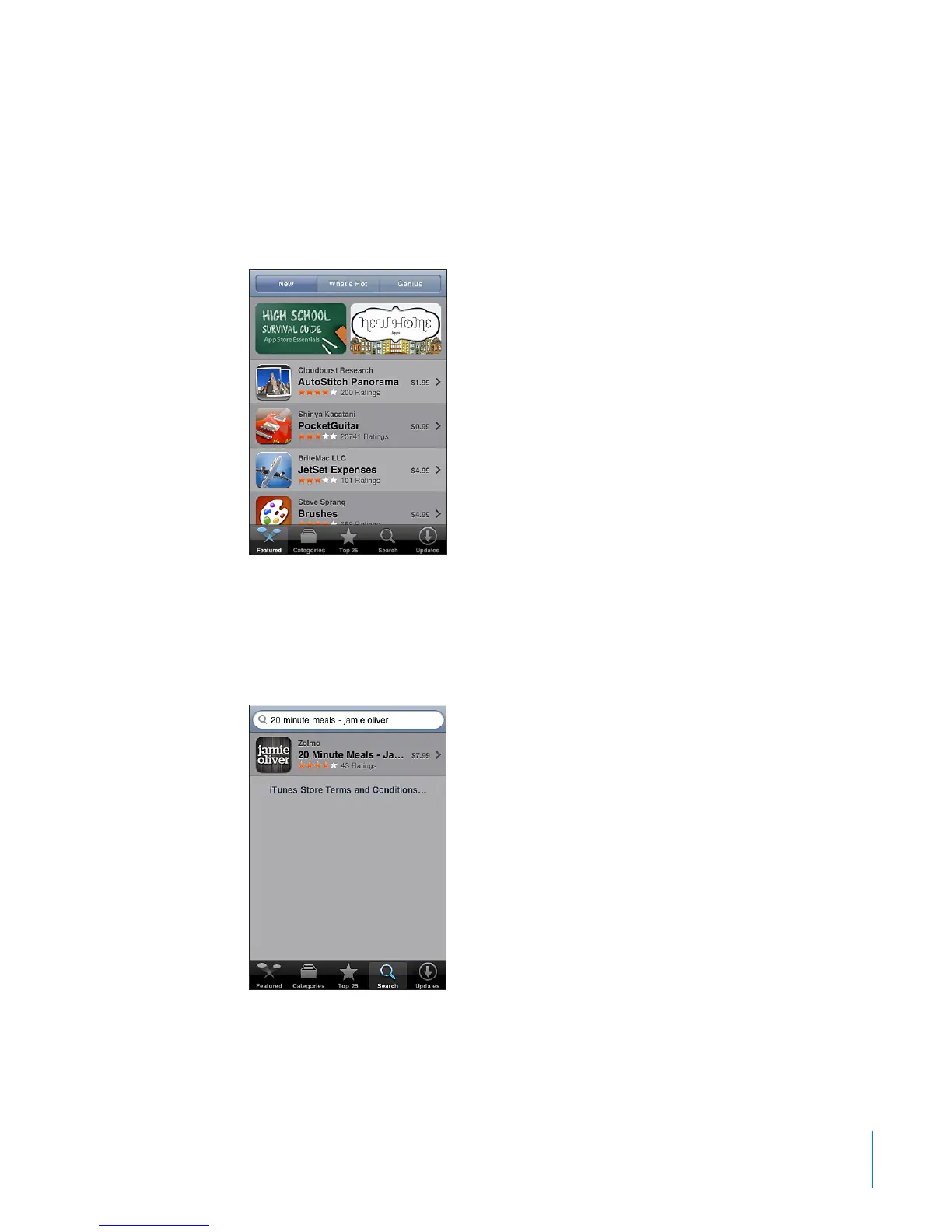
Browse the featured selections to see new, notable, or recommended apps, or browse
Top 25 to see the most popular apps. If you’re looking for a specic app, use Search.
Browse apps: Tap Featured, Categories, or Top 25. Choose a category, or choose a sort
method at the top of the screen to browse by lists such as New, What’s Hot, Genius,
Top Paid, or Top Free.
Browse using Genius: Tap Genius to see a list of recommended apps based on what’s
already in your app collection. To turn Genius on, follow the onscreen instructions.
Genius is a free service, but it requires an Apple account.
Search for apps: Tap Search, tap the search eld and enter one or more words, then
tap Search.
149
Chapter 22 App Store



 To Next Page