Basics
3
Using Apps
The high-resolution Multi-Touch screen and simple nger gestures make it easy to use
iPod touch apps.
Opening and Switching Apps
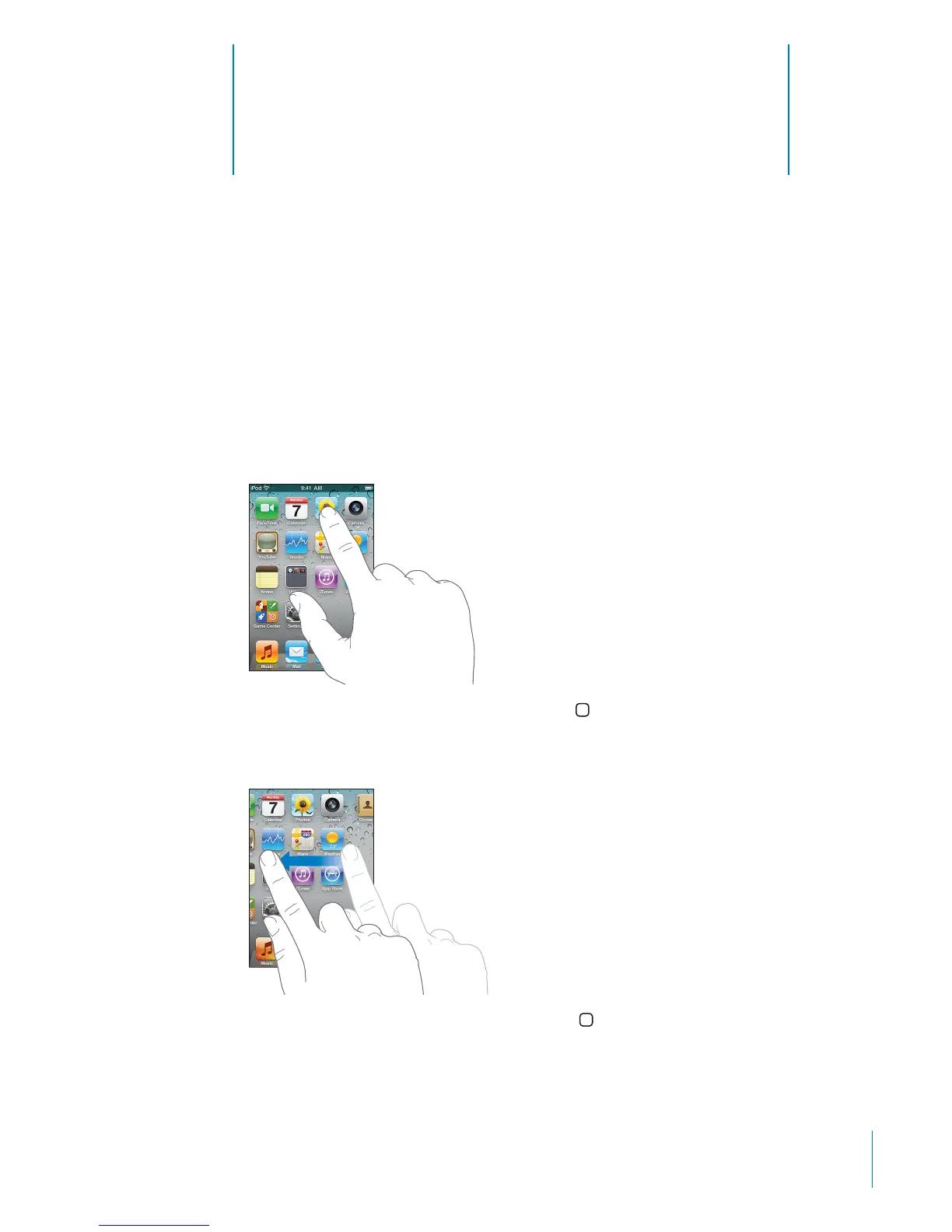
You open an app on iPod touch by tapping its icon on the Home screen.
Return to the Home screen: Press the Home button below the display.
Switch to another Home screen: Flick left or right, or tap to the left or right of the
row of dots.
Go to the rst Home screen: Press the Home button.
On iPod touch 3rd generation or later, you can quickly switch between the apps you’re
using; multitasking also allows certain apps to run in the background.
23



 To Next Page