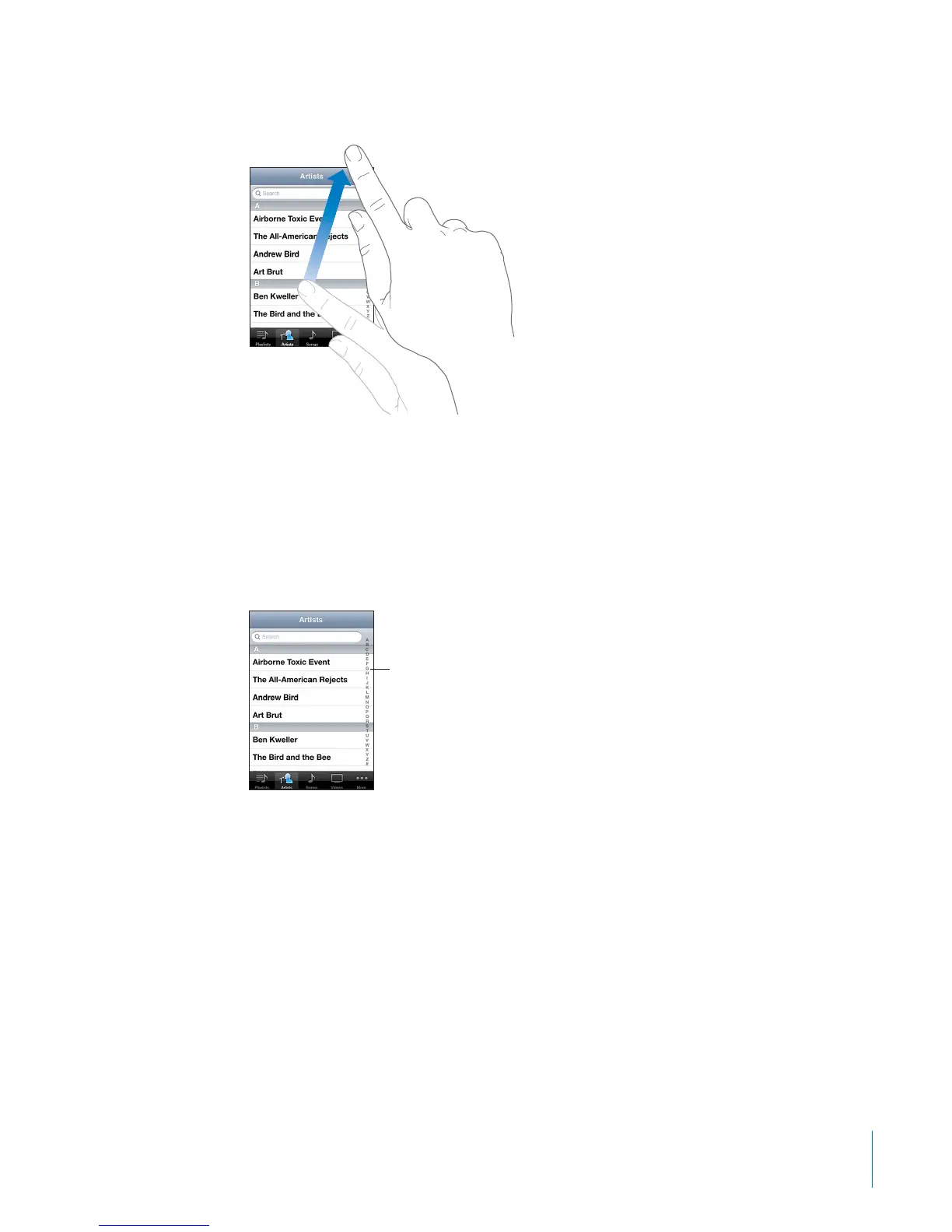
Flick to scroll quickly.
You can wait for the scrolling to come to a stop, or touch anywhere on the screen
to stop it immediately. Touching the screen to stop scrolling won’t choose or
activate anything.
To quickly scroll to the top of a list, webpage, or email, just tap the status bar.
Find items in an indexed list: Tap a letter to jump to items starting with that letter.
Drag your nger along the index to scroll quickly through the list.
Index
Choose an item: Tap an item in the list.
Depending on the list, tapping an item can do dierent things—for example, it may
open a new list, play a song, open an email, or show someone’s contact information.
25
Chapter 3 Basics



 To Next Page