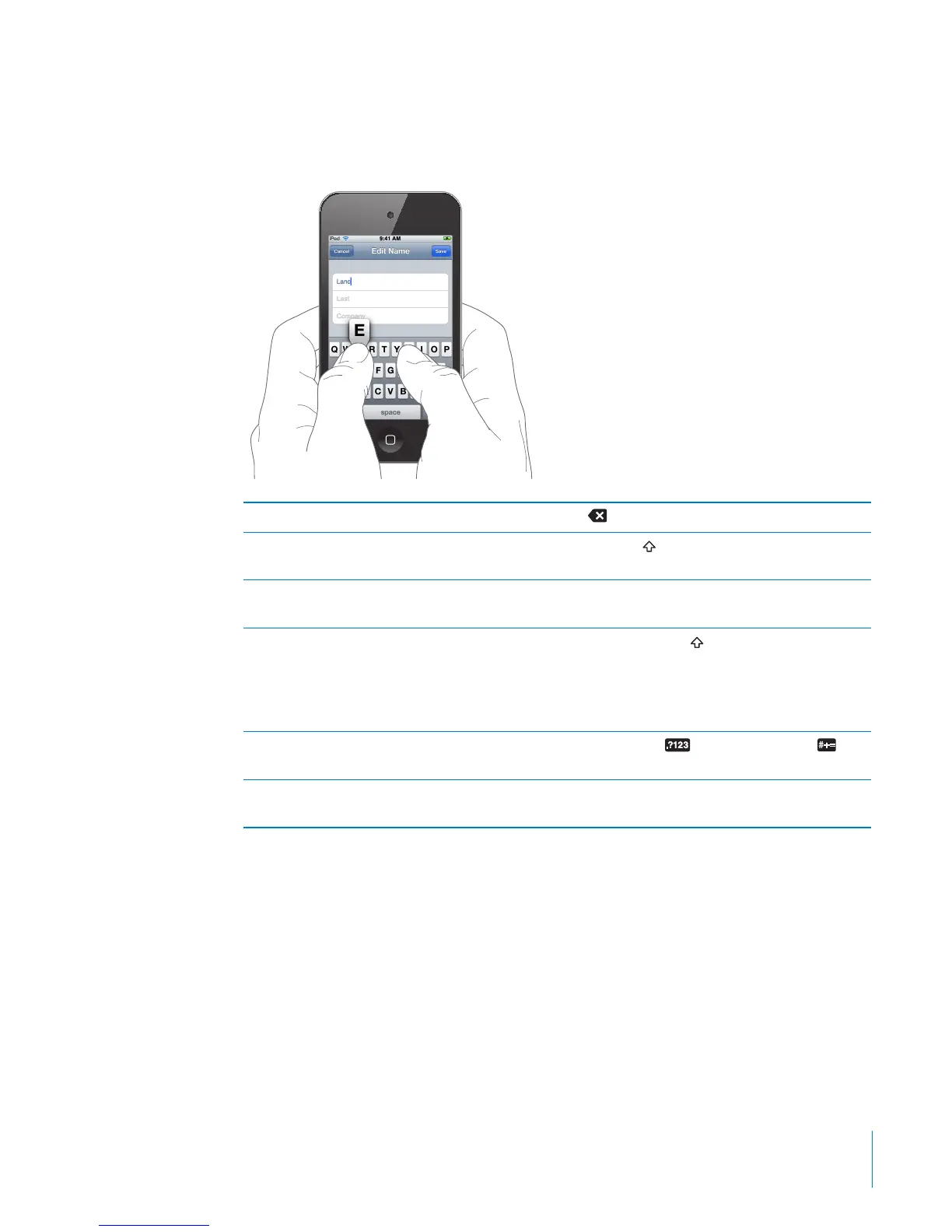
As you type, each letter appears above your thumb or nger. If you touch the wrong
key, you can slide your nger to the correct key. The letter isn’t entered until you
release your nger from the key.
Delete the previous character Tap
Type uppercase Tap the Shift key before tapping a letter. Or
touch and hold the Shift key, then slide to a letter.
Quickly type a period and space Double-tap the space bar. (You can turn this
feature on or o in Settings > General > Keyboard.)
Turn caps lock on Double-tap the Shift
key. The Shift key turns
blue, and all letters you type are uppercase.
Tap the Shift key again to turn caps lock o.
(You can turn this feature on or o in Settings >
General > Keyboard.)
Show numbers, punctuation, or symbols Tap the Number
key. Tap the Symbol key
to see additional punctuation and symbols.
Type letters or symbols that aren’t on the
keyboard
Touch and hold the related letter or symbol, then
slide to choose a variation.
31
Chapter 3 Basics



 To Next Page