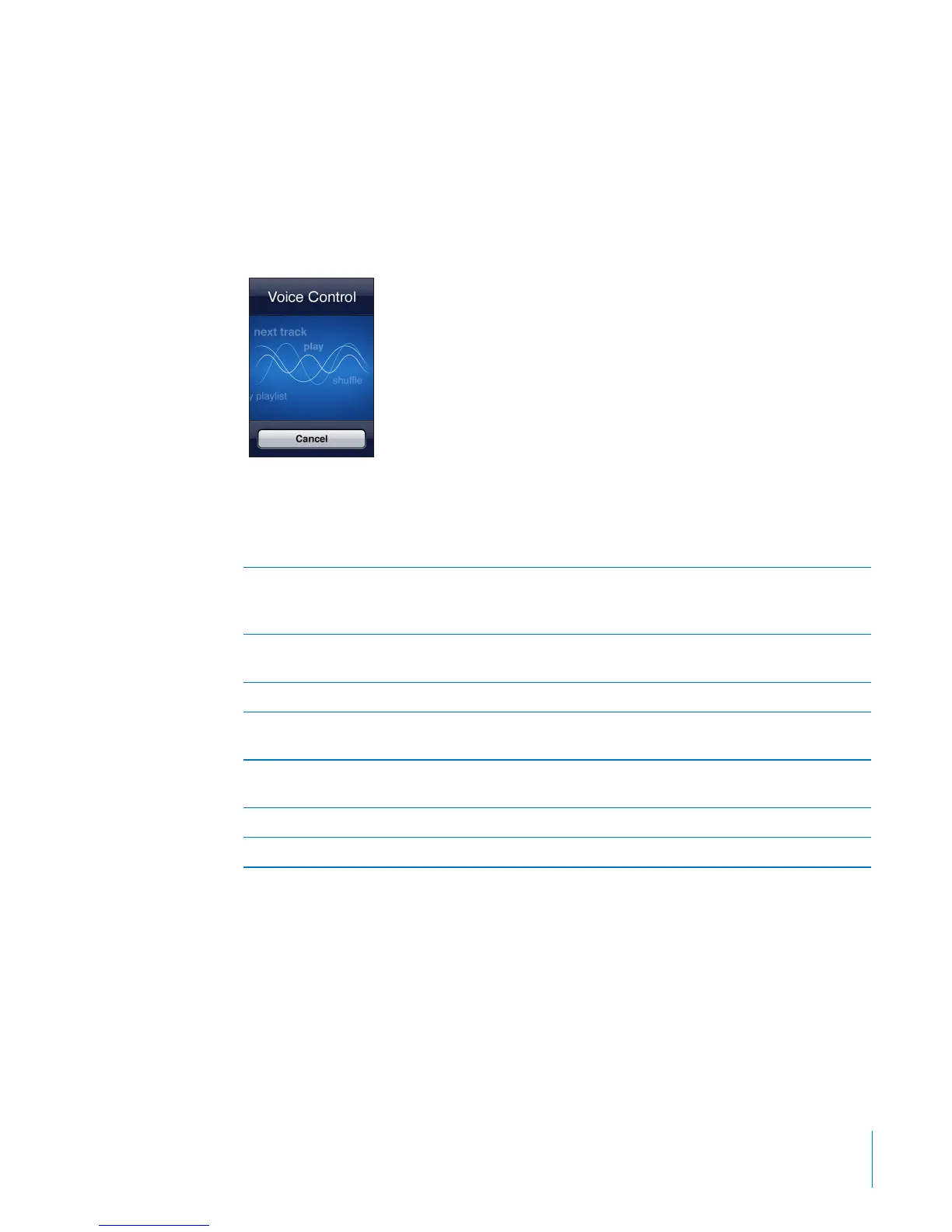
Voice Control
Voice Control (iPod touch 3rd generation or later) lets you control iPod music playback
using voice commands.
Note: Voice Control may not be available in all languages. To use Voice Control with
iPod touch 3rd generation, you need Apple Earphones with Remote and Mic, or a
compatible accessory with a microphone.
Use Voice Control: Press and hold the Home button until the Voice Control screen
appears and you hear a beep.
Use the following commands to play songs.
Control music playback Say “play” or “play music.” To pause, say “pause”
or “pause music.” You can also say “next song” or
“previous song.”
Play an album, artist, or playlist Say “play,” then say “album,” “artist,” or “playlist”
and the name.
Shue the current playlist Say “shue.”
Find out more about the currently playing song Say “what’s playing,” “what song is this,” “who
sings this song,” or “who is this song by.”
Use Genius to play similar songs Say “Genius,” “play more like this,” or “play more
songs like this.”
Find out the current time Say “what time is it?” or “what is the time?”
Cancel Voice Control Say “cancel” or “stop.”
For best results:
Speak clearly and naturally.
Say only iPod touch commands and names. Pause slightly between commands.
For more about using Voice Control, including information about using Voice Control
in dierent languages, go to support.apple.com/kb/HT3597.
39
Chapter 3 Basics



 To Next Page