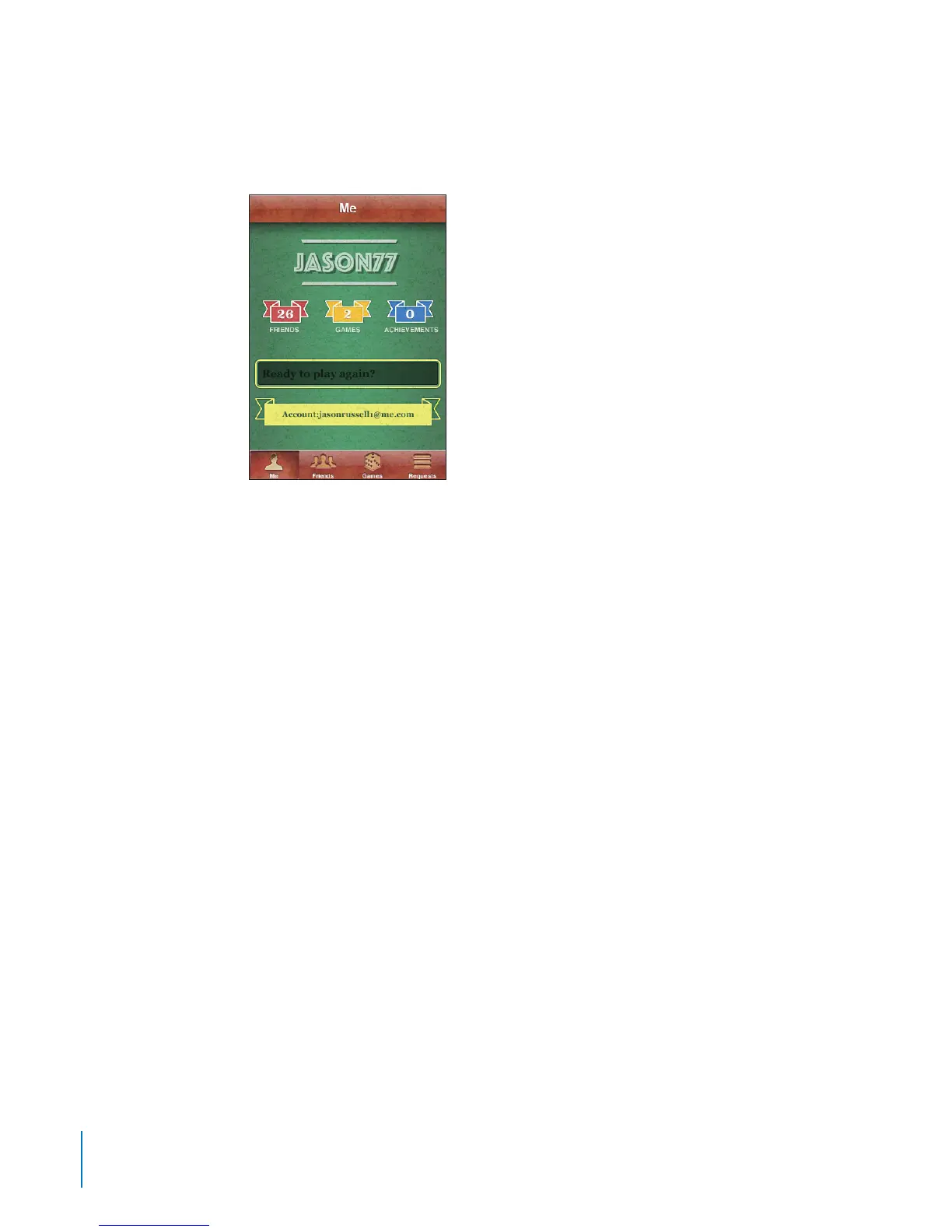
Your Status and Account Information
The Me screen summarizes information about your friends, your games, and
your achievements.
The text eld in the center of the screen lets you enter your current status message.
Your status appears along with your nickname in other players’ Friends screens.
Change your status: Tap the status eld and use the keyboard to enter or update
your status.
View your account information: Tap the account banner, then tap View Account.
You can change or update the following settings:
Nickname
Allow game invites
Find Me By Email
Your mail address for Game Center
Additional email addresses
When you nish, tap Done.
You can also sign out and sign in to a dierent account, or create a new account.
Sign out: Tap the account banner, then tap Sign Out.
To sign in to another account, enter your username and password, then tap Sign In. To
create a new account, tap Create New Account and follow the onscreen instructions.
90
Chapter 9 Game Center



 To Next Page