1
11
1
Lesson 1:
Getting Music Into iTunes
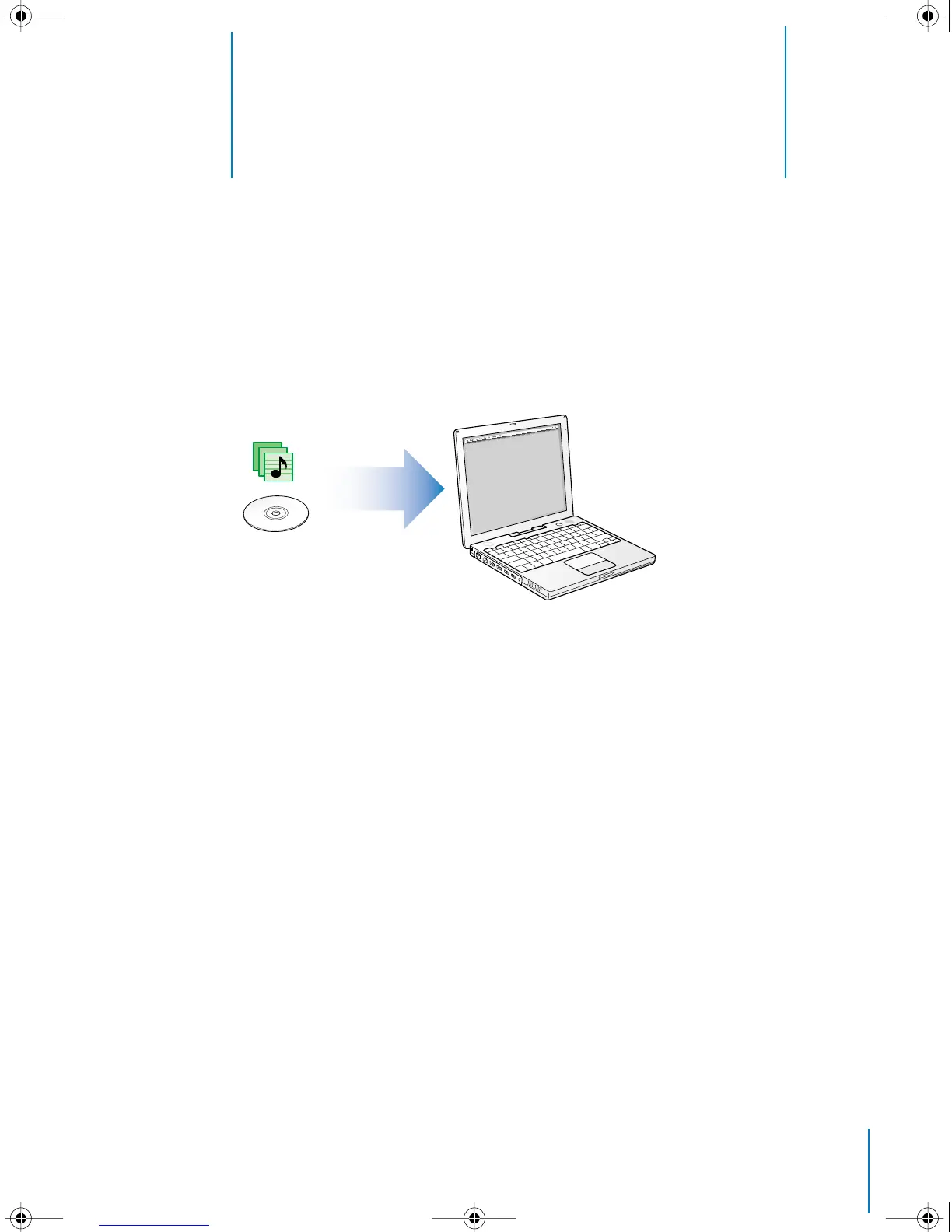
To listen to music on your iPod, you first need to get that
music onto your computer using the iTunes application.
This lesson tells you how to get music into iTunes on your computer. Lesson 2 tells
you how to transfer music from your computer to iPod.
There are three ways of getting music into iTunes:
•
Import music from audio CDs.
•
Buy music online from the iTunes Music Store (available in some countries only).
•
Add music that’s already on your computer to the iTunes music library.
019-0201.book Page 11 Wednesday, June 16, 2004 3:42 PM



 To Next Page